Apple has issued the first macOS 10.12.1 developer beta in addition to the first Xcode 8.1 developer beta. The updates come just one day after Apple officially released the major macOS Sierra update for all users.
It’s been a week since iOS 10 debuted on iPhone and iPad, and now it’s the Mac’s turn with macOS Sierra. OS X is officially no more; long live macOS (version 10.12 to be precise). As its name cleverly suggests, macOS Sierra brings Siri to the Mac for the first time since the voice assistant was introduced in 2011 with the iPhone 4s.
You can free up space on your Mac with a new optimized storage feature, sync your clipboard (and desktop and documents folders) between your Apple devices, watch videos from Safari with picture-in-picture, and use Apple Pay on the web to easily make purchases. You can even bypass your lock screen with your Apple Watch thanks to auto-unlock.
Here’s how to update and what to try in macOS Sierra:
macOS Sierra has been used by developers and public beta testers all summer, and today the Mac software update is available in GM form as Apple prepares it for primetime. The latest release is available now through the Mac App Store. macOS Sierra’s headlining feature is Siri on the Mac with other features like Auto-Unlock which lets Apple Watch users skip the password login screen. Apple Pay is also coming to Safari with macOS Sierra, although we haven’t seen the feature live on the web yet.
Apple has announced that macOS Sierra will be released to customers on September 20, as part of its media event currently going on. The update is (naturally) free and incorporates several new features, like Siri for Mac, Apple Pay for websites and more.
Just days away from Apple’s September 7th iPhone event, users are beginning to see personalized music mixes appear within Apple Music. Originally shown on stage at the this year’s WWDC by Bozoma Saint John, Apple Music subscribers on iOS 10 and macOS will soon be able to listen to music playlists custom tailored to their tastes and interests.
Apple today released the sixth developer preview of macOS Sierra since showing off the software update for the Mac at WWDC 2016. The latest release is available now through the Mac App Store. macOS Sierra’s headlining feature is Siri on the Mac with other features like Auto-Unlock which lets Apple Watch users skip the password login screen. Apple Pay is also coming to Safari with macOS Sierra, although we haven’t seen the feature live on the web yet.
Following the release of macOS Sierra’s fourth developer beta, Apple has pushed out the third macOS Sierra public beta for non-developer testers. This release should include the new emoji characters introduced to the Mac earlier this week. macOS Sierra brings dozens of new features to the Mac including Siri for the first time.
Apple today released the fourth developer preview of macOS Sierra since showing off the software update for the Mac at WWDC 2016. The latest release is available now through the Mac App Store. macOS Sierra’s headlining feature is Siri on the Mac with other features like Auto-Unlock which lets Apple Watch users skip the password login screen. Apple Pay is also coming to Safari with macOS Sierra, although we haven’t seen the feature live on the web yet.
Following the release of macOS Sierra’s third developer beta, Apple has pushed out the second macOS Sierra public beta for non-developer testers. macOS Sierra brings dozens of new features to the Mac including Siri for the first time.
Apple today released the third developer preview of macOS Sierra since showing off the software update for the Mac at WWDC 2016. The latest release is available now through the Mac App Store. macOS Sierra’s headlining feature is Siri on the Mac while beta 2 turned on Auto-Unlock which lets Apple Watch users skip the password login screen. Apple Pay is also coming to Safari with macOS Sierra, although we haven’t seen the feature live on the web yet.
Apple ships a little-known utility app that helps you analyze and diagnose your Wi-Fi connection, called Wireless Diagnostics. Open the app by option-clicking on the Wi-Fi indicator in the menu bar and select ‘Open Wireless Diagnostics …’. Although the app contains a lot of useful information, it isn’t intuitively clear what you are supposed to do with it.
Frustrated by bad WiFi on Mac OS X? This guide may help you get better WiFi on your computer.
Apple is releasing the first macOS Sierra public beta today for anyone wanting to test drive Siri on the Mac or any of the other new features included. Previously, macOS 10.12 has only been available to registered developers with access to a paid account; the public beta program is a free alternative that allows non-developers to test Apple’s latest software updates before their general release.
The Finder’s list view is my favorite way to view the folders and files within the macOS Finder, because it provides a wealth of information via columns that can be sorted on.
One thing that you won’t find when using the Finder’s default list view is the cumulative size of the Folders contained within. But there’s an easy way to view the sizes of Folders directly within the Finder; watch our video tutorial to see how. Expand Expanding Close
We’ve done roundups on all of the new features schedule to hit Apple’s four platforms — iOS 10, macOS Sierra, watchOS 3, and tvOS 10. But after seeing hundreds of features, the amount of new items can all start to blend together. With this in mind, we’ve put together a compilation of 16 top features (4 each) from each of Apple’s four platforms. Expand Expanding Close
It’s been a pain-point for some Mac users for a while now: the inability to rearrange third-party menu bar extras. Sure, it’s been possible to move around stock menu bar extras by simply holding the Command key while dragging the icon, but third-party icons are no longer off limits. Expand Expanding Close
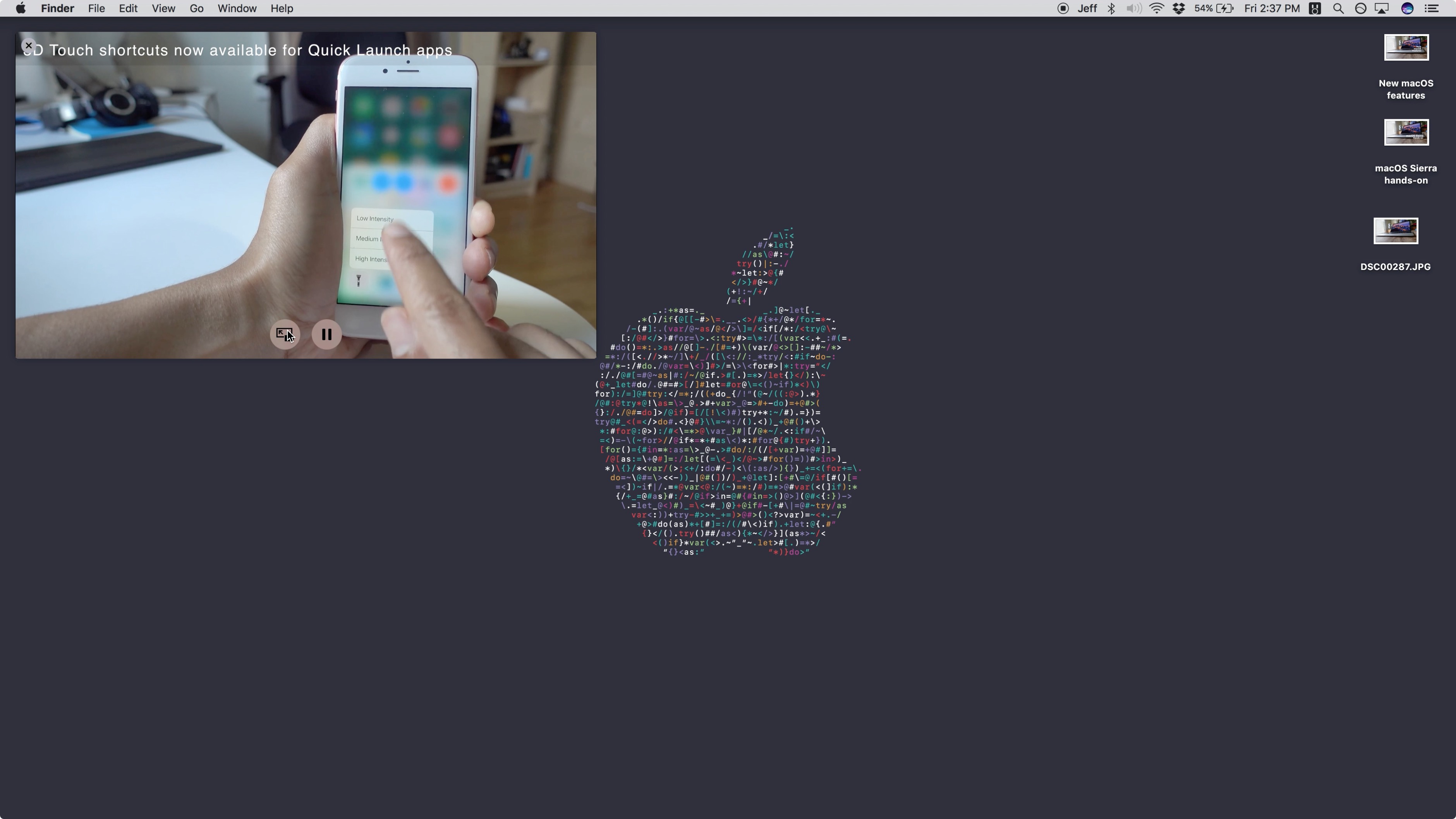
One of the big new features in macOS Sierra is the new iPad-inspired Picture-in-Picture mode for Safari. This allows users to detach a video from its player so that it’s always viewable across desktops and while using other apps.
Although YouTube’s player doesn’t make it readily apparent that its videos work with Picture-in-Picture, it’s quite easy to enable the handy feature for all of your favorite YouTube videos on Safari. Expand Expanding Close
Although it hasn’t garnered the same level of excitement as iOS 10’s unveiling, there are quite a few compelling additions to be found in macOS Sierra. Along with a rebranded and more modern naming convention, macOS Sierra adds Siri, a Universal Clipboard for sharing clipboard contents between iOS and macOS, and many more underlying features. Expand Expanding Close
Apple briefly mentioned some accessibility enhancements during its press event this week — watchOS 3 is adding wheelchair specific optimizations to Apple Watch — but iOS 10, macOS Sierra, tvOS 10 and watchOS 3 also have many other improvements to assist users with motor, vision, hearing, and learning impairments. Here’s the rundown…
During Apple’s WWDC 2016 session What’s New in Security, the company shared two interesting changes to the way Gatekeeper works in macOS Sierra – one visible, one not.
Reactions to yesterday’s keynote have, as usual, been mixed – but there has been a distinctly disappointed note to much of it. In particular, those not following the rumors as closely as 9to5Mac readers have expressed frustration at the lack of hardware announcements. One Reddit thread along these lines was at 1550 comments and counting at the time of writing.
Who needs hardware when you get emojis?
RIP Mac Pro
What have we done to anger the apple hardware gods? Do we need to sacrifice an apple II ?
This is really really disappointing. Unbelievable that the rMBP hasn’t been updated in over a year and the prices have stayed the same.
Others weren’t happy about what they saw as the limited focus on Macs in general, one commenting that ‘they spent longer on iMessage than they did on macOS.’ But despite the lack of hardware, and of major surprises in general, my view is that yesterday’s announcements didn’t disappoint …
Apple has just wrapped up its exciting WWDC 2016 keynote announcing macOS Sierra, iOS 10, watchOS 3, and the latest installment of tvOS. The event was mostly focused on what Apple would be releasing at the end of this year, but Apple also likes to put the attention back on the amazing developers in the community. Every year Apple celebrates developers and the work they’ve accomplished across the various software platforms at its Apple Design Awards. This year’s 2016 Apple Design Awards showcased apps for iOS, OS X, watchOS, and tvOS. The award ceremony made sure to highlight apps that were localized in multiple languages, and had been built with accessibility in mind.
After today’s jam-packed event, Apple has published the full keynote video from this year’s WWDC. Apple has also released the promo videos used during the keynote showing off iOS 10’s newest features and a video dedicated to developers. On the same page with the full keynote page, Apple lists the preview pages showcasing what we’ll be seeing in the official software releases later this fall.
Apple’s brand new operating system for its laptops and desktop computers, macOS, will ship in the fall for all customers. A beta for developers will be released later today. There’s a host of new features, including Auto Unlock, Continuity Clipboard, Apple Pay, Siri for Mac and more. A public beta will be offered in July.
macOS Sierra includes Siri, bringing voice-activated assistant to the Mac for the first time. You can search for files and folders, as well as the typical queries you would expect from Siri.
Whilst multitasking in other applications, you could also use Siri to activate music.