Apple has officially started selling its Magic Keyboard with Touch ID as a standalone purchase. Two options are available with the newest keyboards that are compatible with M1 Macs. Meanwhile, there’s a refreshed version without Touch ID as well.
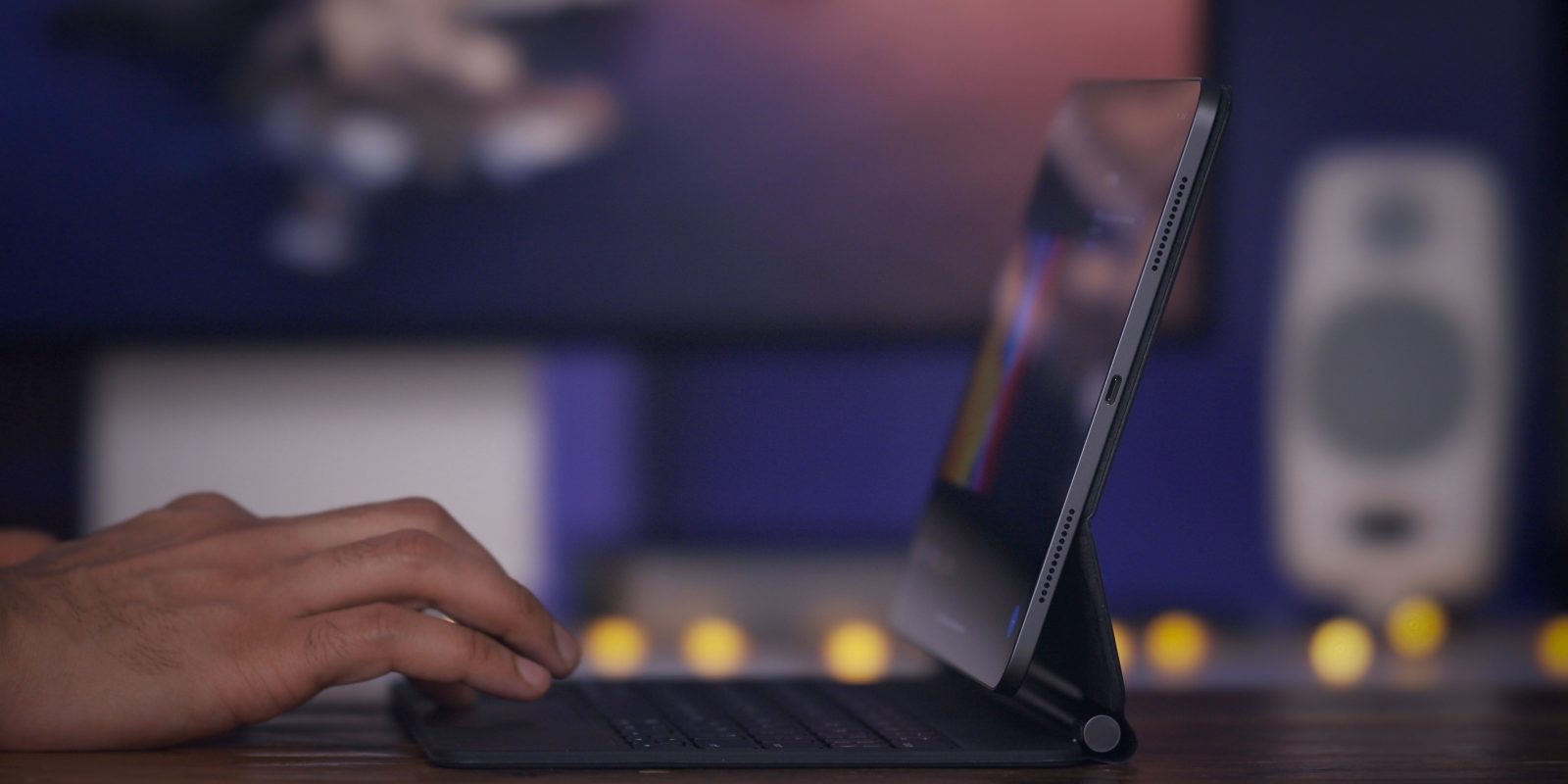
Since Apple announced the new 12.9-inch M1 iPad Pro in April, customers have been wondering whether their current Magic Keyboard would be compatible with the new device. Apple confirmed compatibility in a support document, and a new video offers additional details.
As Apple has done in the past with refreshed Magic Keyboards, the new version with Touch ID is only available with the new iMac – at least for the time being. But the useful new keyboard with built-in biometrics will work with any M1 Mac.
Coming with the highly anticipated new iMac announced today, Apple has launched a redesigned Magic Keyboard with Touch ID as well as a new Magic Mouse and Trackpad.
An Apple patent application seemingly shows a single device comprising a Mac Magic Keyboard and Trackpad, with Apple Pencil support across the entire surface of the device.
The combination could be an appealing one for a couple of reasons …
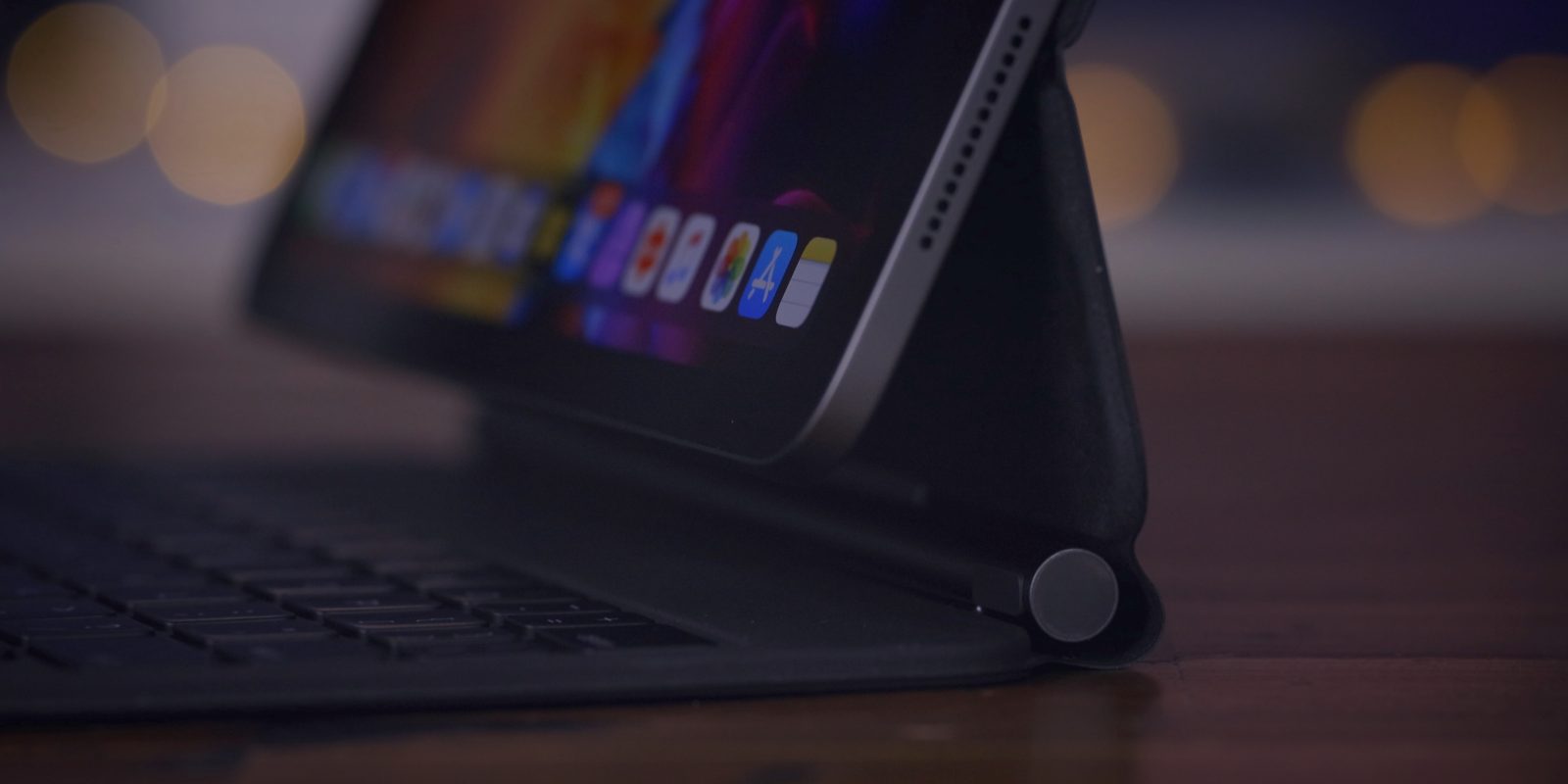
One of the best things about the iPad is the possibility to add accessories to it, including Apple’s own Magic Keyboard. The Magic Keyboard for the iPad Air (4th generation), iPad Pro 12.9-inch (3rd or 4th generation), and the iPad Pro 11-inch (1st or 2nd generation) gives the user the ability to simply enjoy the best part of iPadOS with very familiar shortcuts from the macOS.
Do you know every one of them? Head below to find the most useful Magic Keyboard shortcuts for your iPad.
Apple debuted its standalone Magic Keyboard for Mac back in 2015, which wasn’t drastically different from the aluminum Apple Wireless Keyboard that launched all the way back in 2007. While we’ve had a few updates to color options over the past years, a new Mac Magic Keyboard is definitely due – here’s what we want in refreshed versions and when we might see them.
Despite the unique circumstances presented by being in the midst of a global pandemic, Apple had one of its busiest, and arguably most productive years in recent memory. In this hands-on video, I take a look back at my favorite Apple hardware releases of 2020.
This year Apple took a big step forward by introducing full mouse and trackpad support to iPadOS, and the company now offers its own keyboard with integrated trackpad for iPad: the Magic Keyboard.
9to5Mac is brought to you by Concepts App. Sketch and design your ideas on an infinite canvas with flexible vector ink. Available on iPad and iPhone. Try it for free.
When the first rumor of the Magic Keyboard for iPad Pro surfaced earlier this year, I was immediately intrigued. The iPad Pro has become a more integral part of my workflow over the last two years thanks to the new features in iPadOS and the Smart Keyboard Folio, but I knew a native trackpad option from Apple could take things to the next level.
After six weeks of using the iPad Pro with Magic Keyboard on a daily basis, I think it’s safe to say that I’m sold.
An Apple patent for the iPad Magic Keyboard shows a slot in the main hinge for an Apple Pencil. This would, in principle, address the concern some have expressed that there is no convenient place to store the Pencil while carrying the accessory.
However, while it has been suggested this might be for a later version of the keyboard, I’m guessing otherwise …
A few days ago, we highlighted that some iPad Pro users are experiencing excessive battery drain when paired with the new Magic Keyboard. While the jury is still out on whether this is a software or hardware flaw, are you noticing anything with your iPad Pro + Magic Keyboard?
The iPad Magic Keyboard accessory has been widely praised for its responsive multi-touch trackpad, backlit keyboard, and clever counterbalancing magnetic stand. Apple debuted the accessory alongside the 2020 iPad Pro update and the iPadOS 13.4 software, which added rich support for cursor input on iPad.
However, a number of users are now airing their frustrations about battery life issues. A slice of Magic Keyboard owners are noticing that their iPad’s battery drops quickly when using the keyboard with the backlight enabled, and some reports indicate battery drain problems arise even when the iPad is idle and not in use.
iFixit hasn’t been able to do its normal physical teardown of the new Magic Keyboard and trackpad for the iPad Pro but the company has gotten creative and done an X-ray teardown of the device. Follow along for a fascinating look inside Apple’s beautiful and intricate iPad Pro accessory.
Update: Federighi is also interviewed on the same topic in a special episode of the AppStories podcast.
Creating the iPadOS cursor without compromising the touch-first nature of the iPad was no easy task, says Apple SVP Craig Federighi in a new interview.
He says that the project leaned significantly on what the company had learned from Apple TV …
Apple today updated the 13-inch MacBook Pro with the Magic Keyboard, alongside performance and tech spec improvements. The new 13-inch Pro features scissor switch keys, marking the end of the butterfly keyboard MacBook era.
The new MacBook Pro is available to order today, starting at $1299. Apple has doubled the base SSD storage across all configurations.
I said in my two previous pieces on Apple’s Magic Keyboard for the iPad that it’s not a perfect product.
It’s really expensive, and that fact isn’t reflected in the look and feel of the cover. There’s no Escape key, and no functions keys. The screen angle doesn’t quite go back as far as I’d ideally like. It’s not quite as stable on my lap as I’d like.
Two days ago the Magic Keyboard for the 11-inch iPad Pro landed on my desk. I’ve been using it constantly since it first arrived, and although it’s not perfect, I absolutely love it.
It’s so good that I can easily say that this is the best iPad accessory in the 10-plus year history of the device, and that includes the Apple Pencil.
Watch our hands-on video as I walk through the top Magic Trackpad for iPad Pro features. I’ll talk about features I like, and things that I don’t like. If you want the details about the Magic Keyboard for iPad Pro, then this is the video for you. Expand Expanding Close
Apple famously says no a thousand times for every time it says yes, and if there’s one thing the company has been saying “no” to more often than anything else, it’s a touchscreen Mac.
The new Magic Keyboard for iPad Pro packs quite a few features, including backlighting and a built-in trackpad. One complaint from users, however, is the lack of a physical Escape key. Thankfully, there are two easy ways to replicate this functionality.