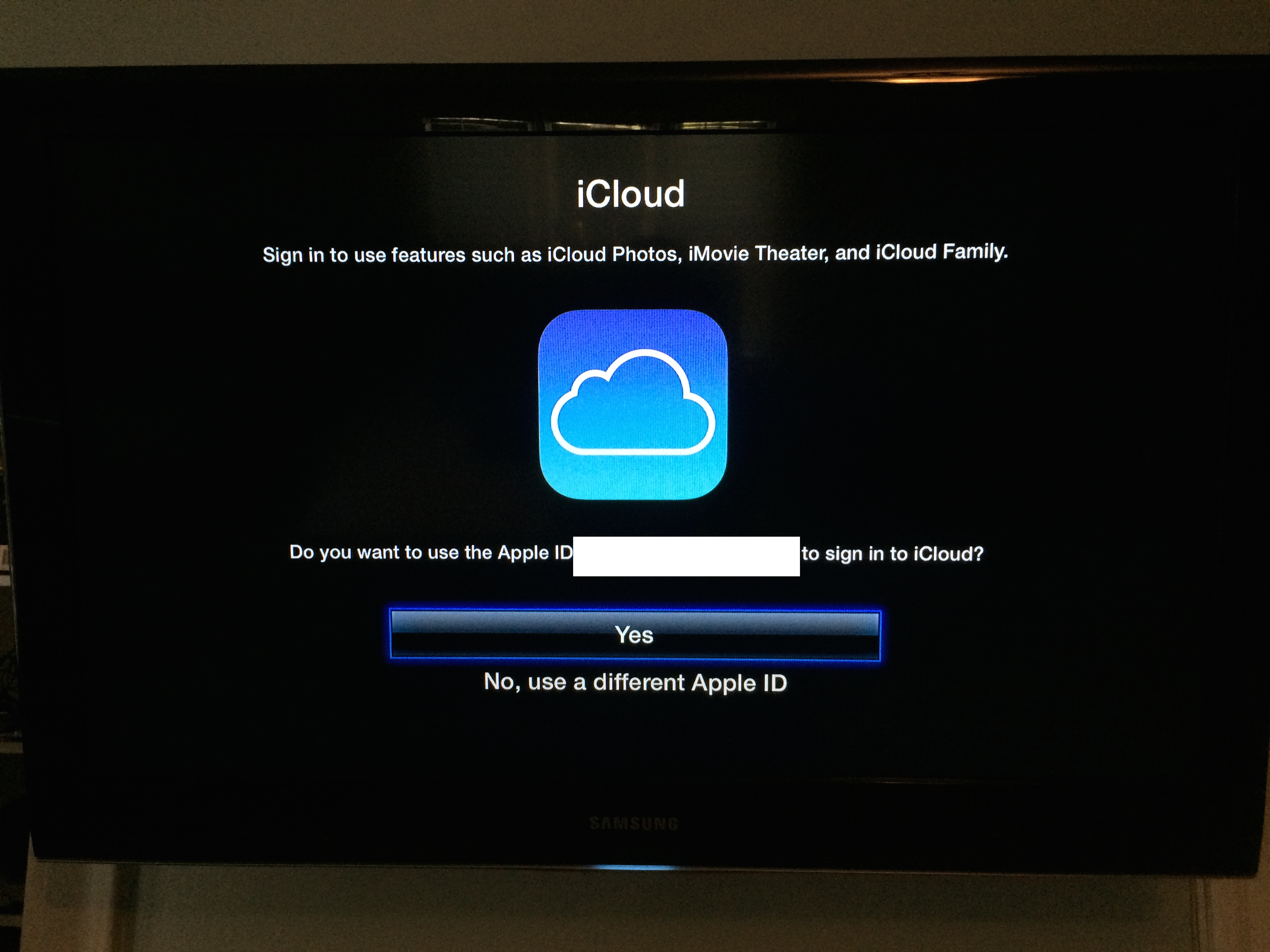
The latest beta software for the Apple TV brings one of iOS 8’s headline features to the (former) hobby device: iCloud Family Sharing. While the feature isn’t yet functional, it’s expected that users will be able to log into one account and access purchased music and movies, shared photos, and more from other devices on the same family sharing account…
Although the dark mode for OS X Yosemite that Apple previewed onstage at WWDC two weeks ago hasn’t officially made it into any build of Yosemite as of today, developer Hamza Sood has figured out a Terminal command which will let you get a taste of OS X’s dark mode now:
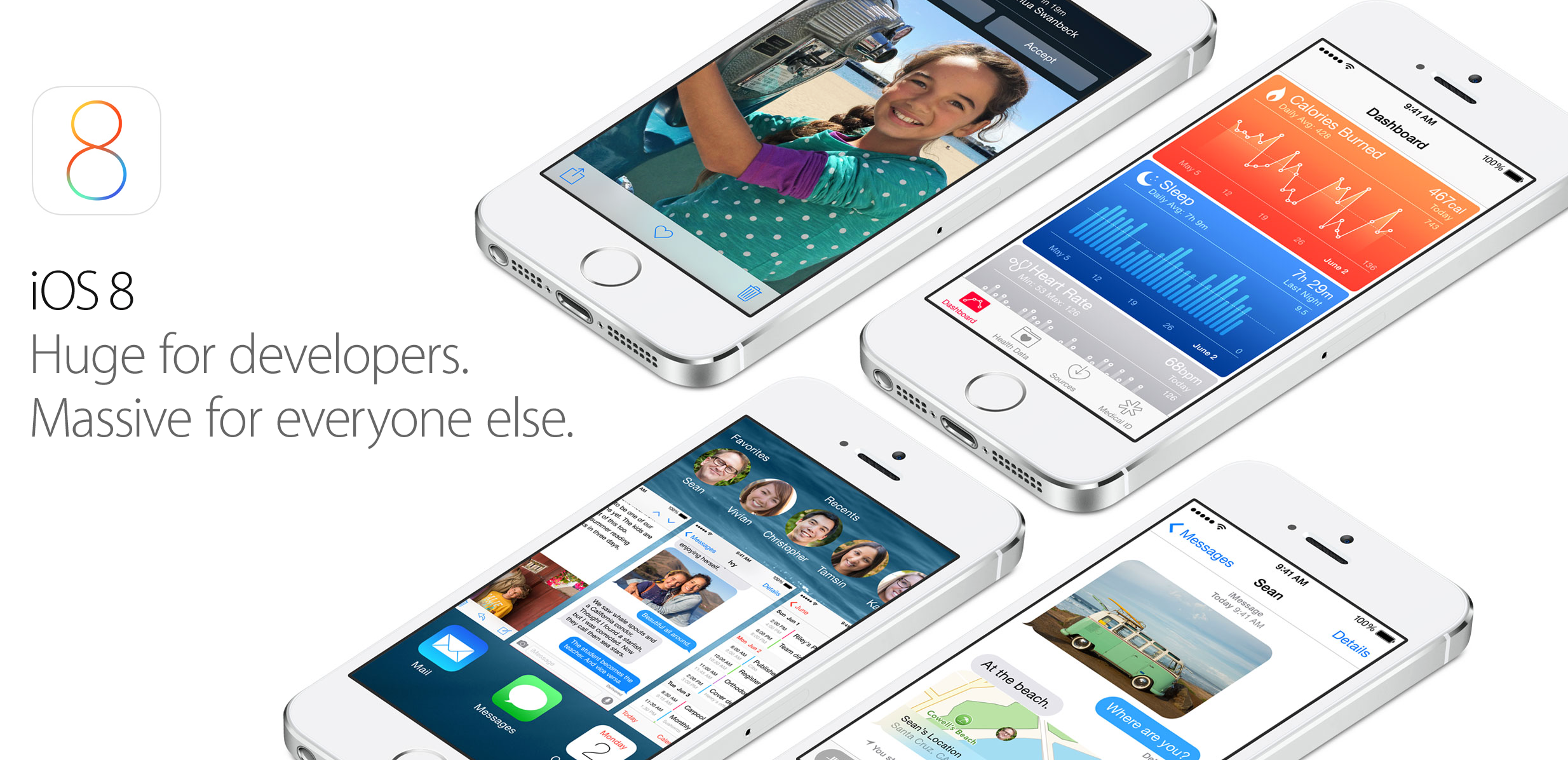
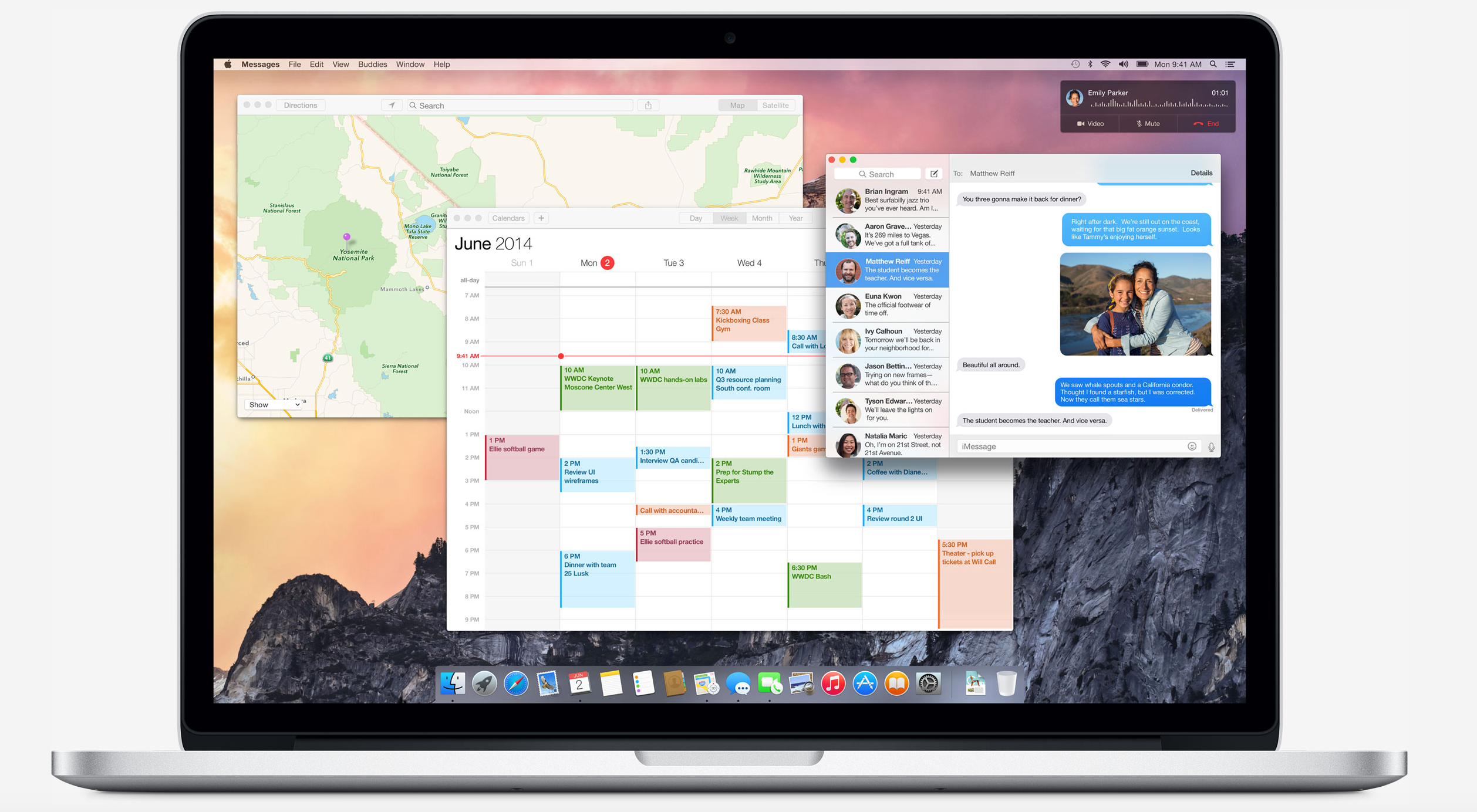
Alongside the second beta of iOS 8, Apple has provided an update to the OS X Yosemite Developer Preview. Yosemite brings many new features to the Mac, including a new design, Continuity features, and enhanced applications. We’ll update this post with new discoveries in the new preview as they are found. You can let us know what you find at tips@9to5mac.com.
Apple has just released several new beta seeds to developers today, including a build of OS X 10.9.4 (build number 13E16), a new version of Safari 6.1.5, and OS X Server 3.2 (build 13S5515).
The first beta build of OS X 10.9.4 was released at the end of last month, but so far there don’t seem to be any major new changes in the update. This is the first seed of Safari 6.1.5 that has been published, and it likely contains just a few bug fixes and improvements. This is also the first seed of OS X Server 3.2, which requires Mavericks 10.9.4 to install.
Registered Mac developers can get all of this software from the Mac Developer Center. None of these updates appear to be available to AppleSeed members yet. The Mavericks seed notes are below:
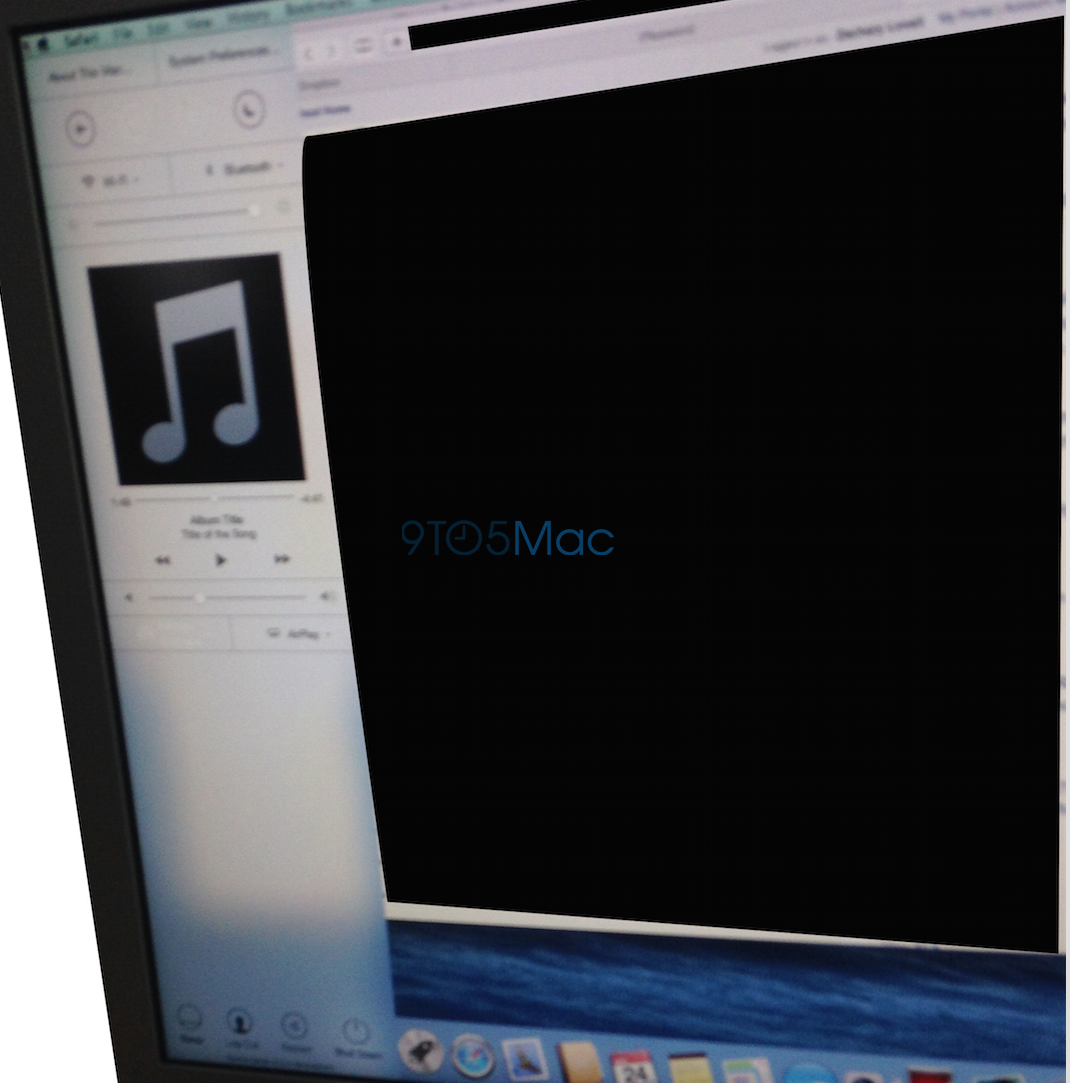
In addition to the comprehensive redesign, OS X Yosemite could have made a significant change to how the Mac operating system functioned since it originally shipped just over thirty years ago. The above image from a source shows a March build of OS X Yosemite that featured a Control Center panel. The panel did not end up shipping in the first beta of Yosemite and was not announced on the WWDC stage last week, but Apple definitely considered including it.
In fact, developers have located numerous code strings in the first Yosemite build that confirms Apple’s testing of an OS X variant of Control Center:
Apple has posted the video about OS X Yosemite’s new design from the WWDC keynote. The video gives a look at the system’s new inherent translucency, cleaner layout, redesigned icons, and new buttons. You can watch it below:
Apple has made a few new changes to its first-party voice and text services in the newest versions of its mobile and desktop operating systems. Some users are reporting that iOS 8 now features the ability to create conference FaceTime Audio calls. Previously FaceTime audio calls could only be made from one user to another, but now you can add additional users to a call in progress.
OS X Yosemite sports a new addition to its iMessage capabilities. While screen sharing has always been possible over alternative services like AIM, Apple now allows you to use the built-in screen sharing feature in the Messages app over an iMessage account. Unfortunately the feature seems to be broken in the first Yosemite beta, but it is expected to be functional by the time the software ships.
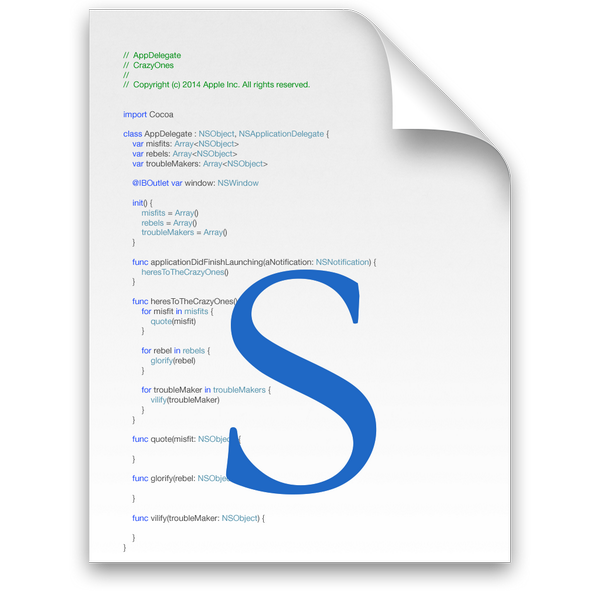
In a throwback to Apple’s Think Different campaign, the icon used by OS X for Swift files, Apple’s new programming language. Swift documents have the file extension ‘.swift’.
The code seen in the icon makes reference to the iconic speech, with functions named ‘heresToTheCrazyOnes’ and ‘villify(troubleMaker: NSObject)’. The code also generates collections of ‘misfits’, ‘rebels’ and ‘troublemakers’.
Pixelapse has put together a great blog entry comparing some of the the graphic design elements of Yosemite with those of Mavericks, picking up on some of the subtle touches that many may not yet have noticed – like the translucent notification badges on the dock … Expand Expanding Close
In iOS 7, Apple introduced nearby networking features called Multipeer Connectivity to allow iOS devices in proximity to talk to one another over WiFi or Bluetooth even without a traditional Internet connection. Developers have used the tech for everything from exchanging files and other data between devices, to remote control functionality, and multi-device experiences like the iTranslate Voice app that sends real-time speech translated from one device to the other. It’s also the tech behind the local anonymous messaging service FireChat that got some attention earlier this year. Now, Apple is opening up the Multipeer Connectivity APIs to OS X starting with Yosemite and in the process allowing cross-platform nearby networking between Macs and iOS devices. Expand Expanding Close
Now that we’ve had some time to get used to OS X Yosemite, it’s time to explore some of its top features. This is a big step up from Mavericks when it comes to iOS integration and design. Yosemite isn’t quite the drastic change we saw from iOS 6 to iOS 7, but there are definitely visual differences. It’s no surprise that iOS 8 has plenty of exciting features available, but the same can be said about OS X Yosemite as well…
Following the discovery of reference to new iMac models in OS X, Macbidouille has found code in the new OS X Yosemite developer preview that points to Retina resolutions for the yet to be announced product. Specifically, the file points to scaled resolution modes like those available for Retina MacBooks including, according to the report, 6400 x 3600 (probably a 3200×1800 HiDPI), 5760×3240 (2880×1620 HiDPI) 4096×2304 (2048×1152 HiDPI) resolutions. The report notes that the native resolution of the machine appears to be missing from the file as it only lists resolution of the various scaling modes.
Much like the Retina MacBook Pro with a native resolution of2880 x 1800 is capable of scaling assets at 3840 x 2400 down to 1920 x 1200 and producing sharper, clearer images in the process, the report speculates the 6400 x 3600 resolution would be scaled down to 200×1800 HiDPI.
Apple has long been testing Retina resolution iMacs and rumors last year and earlier this year suggested the company could also release a new lower-cost iMac sometime this year. Apple last refreshed its iMac lineup in September of last year adding updated processors and more storage at the same price point with the same slim, redesigned exterior introduced in the previous generation. Apple’s current iMac lineup includes a 27-inch model with a resolution of 2560-by-1440 and a 21.5-inch model with a resolution of 1920-by-1080.
Sherlocked. It’s a word that often gets thrown around after Apple casually integrates a feature offered by some other software into one of its operating systems. Its origin goes back to a time before OS X’s Spotlight feature when Sherlock was the Internet and file search software offered by Apple. Watson, at the time, was a third party utility by Karelia Software that offered very similar functionality, and one of Apple’s versions of Sherlock closely resembled the popular Watson.
A few users have voiced concerns that Spotlight in Yosemite looks more like Alfred, and wonder whether this changes anything for Alfred and his future.
What you have to remember is that Spotlight’s primary objective is to search your files and a small handful of pre-determined web sources. Meanwhile, Alfred’s primary objective is to make you more productive on your Mac with exceptional and powerful features like Clipboard History, System commands, iTunes Mini Player, 1Password bookmarks, Terminal integration, fully bespoke and customisable user-created workflows and much, much more.
Their message is very similar to last year’s WWDC when Apple introduced its iCloud Keychain which closely resembles a specific feature of 1Password and similar apps. 1Password has since shipped several updates adding new features to its software on the Mac, iPhone, and iPad, and it sounds like Alfred is planning to do just the same.
In fact, we’ve been working on some pretty special and truly amazing new features that you’ll hear about over the next few months. We think these will blow your mind and can’t wait to tell you more.
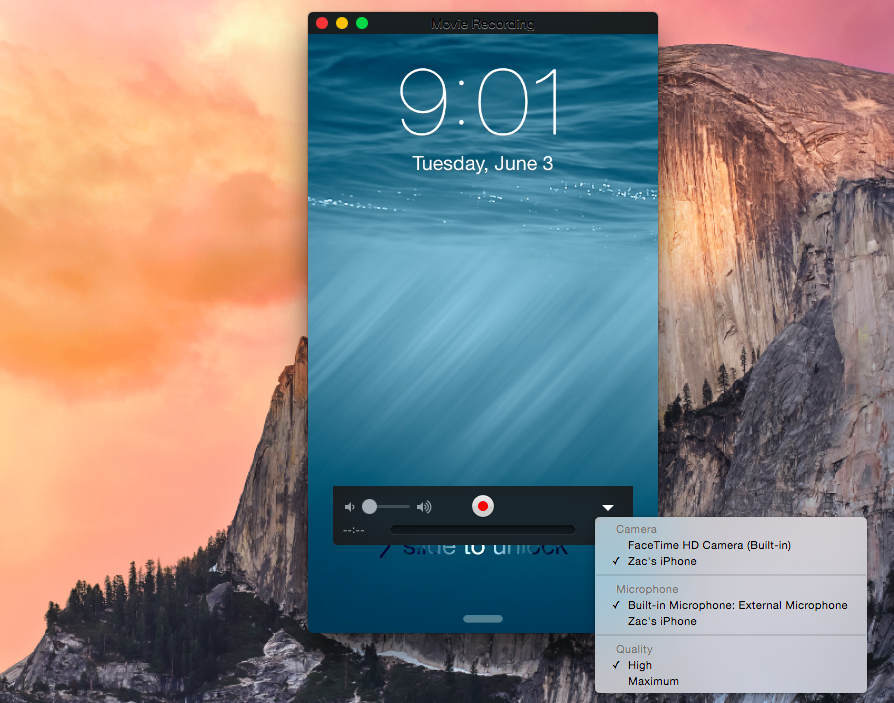
Apple has added a handy feature into OS X to easily capture the screen of an iPad or iPhone on the Mac itself. Apple positions the feature as a way to help developers quickly make app previews, which Apple introduced as part of iOS 8’s improvements to the App Store, but there is no reason why this couldn’t be used by others for different purposes.
When plugging an iPad or iPhone running iOS 8 into a Mac running OS X Yosemite via USB, the iOS device now shows up as a standard camera input. This means any video app can be used to record the screen of the iOS device without the need for additional hardware.
Although Apple is targeting the feature at developers in its documentation for making app previews, it is not limited to being a developer-only feature.
During its unveiling of iOS 8 and OS X 10.10 Yosemite yesterday, Apple mentioned that it’s adding 24 new dictation languages, but it didn’t specify what those languages would be. Dictation, a feature available on both iOS and OS X, uses speech-to-text technology powered by Nuance to let users input text using only their voice rather than a keyboard or touchscreen.
Apple has gone from just 8 languages (with a few variations for some) to over 30 in Yosemite. In case you’re curious if your language will make the cut by the time the new operating systems are released this fall, below we’ve included a full list of new supported languages and variations by country:
Whether you’re blown away by all the new features, disappointed by things you wanted but didn’t get, or just a bit underwhelmed, here’s your chance to let us know.
We’ve summarized the features Apple has chosen to highlight, and there are separate polls for each platform … Expand Expanding Close
With so many new iOS and OS X features being introduced in yesterday’s WWDC keynote, the numbers that kicked off the show perhaps didn’t get the attention they otherwise might have done.
While the Wall Street line is that the smartphone market is saturated and iPhone and iPad growth is done, Tim Cook clearly thinks otherwise. Business Insider highlighted Cook’s comment on the migration Apple is seeing from Android phones.
“Over 130 million customers who bought an iOS device in the past 12 months were buying their first Apple device,” said Cook before introducing iOS 8, the new software for the iPhone and iPad. “Many of these customers were switchers from Android. They had bought an Android phone — by mistake. Then had sought a better experience … And a better life. And decided to check out iPhone and iOS.”
He added, “Nearly half of our customers in China in the past six months switch from Android to iPhone. This is incredible.”
One big change for Apple with the unveiling of OS X Yosemite today is Bing web searches in the completely revamped Spotlight feature. Spotlight, which allows users to look up anything locally on their Mac as well as perform web searches, received a redesigned user experience in Yosemite, but it might have also received a switch to Bing from Google search.
To be fair, the “web search” feature of spotlight prior to Yosemite actually just defaults to the default search engine in your browser of choice. If that happens to be Safari or Chrome like it is for most users, that meant Spotlight would typically send users to a Google search results page if they hadn’t changed their default preference. Now, Apple is listing Bing searches– but not Google– as a feature of Spotlight regardless of the default option (pictured above). We’ve yet to confirm that Bing is the only web search option for Spotlight in OS X Yosemite, as we’ve not yet been able to get the new Spotlight web search feature to work properly in the first beta.
While Spotlight is going to use Bing, Apple’s revamped search bar in Safari still uses Google as does iOS 8. Its easy to imagine Apple is only continuing to use Google search in Safari due to contractual agreements, but it’s harder to imagine it just decided to use Bing for Spotlight with no plans to possibly use it in its other products down the road. Expand Expanding Close
In addition to announcing new integration between iOS and Mac OS X with AirDrop support and its new Handoff feature, Apple announced today that it’s bringing SMS and phone calls to the Mac. That means that you can now have your SMS text messages and phone calls from your iPhone arrive as notifications on your Mac. Users will be able to respond to messages and even use the Mac as a speaker phone in order to complete a phone call. Previously iOS users only had access to iMessage messages and FaceTime on the Mac. Expand Expanding Close
Apple wants users to be able to smoothly move between their Macs and iOS devices. AirDrop now interoperates between Mac and iOS devices. However, it goes further. Handoff allows you to send a document from your Mac to your iOS device, just by being in close proximity to each other.
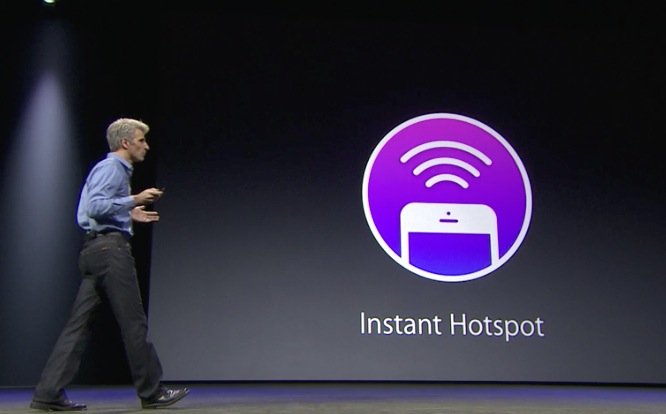
The Mac also notices when an iOS device is nearby for Personal Hotspot. The phone appears in the WiFi menu, shown above, and with one-click the phone connects to the Mac and the devices start tethering.
Looks like the Macs running OS X “Yosemite” for today’s demo are running up on stage uncovered and in public view. A flatted dock, white trash can, red iTunes icon, green FaceTime app, iOS 7-style Safari icon, as well as redesigned Finder, Calendar, Messages, Settings and other icons are visble.
Seth Weintraub|8:33Apple Store still up….what does it all mean? Head South to the comments to discuss.
Someone forgot to take the AppleStore down…unless Apple got some new 1990’s technology that doesn’t require the store to go down for updates—
Seth Weintraub (@llsethj) June 02, 2014
Mark Gurman|8:07We are just under two hours away from the kickoff WWDC keynote, and here’s the latest news: there are cars situated inside Moscone West. This likely indicates that some significant CarPlay announcements are in-store for today. Also, some OS X 10.10 and iOS 8 APIs for developers are already appearing on some open source WebKit files.
We’re approximately two hours away from Apple’s major WWDC 2014 keynote address, and we’ll be providing live blogging and analysis of the event as it proceeds. We’re expecting Apple to discuss updates to iOS and OS X 10.10, with the former seeing enhancements across the system and the latter receiving a complete redesign to bring the software in line with the iOS 7 design aesthetic. You can catch our full analysis and live updates from the conference below: