Adobe released a critical security update to its Flash Player plug-in (version 12.0.0.44) on Tuesday that addresses an exploit that put machines at risk of being remotely accessed by attackers. You can grab the latest version of Flash Player here (OS X and Windows) or check for updates in the System Preferences app… or you could remove Flash altogether with Adobe’s uninstaller.
Since OS X Maverick’s launch last year, there have been complaints from users of the official Mac Mail app with Gmail accounts. Apple has fixed up many of the bugs in various patches, but one of the still recurring bugs prevents the Mail app from loading up new messages.
Instead of releasing another patch today, Apple has outlined a fix on its support website:
I’ve recently found myself wishing there was a space between banners and alerts with OS X’s notification system. Alert style notifications that require manually dismissing can be rather annoying, but quick banner notifications often fly by before I’ve had time to glance at the information. It turns out despite not having a toggle in the system preferences, a little Terminal code shared by OS X Daily allows you to toggle the duration down to the second…
Among the hoopla surrounding the 30th anniversary of the Mac last week, Macworld‘s Jason Snell had an excellent interview with Apple’s Phil Schiller, Craig Federighi, and Bud Tribble about both the past and the future for the Mac. While the entire interview is well worth a read, the talk from Apple executives about iOS and OS X convergence being a “waste of energy” stood out to me the most.
“It’s obvious and easy enough to slap a touchscreen on a piece of hardware, but is that a good experience?” Federighi said. “We believe, no.”
“We don’t waste time thinking, ‘But it should be one [interface]!’ How do you make these [operating systems] merge together?’ What a waste of energy that would be,” Schiller said. But he added that the company definitely tries to smooth out bumps in the road that make it difficult for its customers to switch between a Mac and an iOS device—for example, making sure its messaging and calendaring apps have the same name on both OS X and iOS.
Of course, it appears that the Apple executives are taking shots at Microsoft, Windows 8, the Surface line of products, and Google’s new Touch-enabled Chromebooks. Microsoft is well known to believe that computer operating systems should be the same regardless of devices. On the other hand, Apple has two complete different operating systems: one for the iPad and iPhone, and the other for the Mac. Federighi explains why:
Want to bring iOS and OS X even closer together than they already are?
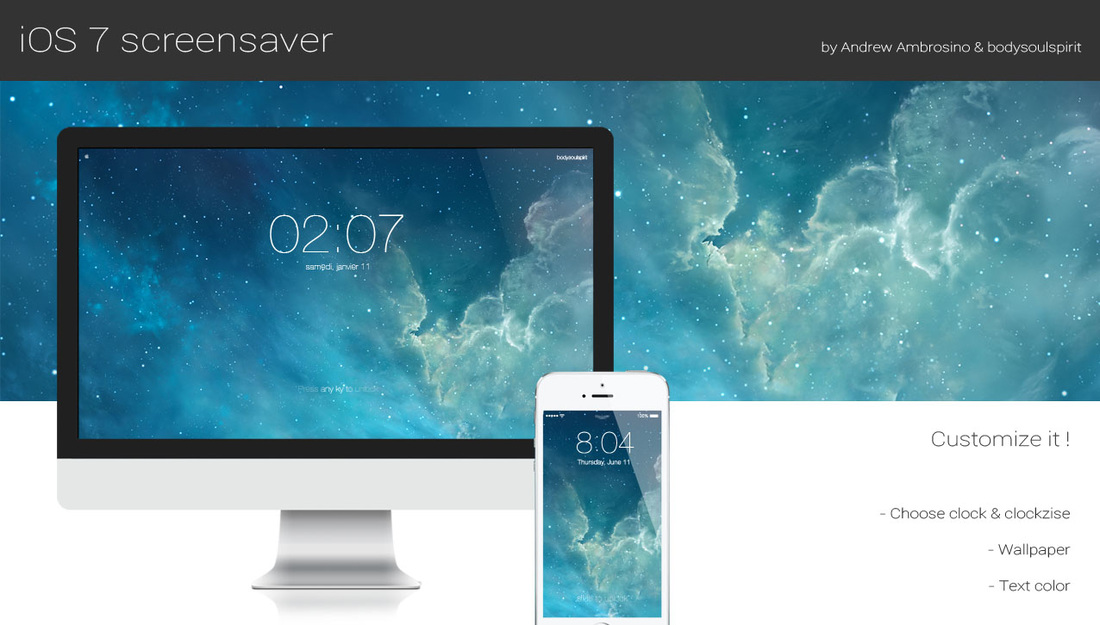
Christian Heudens has recreated the iOS 7 lock screen to your Mac as a free downloadable screensaver. The thin fonts look great on a Retina Display. It’s a neat way to give your Mac a bit of individuality and make your experience across your Apple devices even more consistent.
The developer has done a good job of replicating the feel of iOS 7, using the same starry wallpaper by default and font style. The screensaver adds a zoom effect to the background too, which is a sophisticated yet subtle addition.
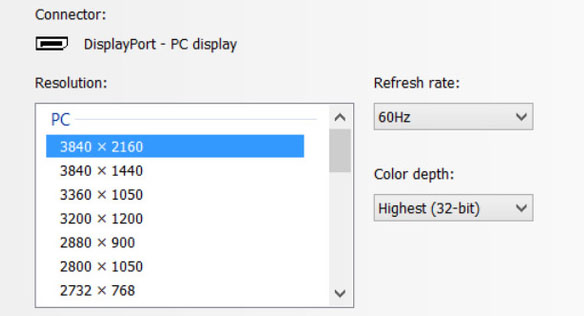
Tests by French site Mac4Ever.com found that current model Retina MacBook Pro machines can use their Thunderbolt 2 connections to drive the Sharp PN-K321 4K display at 60Hz when running Windows 8.1 with the latest NVidia drivers, rather than the 30Hz possible with OS X. This suggests that OS X will be able to do the same when Apple updates the rMBP video/Thunderbolt 2 drivers.
While 30Hz is good enough for movies, our own Seth Weintraub found on his bargain Seiki that it gives a poor experience when scrolling webpages, and is of course completely unusable for games. 60Hz, in contrast, gives a smooth experience when using a computer. The mystery had been why the latest Retina MacBook Pros, with Thunderbolt 2 support, were limited to 30Hz when the specs should have made them capable of double this – and the video drivers appear to be the answer …
Just like in 2011 and 2012, 2013 was an exciting year for 9to5Mac in terms of leaks, exclusive stories, and breaking news. This year was interesting however because there was considerable doubt cast at many of the stories we’d broke which added some entertainment into the mix. Below, we break down our biggest stories of the year by product type:
Sure, you won’t get the madness that is the Mac Pro internals, but it’s a black circular trashcan on your Mac dock, so that counts for something, right?
Apple has released OS X 10.9.1 for Mac via the Mac App Store today. The update includes a number of Mail related fixes including improved support for Gmail as well as numerous bug fixes. The update also fixes a VoiceOver issue that prevented sentences with emoji characters from being read…
Think back to 2006. Computers were, for most people, large plastic boxes that lived under desks with monitors and keyboards plugged into them. It’s hard to imagine now, but those of us using laptops were in the minority back then.
Smartphones existed, but the fact that you used one marked you out as a bit of a tech-head. Tablets were obscure devices that were used by, basically, no-one.
Today’s world is very different. Almost everyone has a smartphone, and tablet sales will soon dwarf laptops. When non-techy friends ask your advice about what laptop to buy, the chances are that, after asking a few questions about what they want to do with it, you’ve advised at least half of them to buy an iPad instead.
In the face of this changing world, will it continue to make sense for Apple to have two different platforms for Macs and iDevices, or will they eventually merge into a single operating system for all device types? Expand Expanding Close
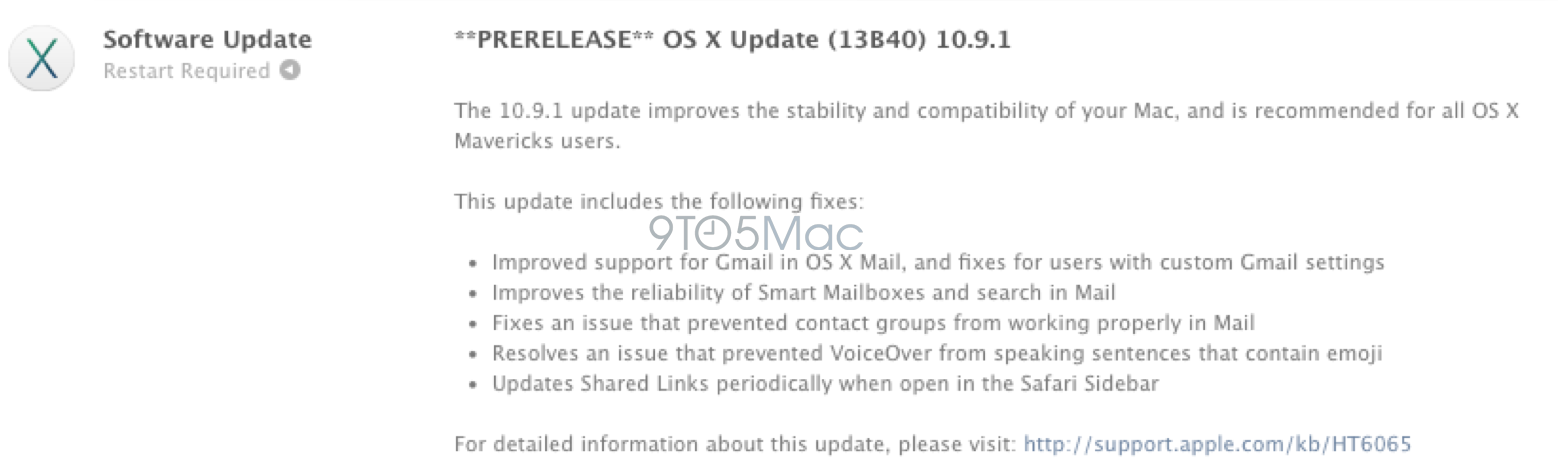
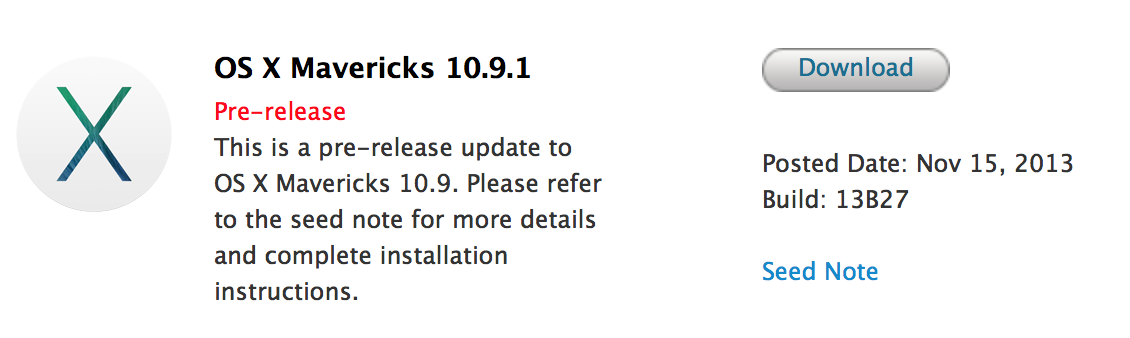
In early November, we reported that Apple had begun seeding versions of OS X Mavericks 10.9.1 and 10.9.2 to employees within the its Software Engineering division. Since then, Apple provided two OS X 10.9.1 seeds to registered developers. These builds focus on improvements to Mail, Voice Over, and general system stability. The update will serve as the first point-update to the recently released OS X Mavericks.
Now, we’ve learned that Apple has provided build 13B40 of 10.9.1 to AppleCare employees. This internal release indicates that the public release of OS X 10.9.1 is near as Apple’s support staff will become familiar with the software in order to seemingly assist customers in the near-future. That particular build is the same version provided to developers last night. OS X 10.9.2 will likely follow with additional fixes in the following weeks.
It can be hard to cut through the noise with just about every retailer online having sales for Black Friday and Cyber Monday. That’s why we’ve put together a list of the best deals available only for iPad, iPhone, iPods, and Mac. You won’t find any deals on TVs or microwaves in the list below, just the best of the best accessories for your iOS device and Mac, and we’ve only included great products from companies we trust (many of which we’ve reviewed personally). If you still need to buy a Mac, iPhone, or iPad first, you’ll also find a roundup of the best deals on Apple hardware from 9to5Toys at the bottom. As always, we’ll update as more deals are announced throughout the weekend and you can send any you might find to tips@9to5Mac.com. Expand Expanding Close
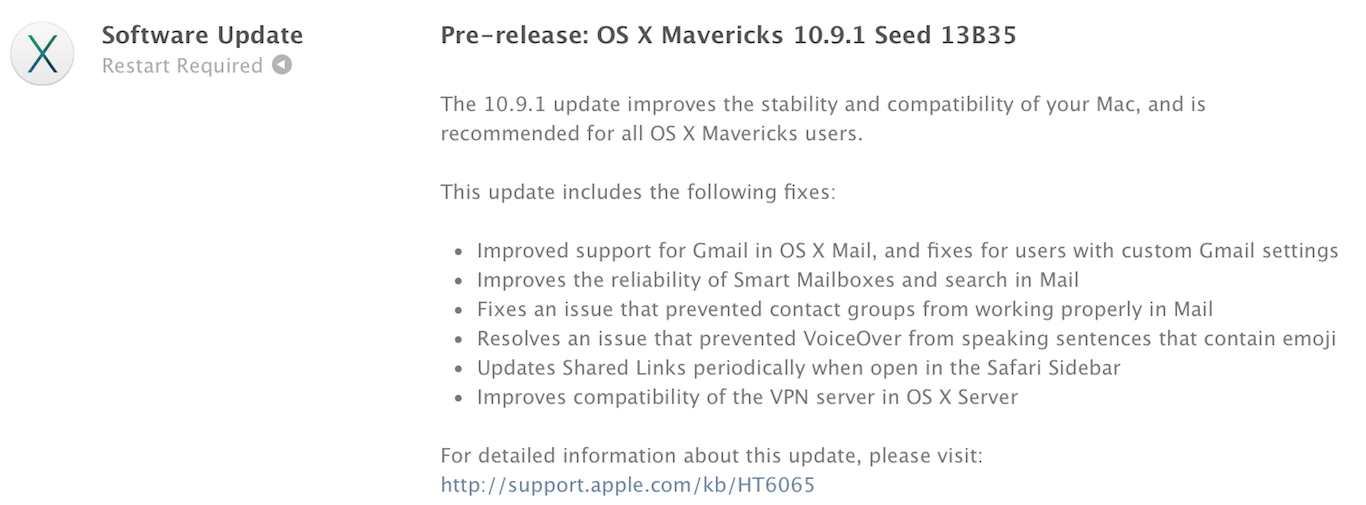
Apple has just released an update for the developer seed of OS X 10.9.1. The new version has a build number of 13B35 and includes fixes for the Mail app, VoiceOver, Safari, and VPN server support. The presence of the release notes indicate that the update is nearing completion and will be available to the public soon.
This update comes just a few weeks after updates to the Mail and iBooks software were released to resolve issues with those apps. Despite the Mail app having been updated to resolve Gmail-related issues, many users are still experiencing problems. The 10.9.1 appears to contain fixes for the remaining bugs.
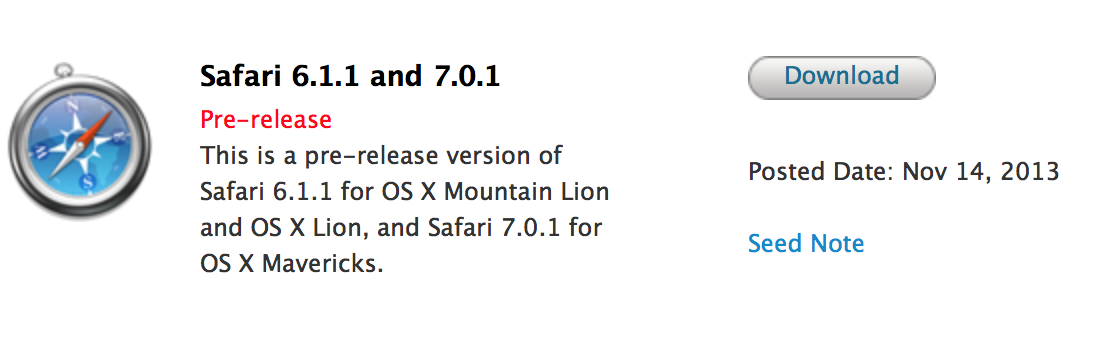
Apple has also issued a new beta version of Safari 6.1.1 for Lion and Mountain Lion users. This version of Safari is curiously absent from the Mavericks beta that was seeded today.
Versions for OS X Mavericks, OS X Mountain Lion, and OS X Lion are all available, and Apple asks developers to focus on the following during their testing:
General website compatibility, Accessibility, Viewing and annotating PDFs, Login autofill, Password autofill, Setting and using break points in Web Inspector
Apple has not said when the new release will become available for customers, but based on the increase in testing, the release will likely occur within the next couple of weeks. Apple is also internally testing updates to OS X Mavericks: 10.9.1 and 10.9.2.
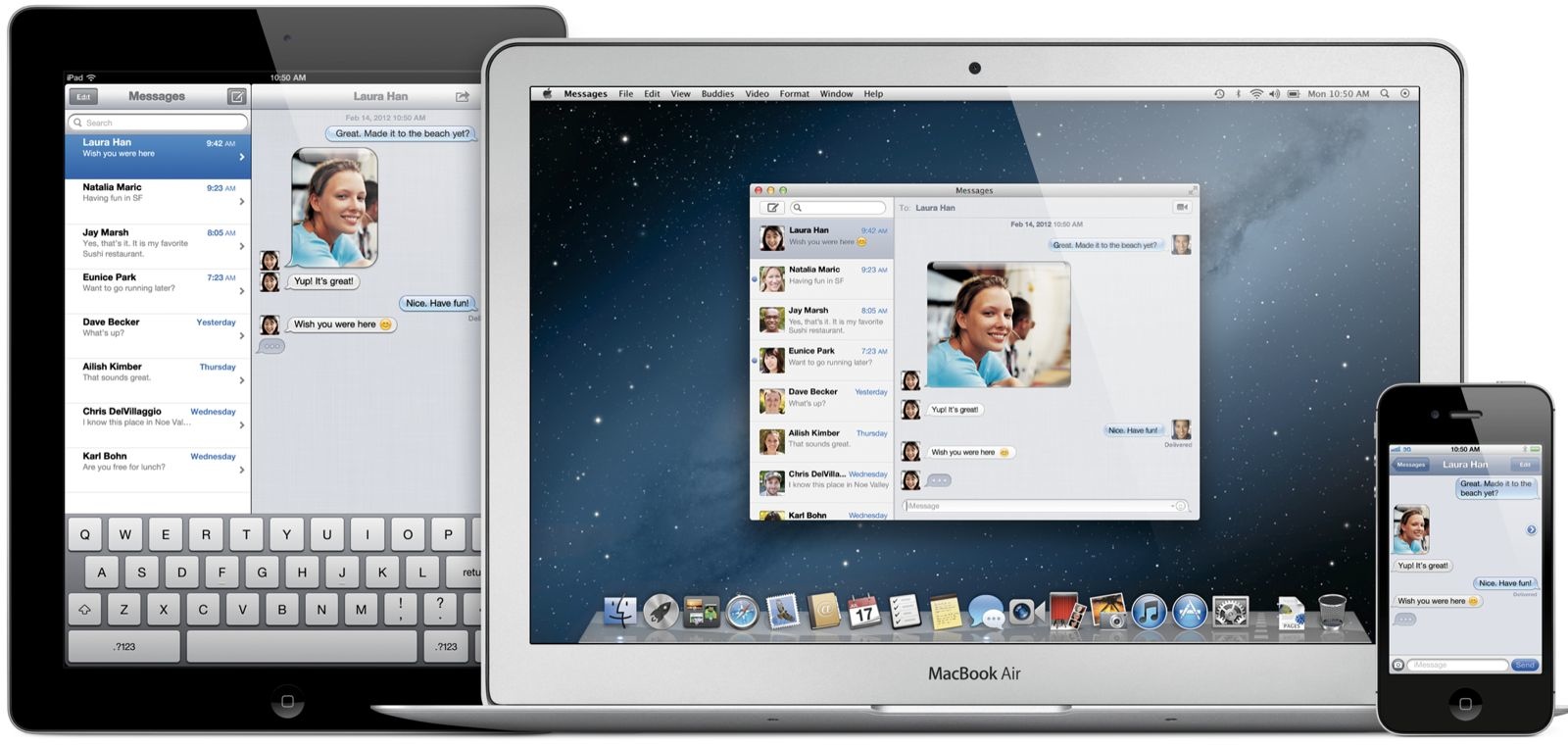
It’s no secret that Messages on OS X, Apple’s IM app that’s integrated with its iMessage service on iOS devices, has long been a frustration for users. The app has received a name change and slightly new look since the iChat days, but it hasn’t improved much in terms of functionality or reliability– some would say it’s gotten worse. While many of you would probably settle for a Messages app that simply works reliably, app developer Denis Pakhaliuk just sent over his concept of a completely revamped Messaging app for OS X.
On top of a redesigned UI that implements “Smart Colors” and some iOS 7-style translucency, the concept imagines a Messages app with much needed filter and sync features, truly instant sync between devices, new indicators for statuses, media uploads, and more.
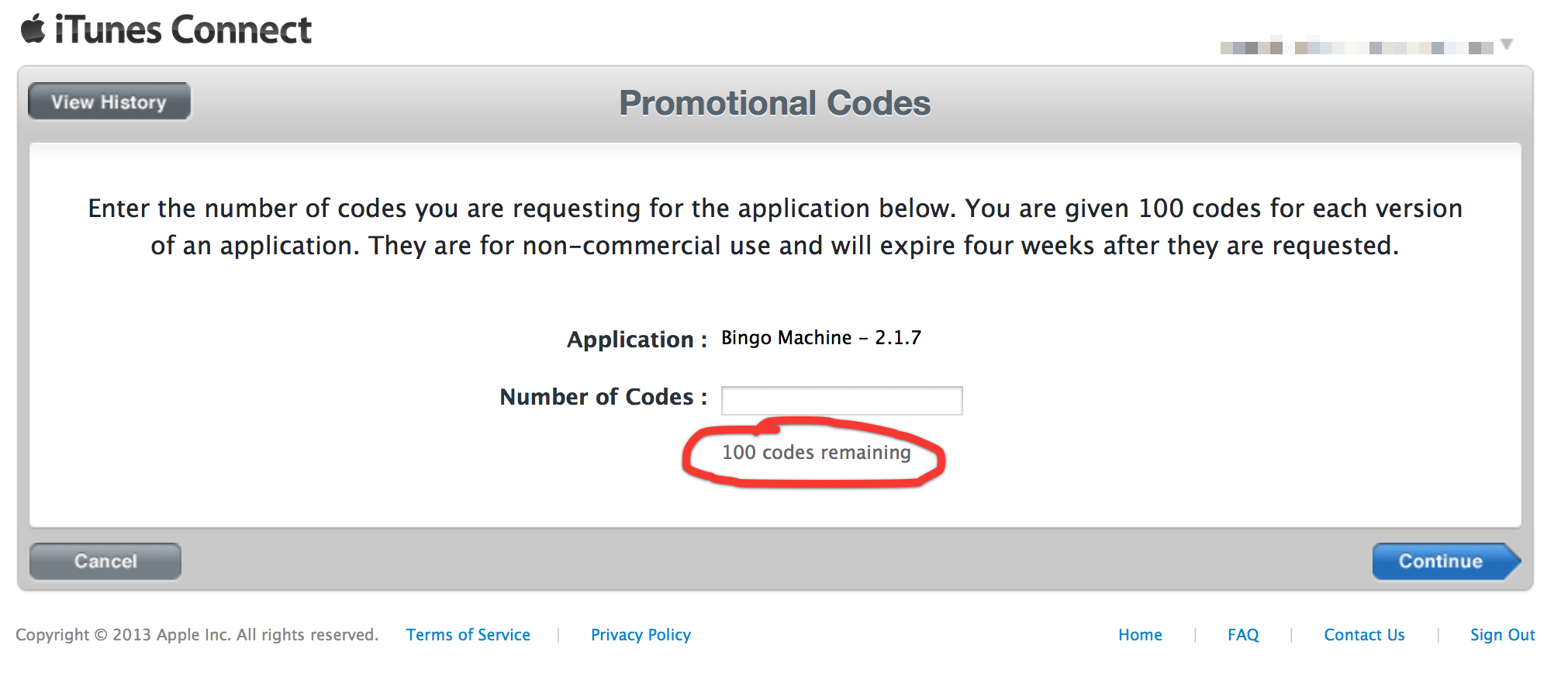
Although Apple is yet to provide official confirmation, developers are finding that they are now being allocated 100 promo codes per version of their apps. Until today, the limit was 50.
As we reported earlier this week, Apple has been preparing updates for Mail, iBooks, and other built-in apps on OS X Mavericks to address several issues noticed by users after the operating system’s launch. Earlier today the company released a fix for Gmail-related problems in Mail. Now they have also released an update for iBooks that addresses performance and stability problems as well as other miscellaneous bugs.
The update is only 14 MB and is available for free in the Software Update tab of the Mac App Store.
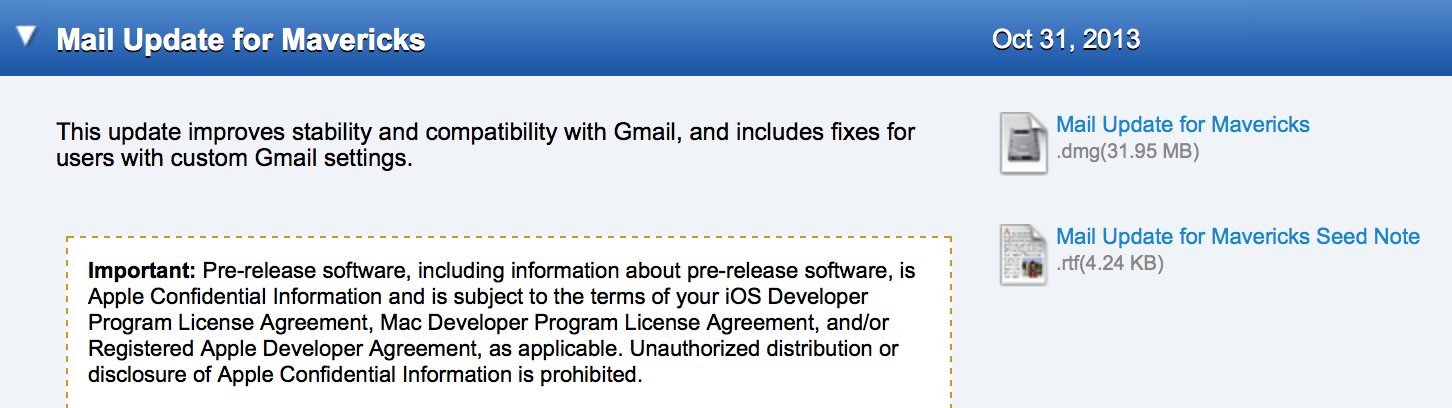
Apple has released a Mail Update for Mavericks that is designed to resolve many of the bugs that users of the OS X Mavericks Mail application have experienced since launch.
Mail Update for Mavericks includes improvements to general stability and compatibility with Gmail, including the following:
Fixes an issue that prevents deleting, moving, and archiving messages for users with custom Gmail settings
Addresses an issue that may cause unread counts to be inaccurate
Includes additional fixes that improve the compatibility and stability of Mail
Last week, we reported that Apple had provided its employees with an update to the Mavericks Mail app that solves several issues relating to Gmail account compatibility. While this has seemed to stay under the radar, Apple has also provided the update to registered Mac Developers. Apple says that the update became available on October 31st, but we have not heard any sightings of this update until now. The update should be available for all users in the coming weeks.Thanks, Hunter!
Apple has seeded two software upgrades for OS X Mavericks internally, according to a source with knowledge of the upcoming updates. This person says that the updates are labeled as OS X 10.9.1 and OS X 10.9.2. The first update is expected to be released later this month, and it will serve as an update to squash bugs that accompanied the OS X 10.9.0 release of Mavericks last month. Many users have complained about issues relating to the Mail and iBooks applications, and Apple is preparing to release individual bug-fix updates for those apps in the coming days…
Last month, Apple introduced new iWork suites for both OS X and iOS. The new applications feature entirely new designs and are built-up a new 64-bit architecture for increased speed. However, as we previously noted, many long-time iWork users have found that the new versions lack several features that have existed in previous releases. Today, Apple has responded to these complaints and has said that it will be restoring several of the missing features over the course of the next 6 months.
The new iWork applications—Pages, Numbers, and Keynote—were released for Mac on October 22nd. These applications were rewritten from the ground up to be fully 64-bit and to support a unified file format between OS X and iOS 7 versions, as well as iWork for iCloud beta.
These apps feature an all-new design with an intelligent format panel and many new features such as easy ways to share documents, Apple-designed styles for objects, interactive charts, new templates, and new animations in Keynote.
In rewriting these applications, some features from iWork ’09 were not available for the initial release. We plan to reintroduce some of these features in the next few releases and will continue to add brand new features on an ongoing basis.
These features will return in software updates. Here are the features that are coming back:
In addition to the incoming OS X Mavericks Mail Update that we reported on previously, sources say that Apple is readying a slew of performance and bug fix updates for several other OS X Mavericks applications. According to the updates seeded today to Apple employees, Apple is preparing updates for iBooks, Safari, and the Remote Desktop Client apps: