9to5Mac Reviews
All the products that the 9to5Mac team has reviewed.
All the products that the 9to5Mac team has reviewed.
All the products that the 9to5Mac team has reviewed.
All the products that the 9to5Mac team has reviewed.


 Note, I originally was going to review this in early 2015, but Amazon is having a pretty insane 1-day deal on it and I love it sooo…
Fugoo is the best Bluetooth speaker you’ve probably never heard of. I got mine after a few readers (and PR folk) rightfully noted its omission from our Best Bluetooth Speaker of 2014 list. I have been listening to it ever since and yep, it should be among the top and for $135, it is a no-brainer…
Expand
Expanding
Close

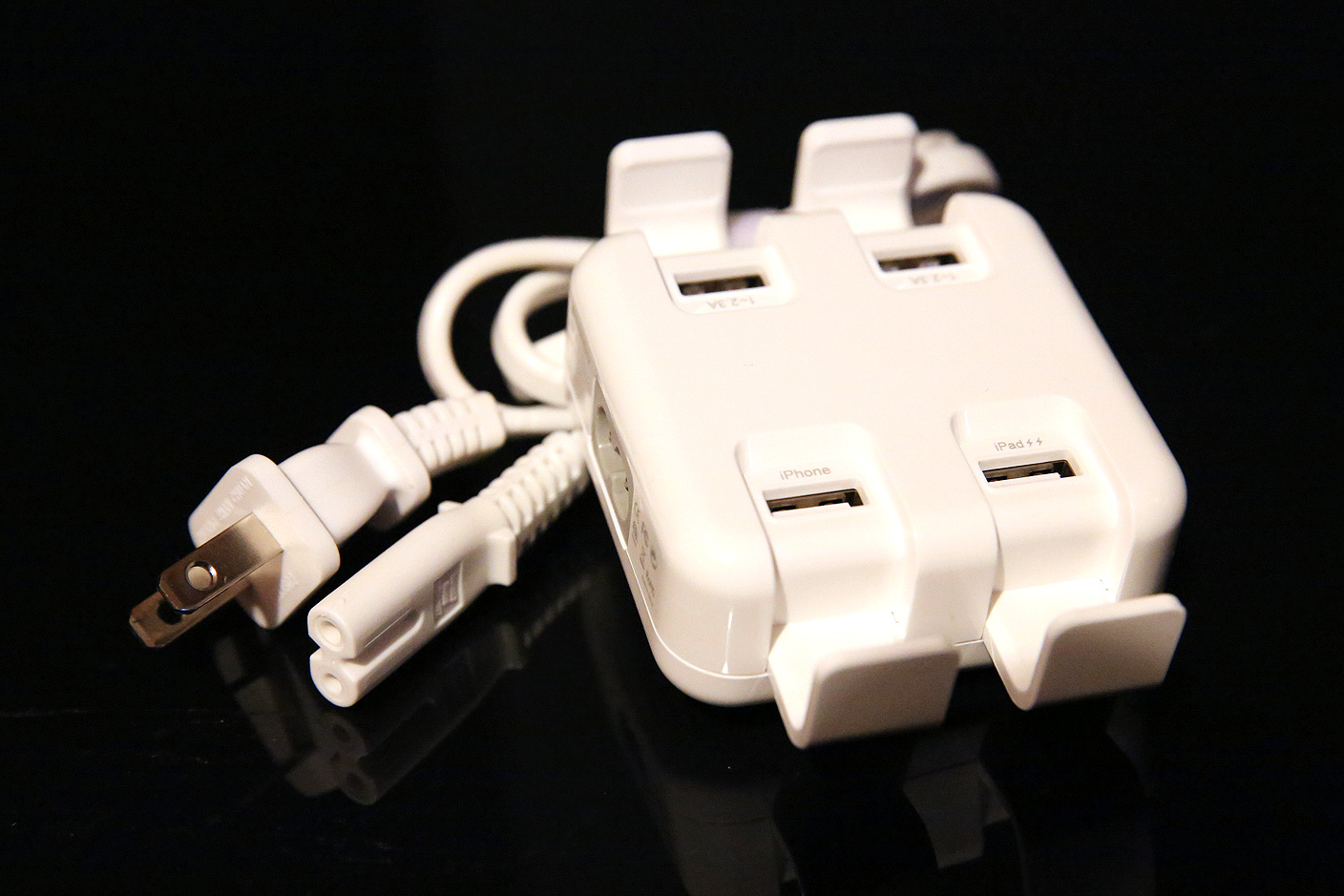
We take utter simplicity for granted when choosing wall chargers for Apple devices. Apple’s adapters each have one USB port and a relatively clear label identifying the device the port will charge. Most of RAVPower’s largest multi-port chargers are very clear about what their multiple ports can do: each port is either iPhone (1-Amp) or iPad (2.4-Amp) enabled, period. But SwitchEasy, an infrequent dabbler in electronic accessories, has overcomplicated its new four-port charger Power Amp ($50), sometimes styled PowerAmp. While it cosmetically looks almost as if it could be an Apple design, its ports are packed with confusion.
On the positive side, it’s relatively compact, and if you can look past its confusing labeling, its performance isn’t bad. Read on for more.

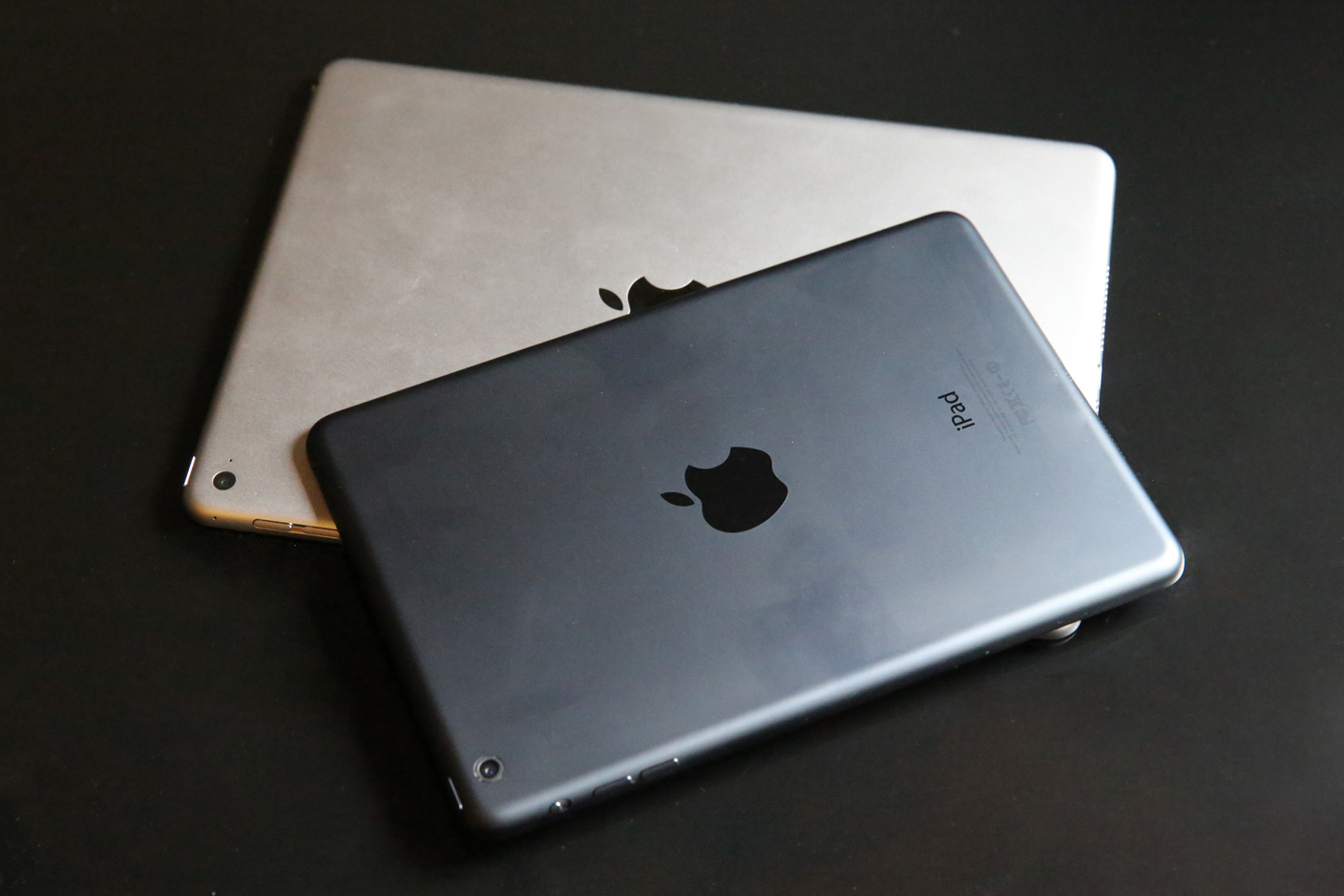
It’s Christmas Day, and if you were especially nice this year, you may have just found a new iPad under your tree. Apple’s tablets are able to do incredible things right out of the box, but they’re also easily damaged, and there are accessories that really help to expand their capabilities. If you want to make sure your iPad performs at its full potential, it’s a good idea to protect it and accessorize right away.
That’s why we’ve put together this guide to help new iPad owners choose the best accessories across a variety of different categories. Our top picks range from stands and cases to speakers, keyboards, game controllers, and much more. We also explain what’s near-mandatory, what’s optional, and what you can safely skip. Read on!
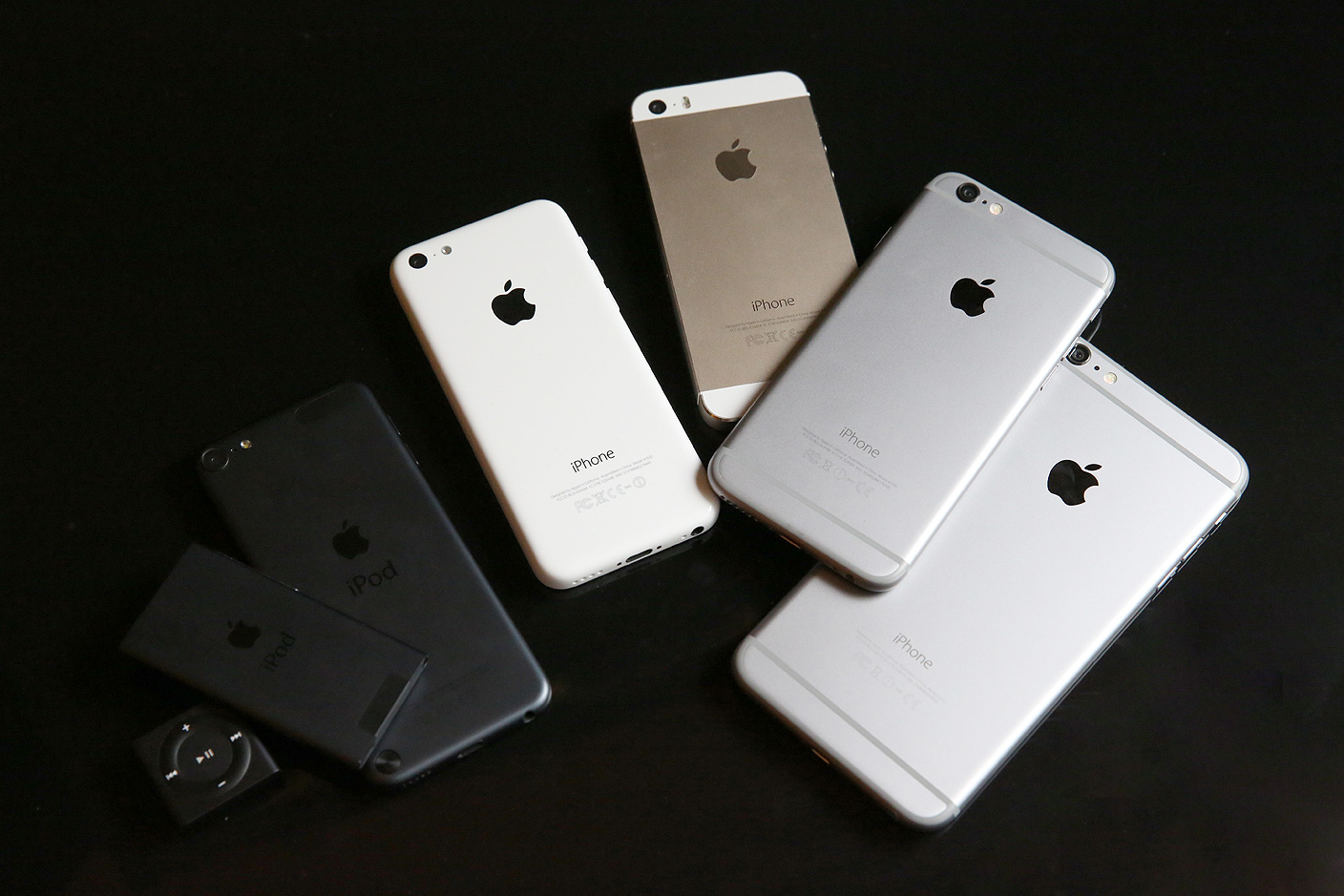
There are few things better than finding a new iPhone or iPod under your tree on Christmas Day. If you received an iPod, you’ll find enough in Apple’s box to start enjoying music, videos, and/or apps right away. iPhone users get all of those great features plus cellular telephone and Internet access. But these devices suffer from the same weaknesses: they’re fragile — the reason roughly 80% of iPhone owners use cases — and they depend upon external accessories for quite a few things. If you want to make the most of your Apple device, you’ll want to accessorize (and app-cessorize) it right away.
Our best iPhone accessory recommendations are similar across all current models. But they vary considerably from small to medium to big iPods. Read on for all of our top picks!
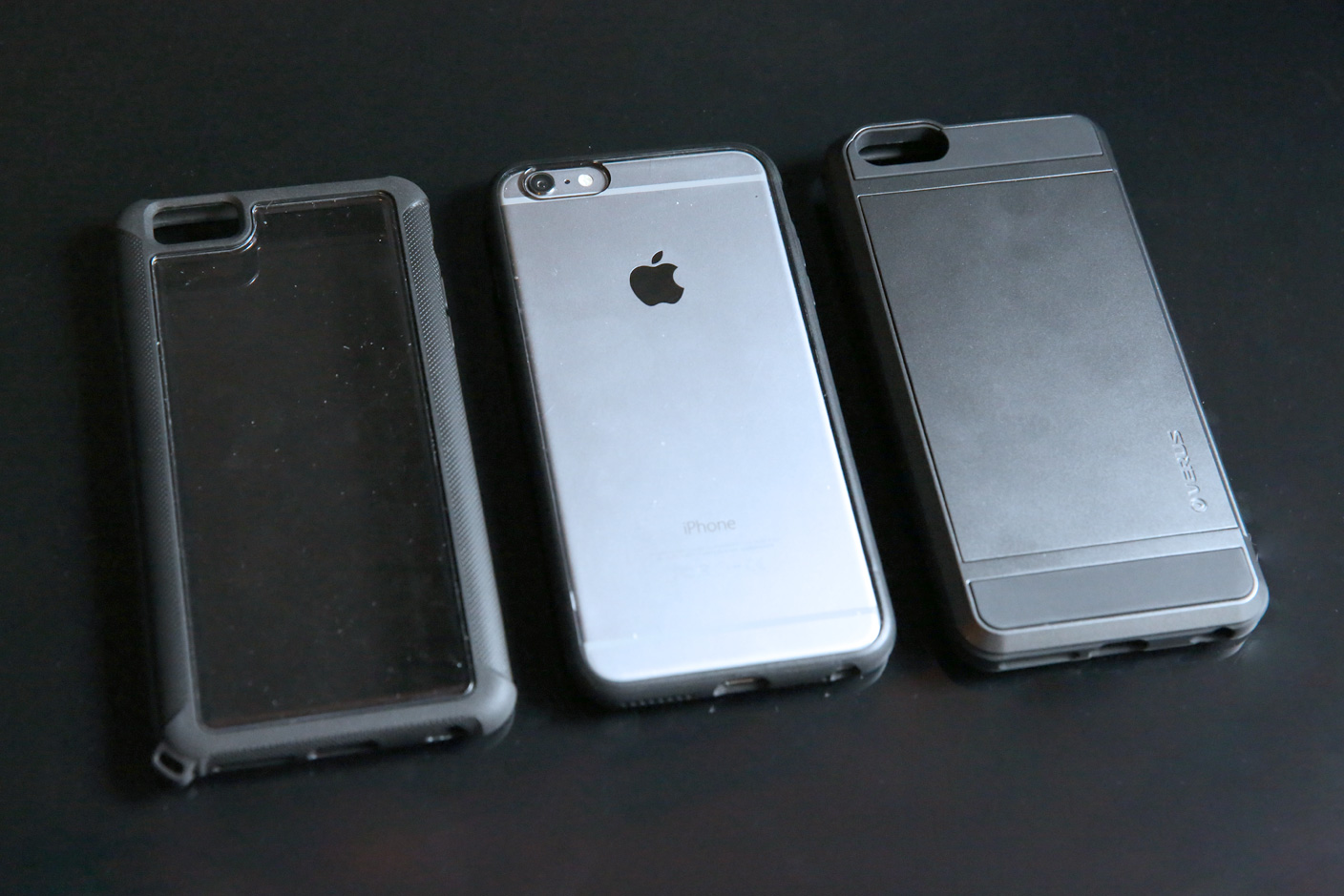
The first time I picked up Spigen’s overly-bulky Tough Armor case for the iPhone 6 Plus, I knew there was going to be a major new consideration when reviewing iPhone 6 Plus cases: the quantity and shape of case materials added to the already large device’s back and sides. Apple’s designers succeeded in crafting a really big iPhone that somehow still felt thin, smooth and comfortable enough in large hands — when bare — but Tough Armor’s hard edges and chunky frame made the 6 Plus feel awkward in even a large adult male’s hands and pockets.
Slimmer solutions were needed for the iPhone 6 Plus, and today, we’re looking at three of them: Griffin’s Reveal ($20, available here for $13), STM’s Dux ($30, available for $30), and Verus’s Damda Slide ($40, available here for $24). Reveal and Dux are highly similar to one another, differing mostly in texturing and corner protection, while Damda Slide is like Tough Armor, only more thoughtfully constructed and useful. It’s somewhat rare in that it offers “playthrough” or full-time access to the iPhone’s screen and side controls, while also including a wallet that can store three cards behind the iPhone. Most iPhone wallets require a large front flap that adds thickness and makes instant screen access inconvenient.

So Apple didn’t release a 4K (or 5K) standalone Retina display alongside the new 5K iMac, but you can’t hold off any longer on a shiny new display for your Mac Pro. I found myself in the same predicament not too long ago and decided to put a number of displays to the test in recent months. 4K might offer 4x the resolution of your standard 1080p display, but for the short time they’ve been around, they’ve also cost about 4x as much as the alternatives. The good news: There are a few Mac Pro compatible 4K displays (and UHD alternatives) finally starting to hit more reasonable price points just as recent OS X updates fix some issues early adopters first had with the higher resolution displays.
I’ve been testing Mac Pro compatible displays from Dell, Sharp, Samsung, LG, and others that are officially supported by Apple, and put together a list of my thoughts and top picks for those planning on picking up a new Mac Pro this holiday season. Despite my tests being done mostly on a new, stock Mac Pro, these picks stand for Thunderbolt-equipped MacBook users as well.
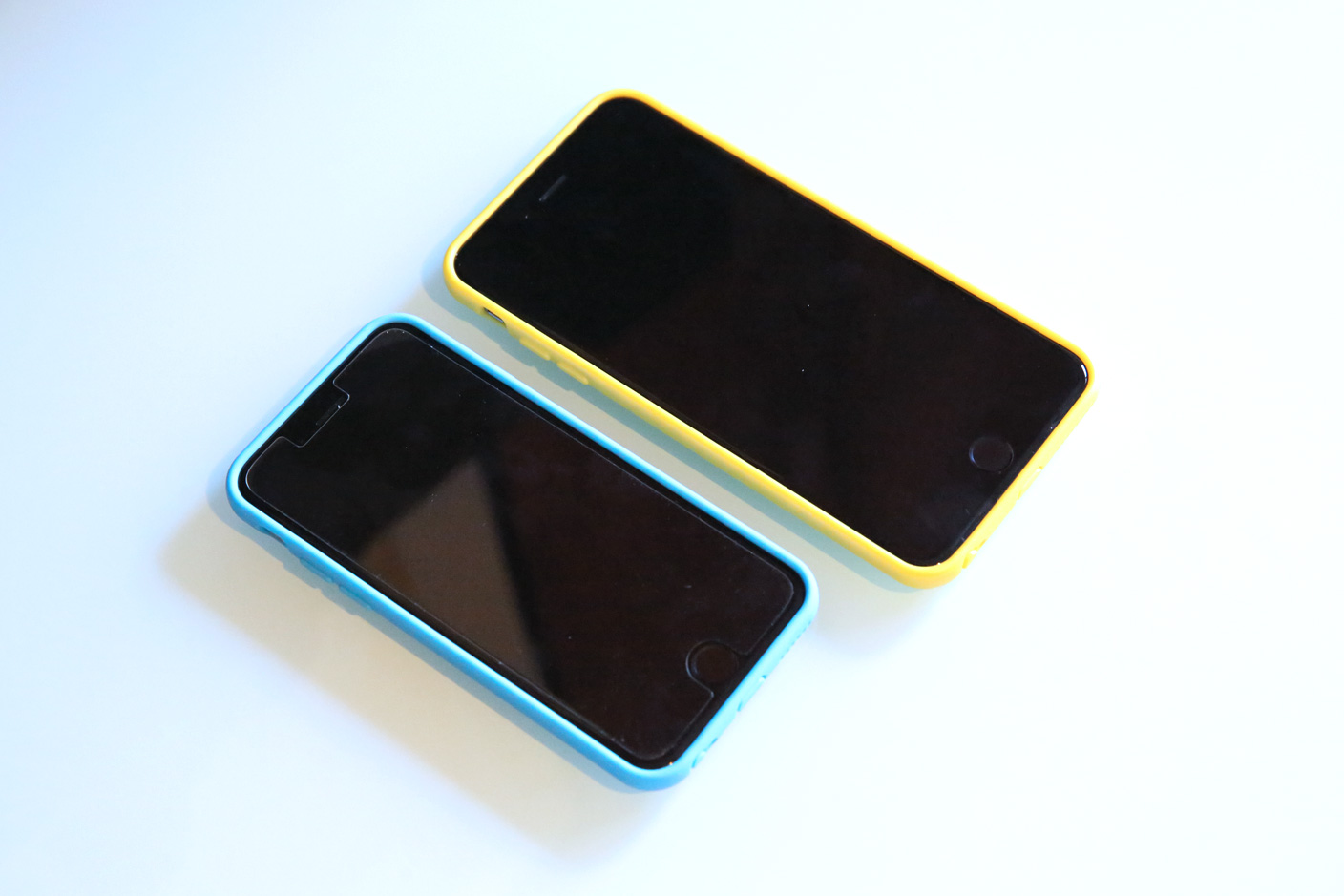
Over the past decade I’ve been reviewing cases for Apple devices, people have occasionally asked how I can find new ways to write about products that are so similar to one another. My answer: I focus on the differences, and sometimes find fascinating how something that worked or didn’t work for one Apple device has flipped for another device.
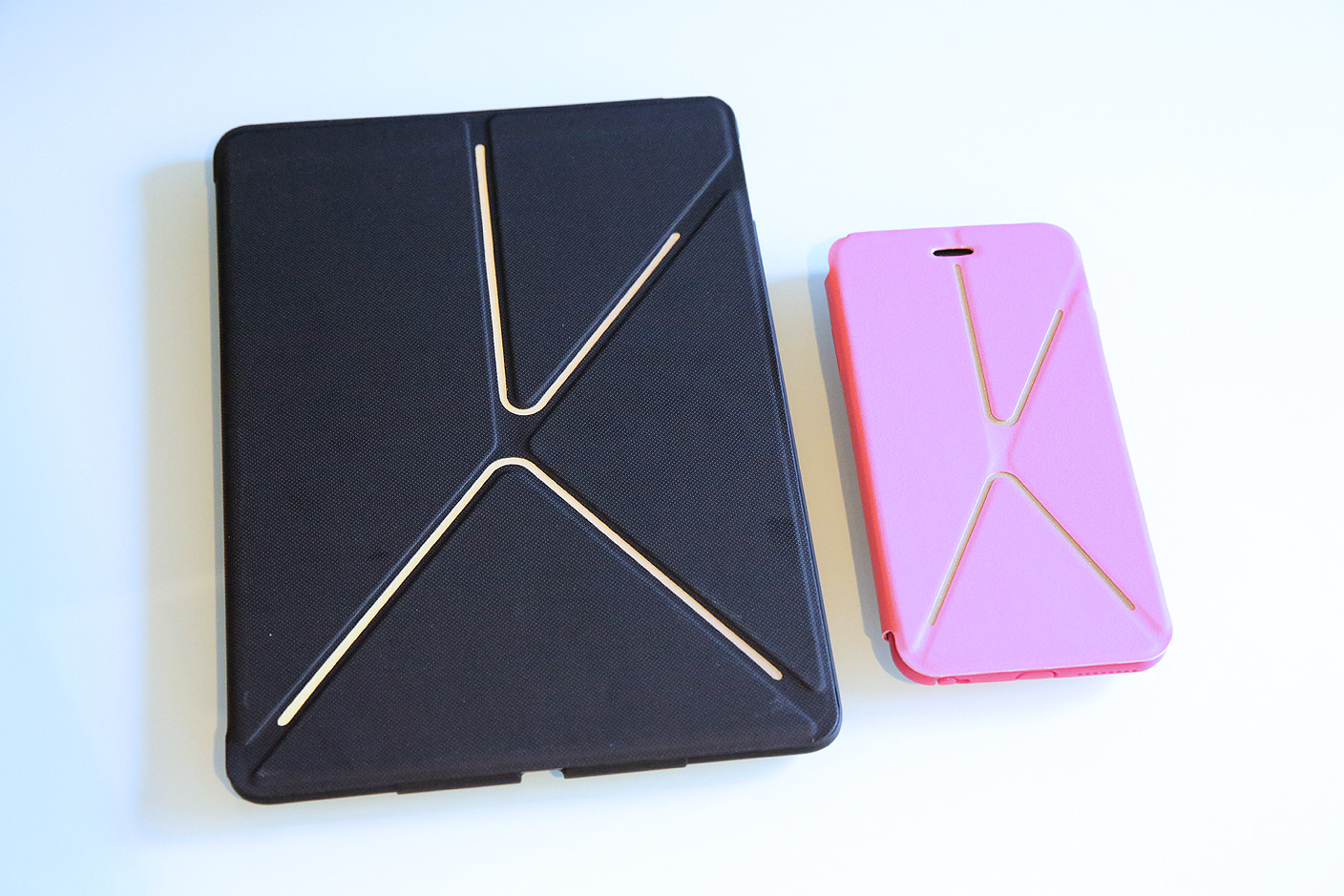
SwitchEasy has been making cases for almost as long as I’ve been reviewing them, and quickly developed a reputation for outstanding value across budget-priced options. But something changed over the last couple of years, and the cases have shifted from mostly clear hits to a mix of hits and misses. The company’s latest releases for the iPhone 6, iPhone 6 Plus, and iPad Air 2 are so numerous and up and down that I’m not going to cover all of them. But for different reasons, two new models — Numbers for iPhone 6 / iPhone 6 Plus, and Rave for iPhone 6, iPhone 6 Plus and iPad Air 2 — are worthy of a quick spotlight today.
Last week, we reviewed the first iPhone 6 Plus battery pack we’ve tested, MOTA’s unauthorized but value-laden Battery Case for iPhone 6 Plus. Now a maker of stylish charging accessories called Tylt has debuted what it says is the first Apple-authorized battery case for the iPhone 6, the Energi Sliding Power Case ($100). Officially shipping in mid-January, Energi continues the sled-style battery case design we first saw years ago in Mophie’s original Juice Pack (below), though with two critical differences: for the same price, it includes a 3200mAh rechargeable cell, and a detachable case that can be used alone when you don’t need spare power.
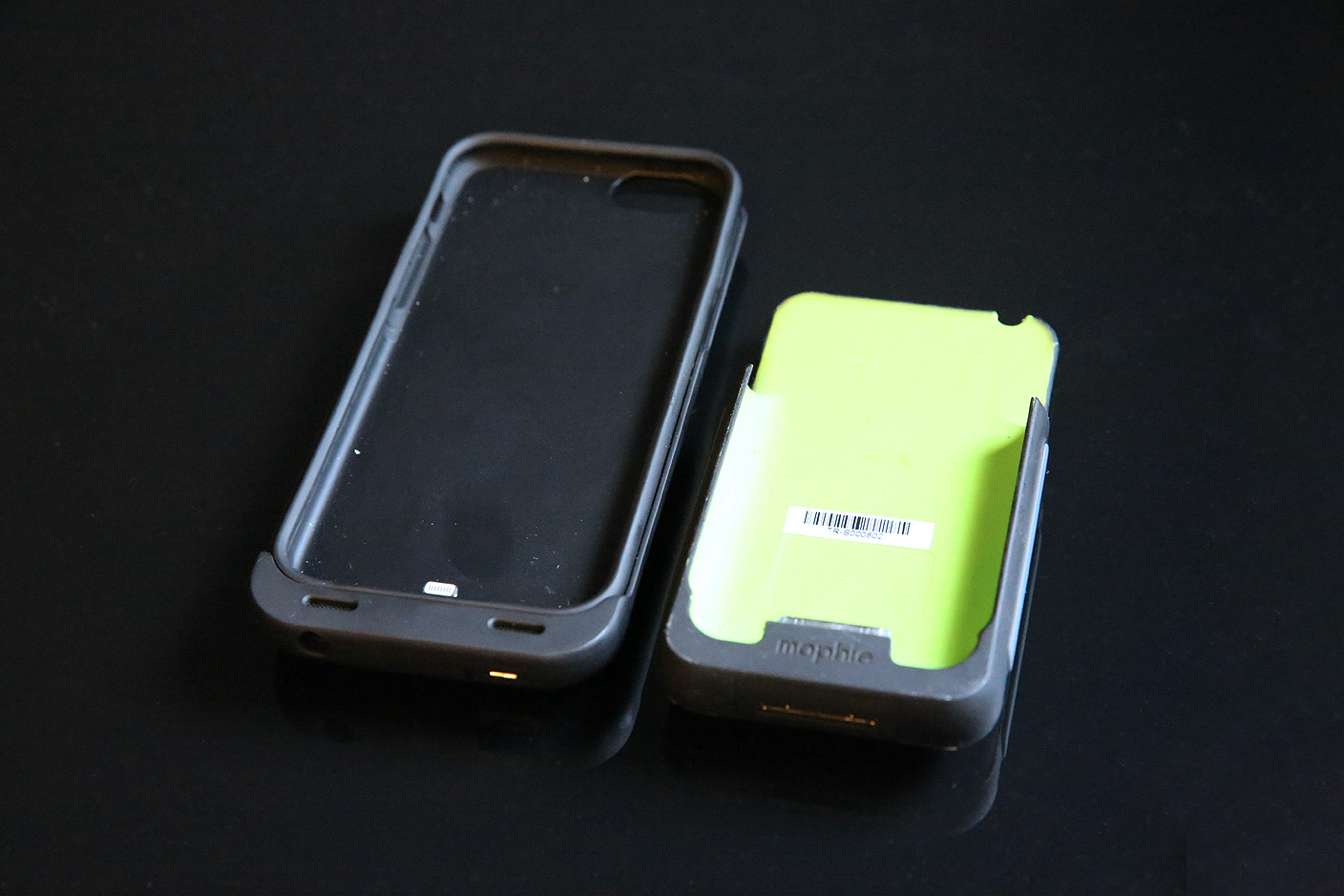
While it’s not the perfect battery case for iPhone 6 due to some small issues, Energi comes very close. Read on for all the details.
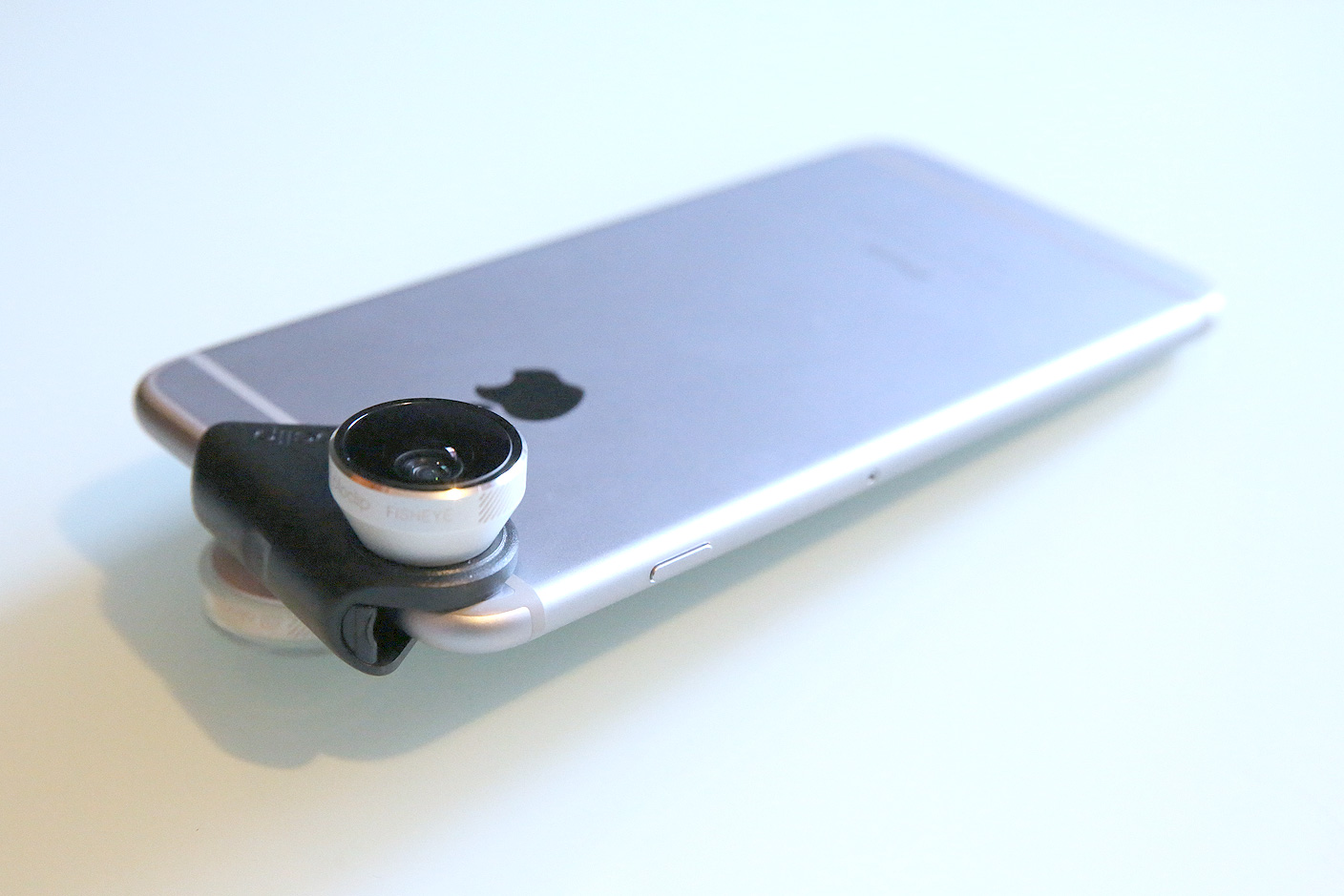
Olloclip isn’t the only maker of lenses for iPhone cameras, but after testing options from a dozen vendors, it’s the one I’d call the best at delivering reliably good combinations of quality and practicality. Its latest accessory is the 4-in-1 Lens for iPhone 6/6 Plus ($80), an updated continuation of its longest-running and most popular series of iPhone lenses. Bundled with everything from a lanyard to a set of three colored plastic clips, this version of 4-in-1 now works with two different iPhone 6 sizes, as well as both front FaceTime and rear iSight cameras.
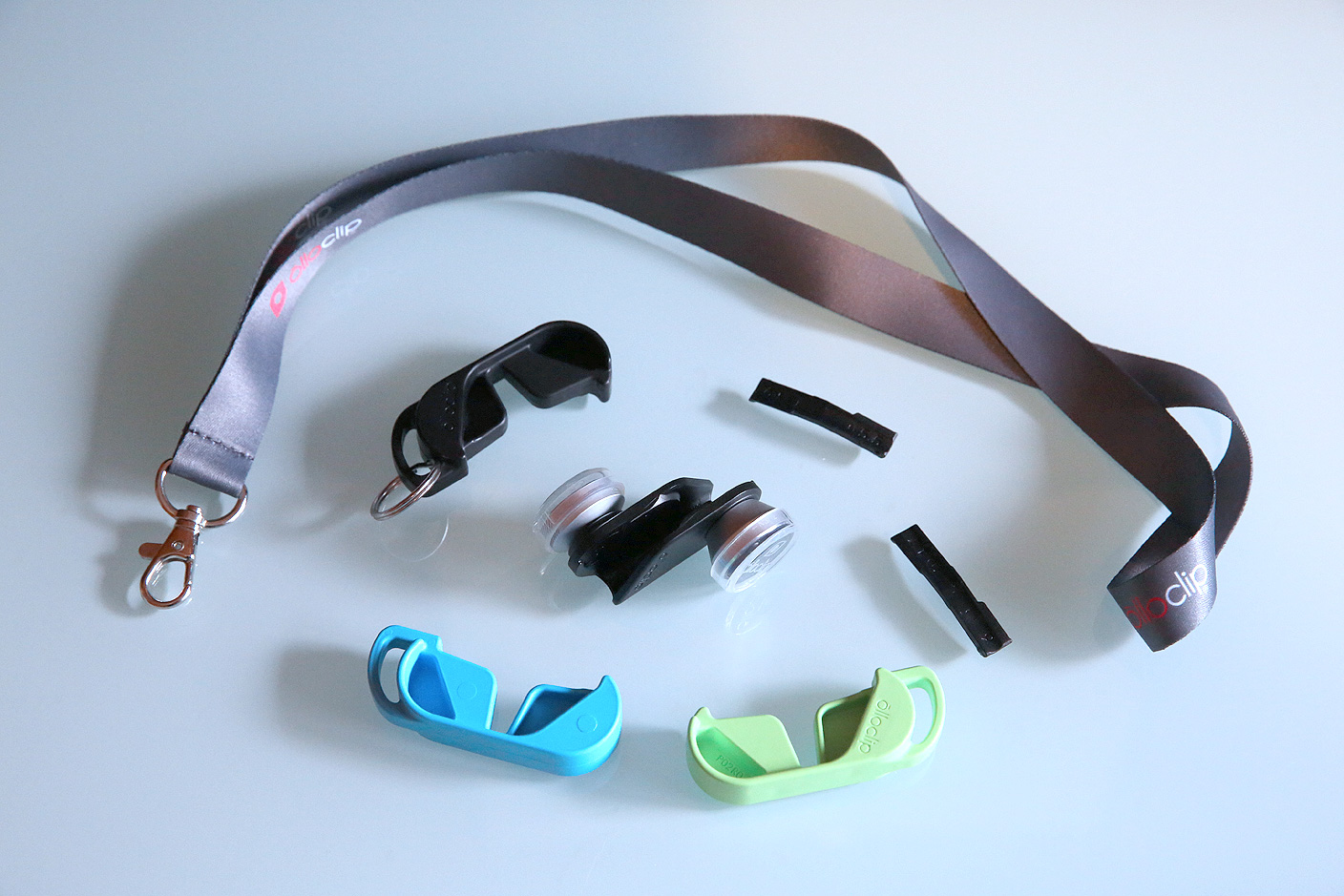
This cross-model, twin-camera versatility comes at the cost of some added complexity, however, and an issue from earlier Olloclip lenses — the lack of broad case compatibility — is still a factor here. But if you’ve been looking for a way to add wide angle and macro capabilities to your iPhone, the 4-in-1 is worth considering. There are plenty of details and illustrative photographs below.
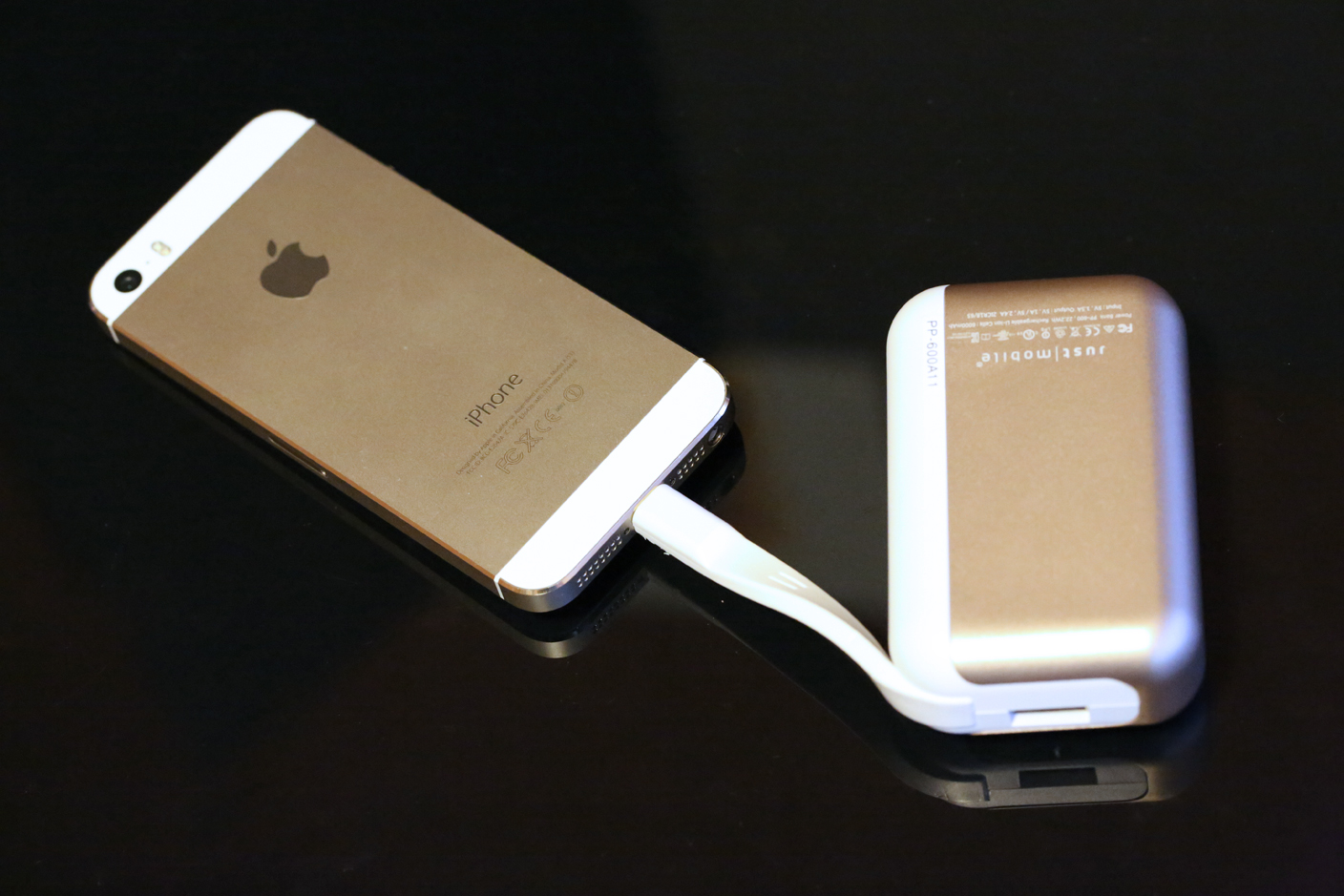
The secret to understanding USB battery pricing is that you tend to get what you pay for: cheap batteries lose their charges faster and can bulge and leak over time. Other companies specialize in selling atypically nice batteries that last longer and work better. Just Mobile is a leader in quality batteries: for the past six years, its Gum series (shown below) has spanned every Apple device type, size, and speed, but it has never built a Lightning cable into a battery before. That changes with the January release of TopGum ($80), which advances the company’s prior state-of-the-art Gum++ model in two ways: an authentic Lightning cable’s integrated into the battery’s left edge, and a matching magnetic battery charging dock is included.
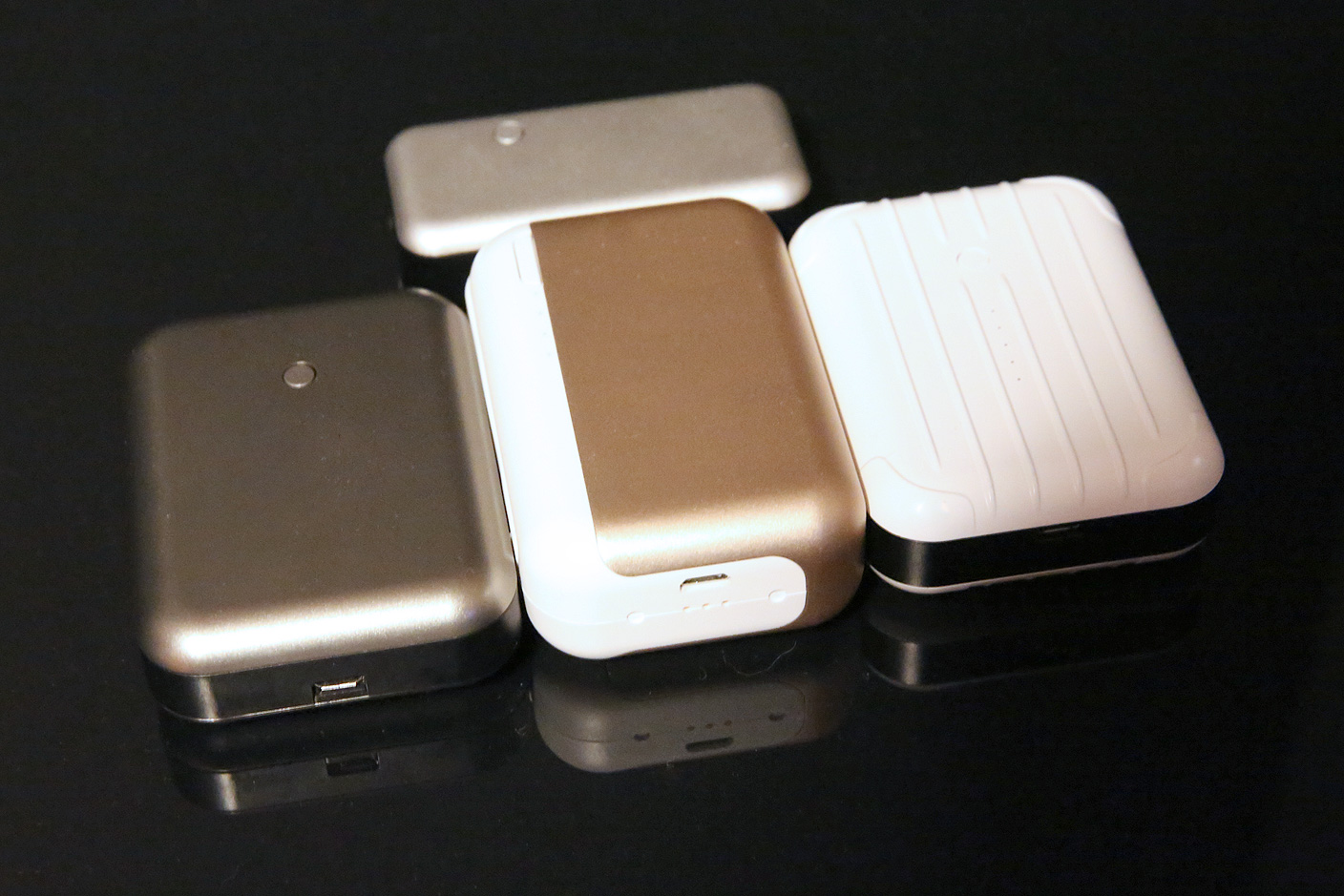
Of course, these features – and a choice of gold or gray metal exteriors – come at a premium over typical all-plastic batteries, so if you don’t need the cable or dock, you’ll be equally well-served with the company’s earlier batteries. Read on for the full story.
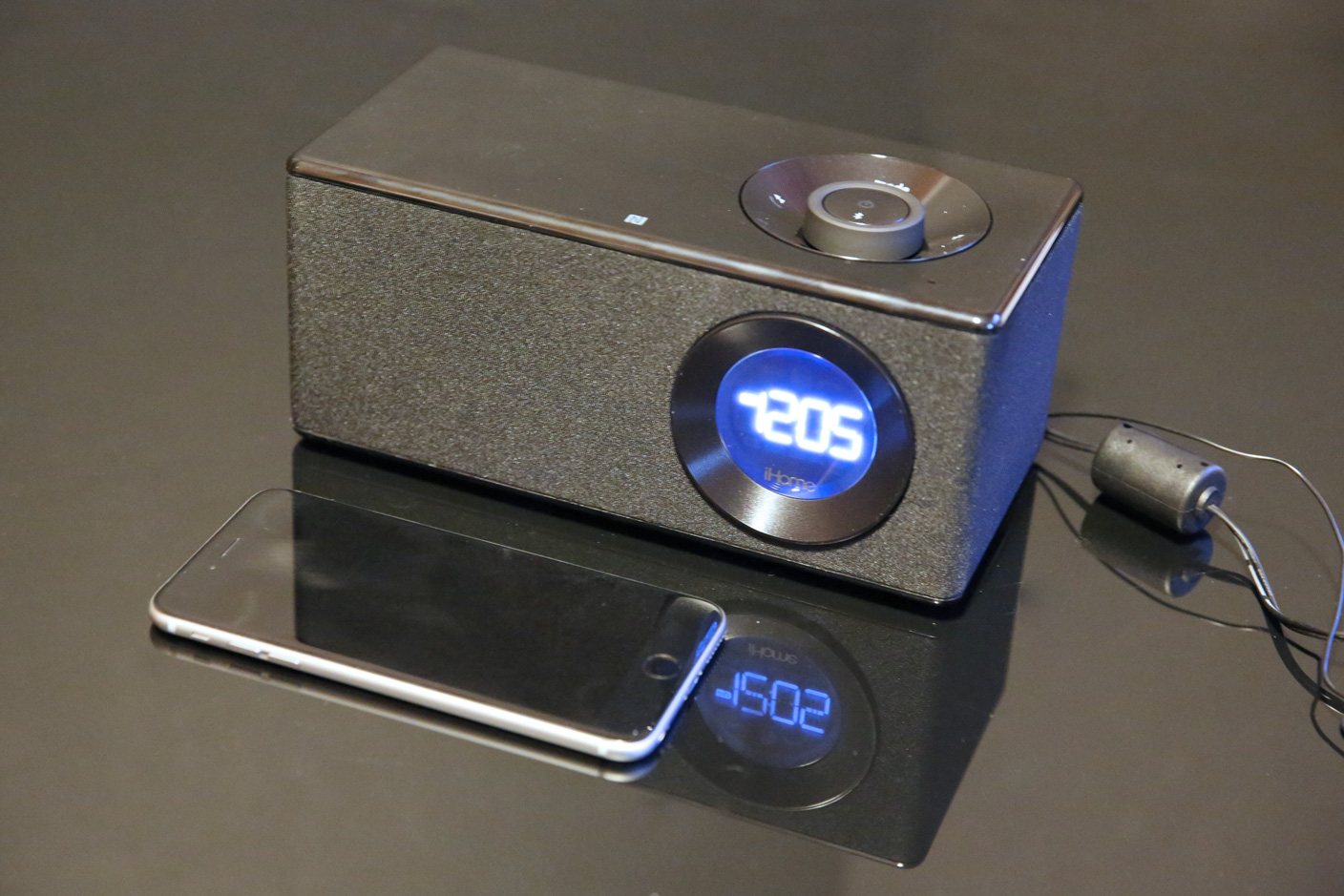
I’ve reviewed a lot of iHome clock radios over the past nine years. They weren’t all formulaic, but there was a very clear evolutionary line from the original 2005-vintage, iPod-only iH5 to the iPad-ready iDL95 released last year: take two speakers, stick a clock in the middle, center a dock on the top, then make the enclosure sort of flat but pleasantly curvy. iHome had a winning general concept and look, which it updated annually with small feature, color, and shape tweaks. But its new $120 model iBN10 breaks the mold in several ways.
The dock’s gone, the clock has been glammed up and shifted to the right, and there are four speakers inside, rather than the standard two. iBN10 is also atypically handsome, built and billed as an “executive music system” by discarding the faux metals that iHome’s midrange speakers have become known for, and adding speakerphone functionality. This isn’t iHome’s first Kleenex box-sized speaker, but it’s definitely the most sophisticated.
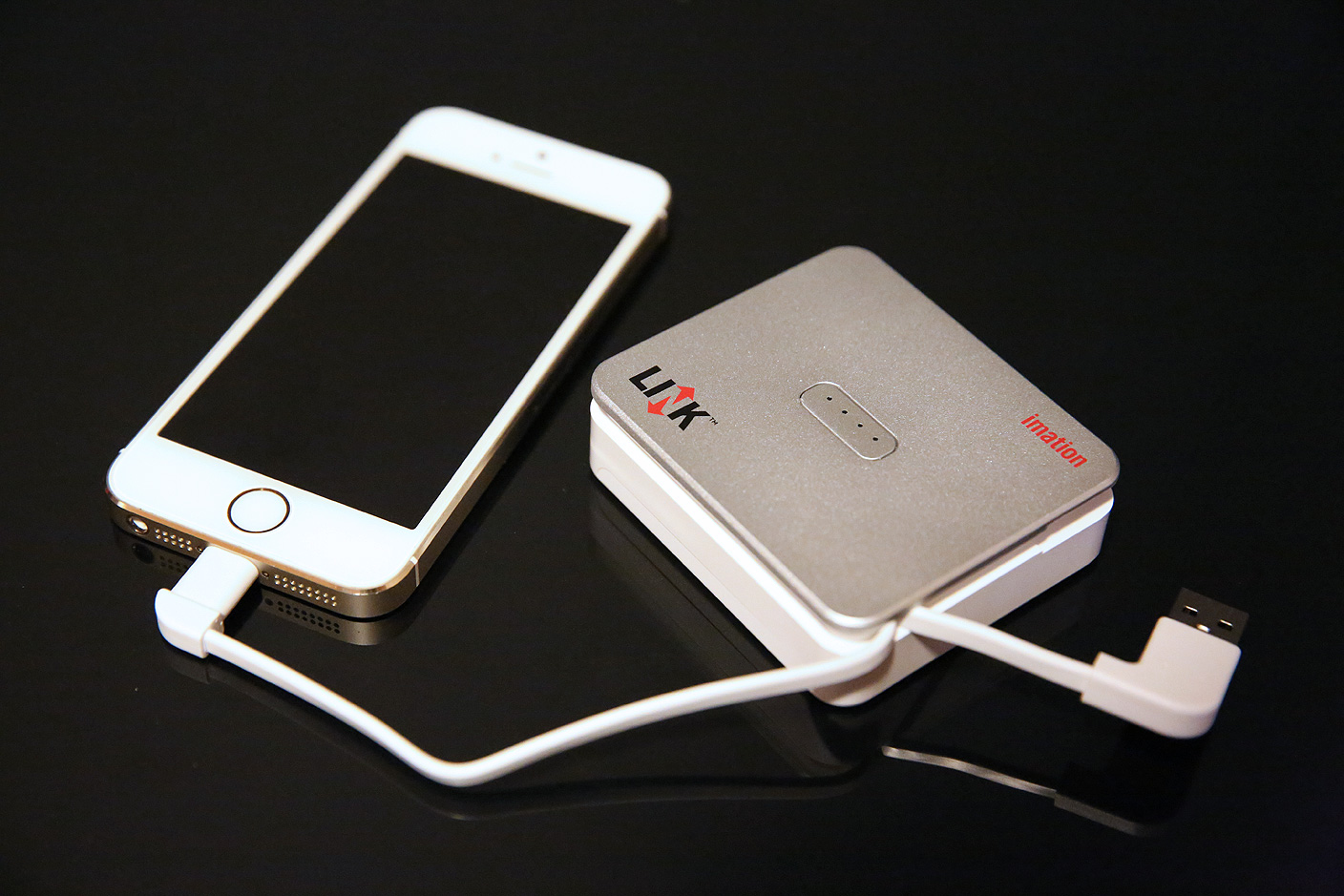
There wasn’t really a market for hybrid batteries and external flash drives until this year, when Mophie’s Space Pack seemingly came out of nowhere, impressively nestling 16 or 32GB of additional flash storage inside a 1700mAh iPhone 5/5s battery case. But having demonstrated the value of combining these features together, Mophie’s $150 to $180 asking prices were high enough to keep some people away, and the requirement of an iPhone 5 or 5s was similarly somewhat limiting.
Imation is trying something different with its Link Power Drive, a small plastic box with a silver top and white base. There are 16GB, 32GB, and 64GB models, each equipped with a 3000mAh battery, a Lightning cable, and a USB cable. The MSRP of the 16GB unit is less than any Space Pack, and the 64GB model has twice Mophie’s top capacity for the same MSRP — except Imation’s street pricing is much lower. Better yet, every model works with whatever Lightning-equipped iOS device you might have, and there’s enough battery power to completely recharge any iPhone except the iPhone 6 Plus. All you need to do is carry the accessory around separately, attaching it when needed.

I have to give MOTA a pat on the back for what it has achieved with the Battery Case for iPhone 6 Plus, the first such accessory we’ve tested for Apple’s largest iPhone. Despite its generic name, the Battery Case is handsome, well-built, and at $90, a steal relative to the lower-capacity $100 and up versions we’ve seen for the iPhone 5 and 5s. Critically, despite a 4000mAh rechargeable cell inside, it’s also surprisingly easy to hold and pocket, even though it adds thickness to the already-too-large iPhone 6 Plus.
But there are a couple of caveats, too. The case isn’t Apple-licensed, so there’s always the risk that it might have some iOS compatibility issues down the line — this would be a bigger issue if there weren’t also problems with cases Apple formally approved. And you’ll probably need the headphone port adapter MOTA includes in the package. More on that, below.
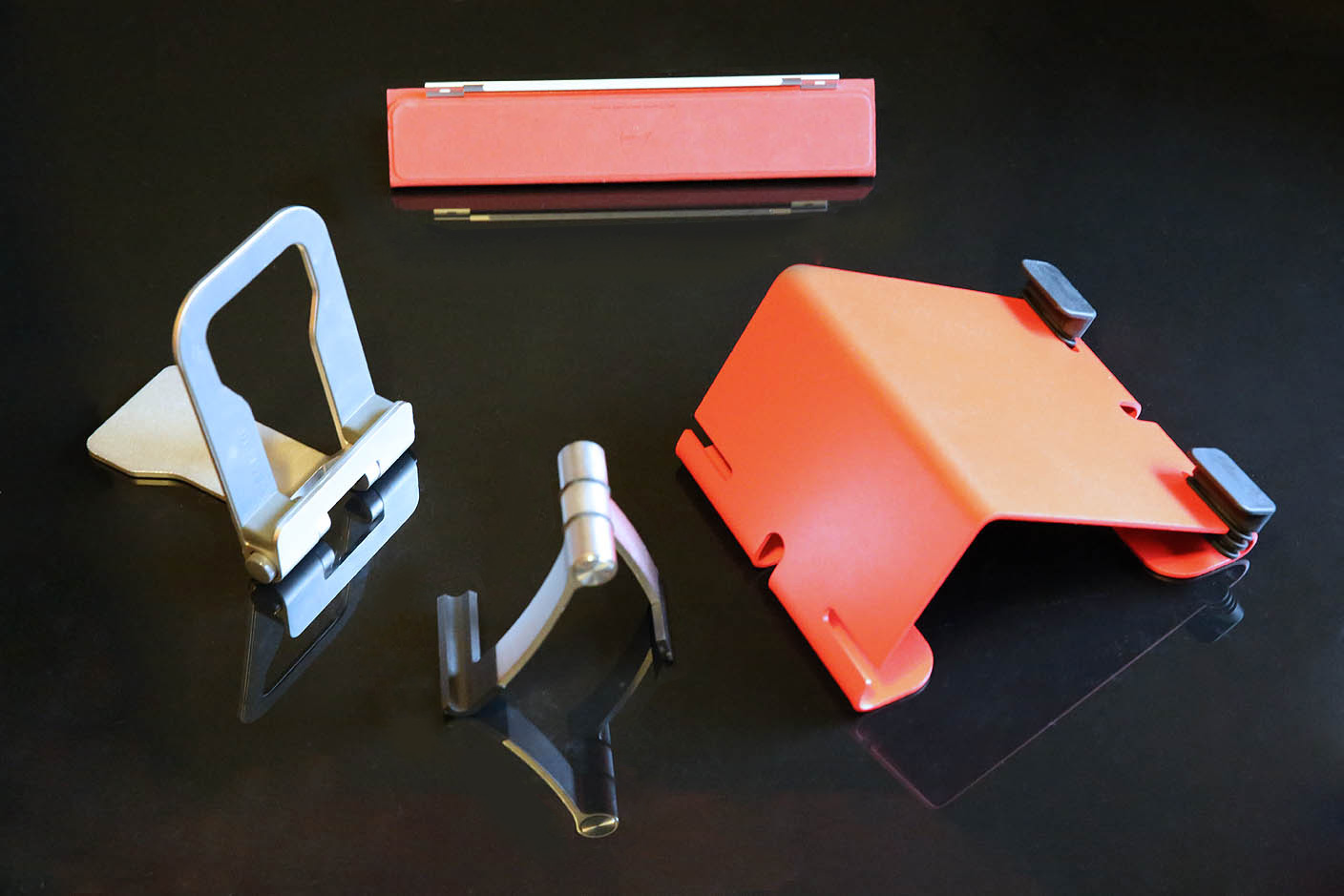
iPads need stands. Whether you’re watching videos, long-form typing, or making FaceTime calls, it’s a chore to hold the iPad upright for extended blocks of time. To address that need, Apple launched the first iPad with regular and keyboard docks, but quickly gave up on them in favor of simpler folding lids called Smart Covers.
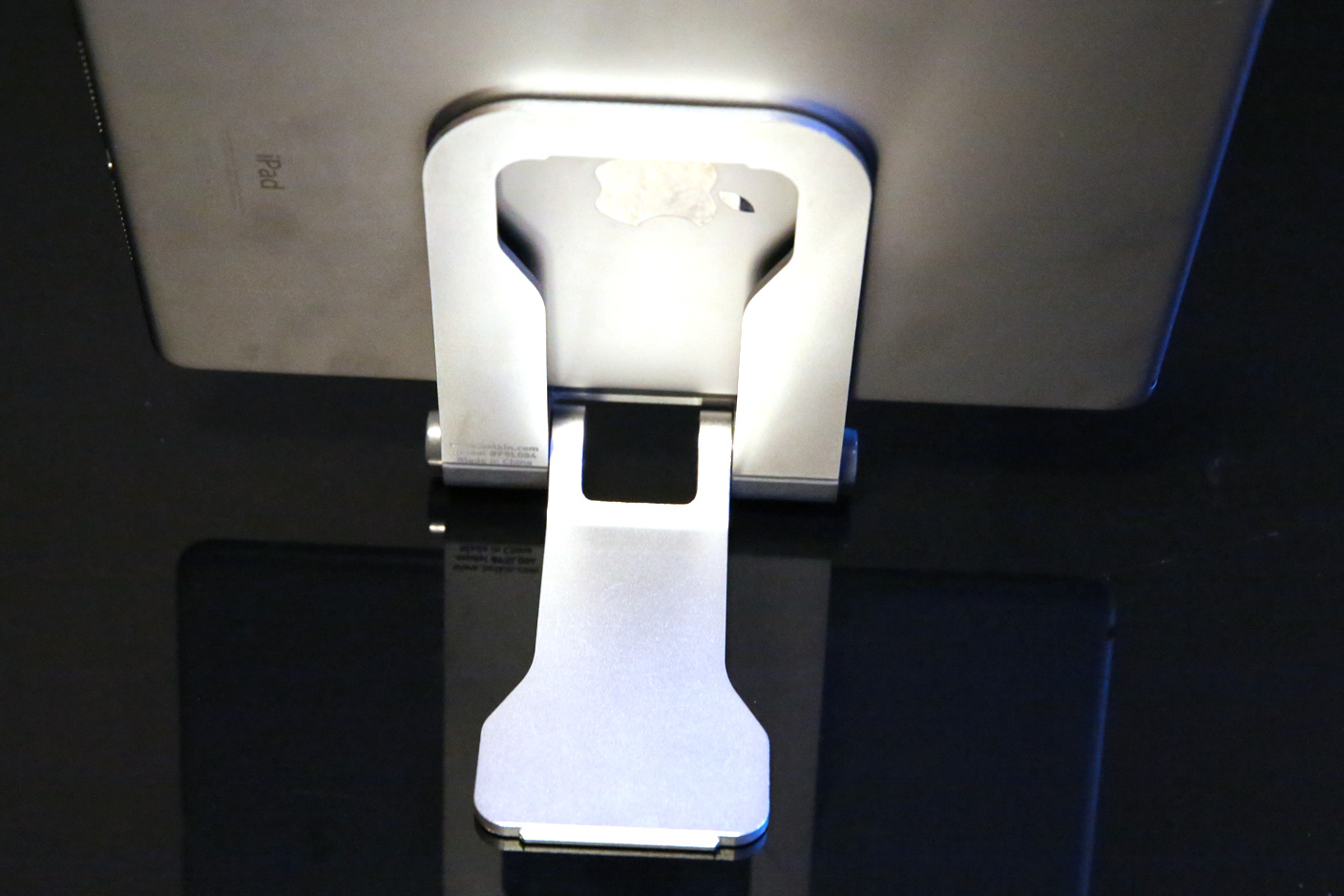
If you’re looking for an iPad stand or dock, you can do better than that. We know because we’ve tested lots of options for Apple’s tablets. Following up on our guide to iPhone 6 and iPhone 6 Plus docks, we’re looking today at the very best of what’s out there for every iPad, covering four broad categories: simple portable stands, simple desktop stands, cases with integrated stands, and charging docks.
Expand
Expanding
Close
Christmas and the end of Hanukkah are only a week away. You’re looking for a last-minute gift that’s guaranteed to arrive in time for the holidays. We’re here to help with a collection of top picks for Apple fans, all at great prices.
Welcome to 9to5’s Last Minute Apple Gift Guide!

Personal preferences differ enough that there’s no single style of iPhone case that’s “right” for every person. Some people prefer “playthrough” cases that always expose the iPhone’s screen; others like flip-style cases with lids that open like books. Today, we’re looking at two cases of each type for the iPhone 6 and iPhone 6 Plus: Twelve South’s latest BookBook and Tech21’s Classic Shell with Cover are flip-style designs, while Tech21’s Classic Frame and Classic Shell are playthrough cases.
One of these is the best case of its type that we’ve ever seen, while the others are all good.
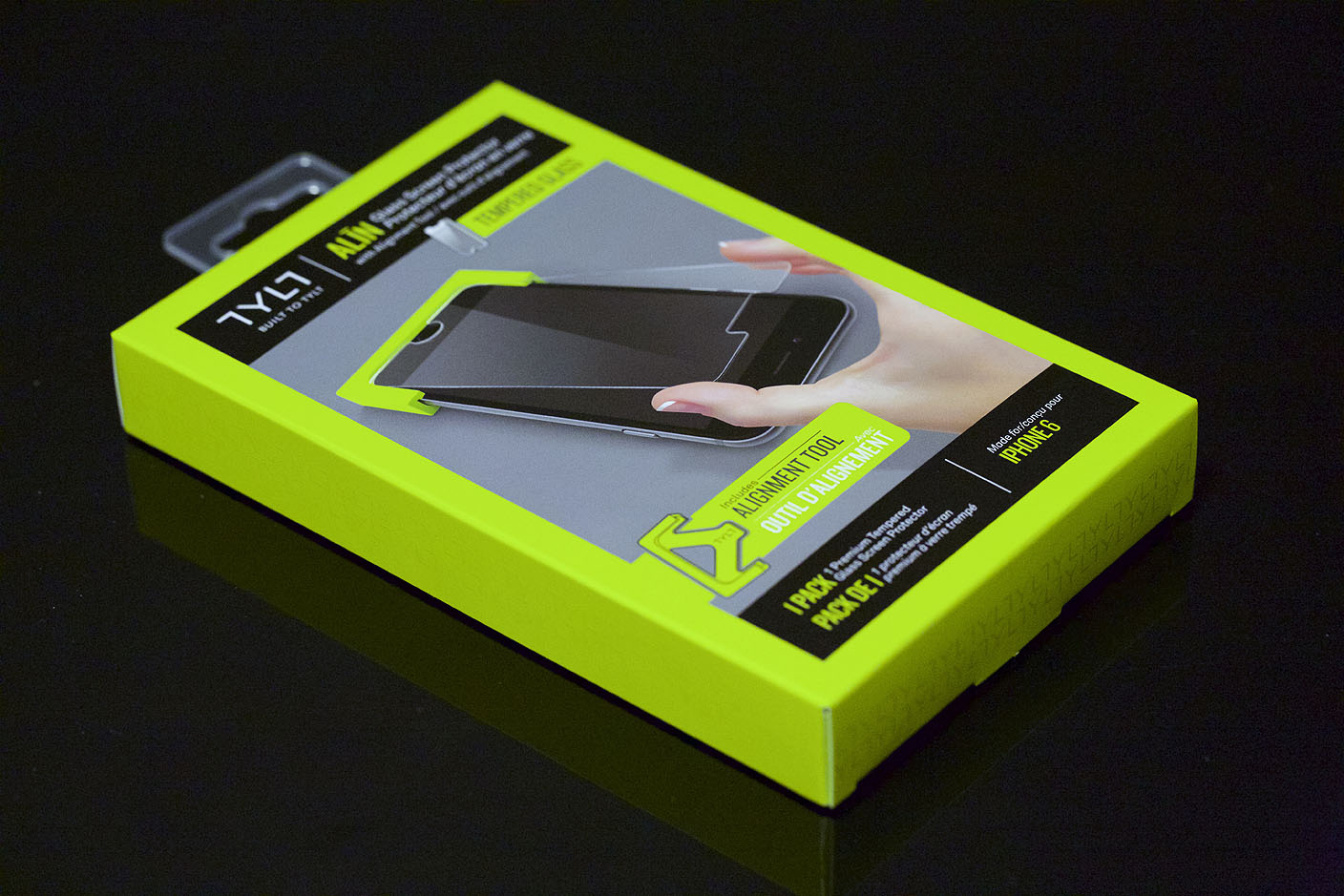
If your iPhone often shares a pocket or purse with keys, coins, or other metal objects, you know the very real risk of scratching or chipping the beautiful glass screen. Screen protectors solve this problem, and some are able to absorb the damage if your iPhone drops face-down towards the ground. Today, we’re looking at rival iPhone 6 screen protectors called Alin Glass from Tylt ($30) and Impact Shield from Tech21 ($35). (Alin Glass and Impact Shield are also available for the iPhone 5/5s.)
Both of these accessories have been designed to tackle inaccurate alignment, one of the biggest issues when installing screen protectors, while offering atypically strong anti-scratch coverage for the iPhone’s often bare face. And they each command premiums over generic alternatives.

Apple’s iOS game controller design guidelines were clearly inspired by Microsoft’s Xbox controllers, but Mad Catz has taken the concept a step further: its new C.T.R.L.i ($60) and Micro C.T.R.L.i ($50, available for $46) for iOS look so much like Xbox One game controllers that you might struggle to tell them apart in a dark room. While the full-sized C.T.R.L.i is very close to the Xbox One controller in footprint and weight, Micro C.T.R.L.i squeezes all of the same functionality into a smaller but nearly identical shape.
Best of all, since they’re more reasonably priced than earlier iOS controllers, both are good enough to recommend to any iOS gamer… assuming you own or want some iOS games with controller support.

Earlier this year, Foursquare pulled a Facebook and split its mobile app in half with check-ins moving to a new app branded as Swarm and location discovery and recommendations becoming the sole focus of its Foursquare-branded app.
Both apps were iPhone-only for iOS users as Foursquare relied on a mobile site for iPad users wanting to check-in from a tablet, but now that Foursquare has become a full-fledged Yelp competitor with its own dedicated app to finding new places to travel and venues to review, Foursquare is giving users a native iPad app as well.
Expand
Expanding
Close

As a dedicated fan of kitchen gadgets, a Bluetooth scale linked to a companion iPad app that walks you through recipes step-by-step was too much to resist. Besides, it was a chance to bake some cookies and call it work (though I’m not entirely convinced the taxman is going to allow me to deduct the cost of the ingredients).
The scale is very compact – a little under 6.5 inches across with the front lip, and around 5.5 inches wide. There are no visible controls or display, but the lip contains a button and a hidden LED which lights up briefly when the scale connects to the app. Otherwise, it’s entirely featureless …
Expand
Expanding
Close
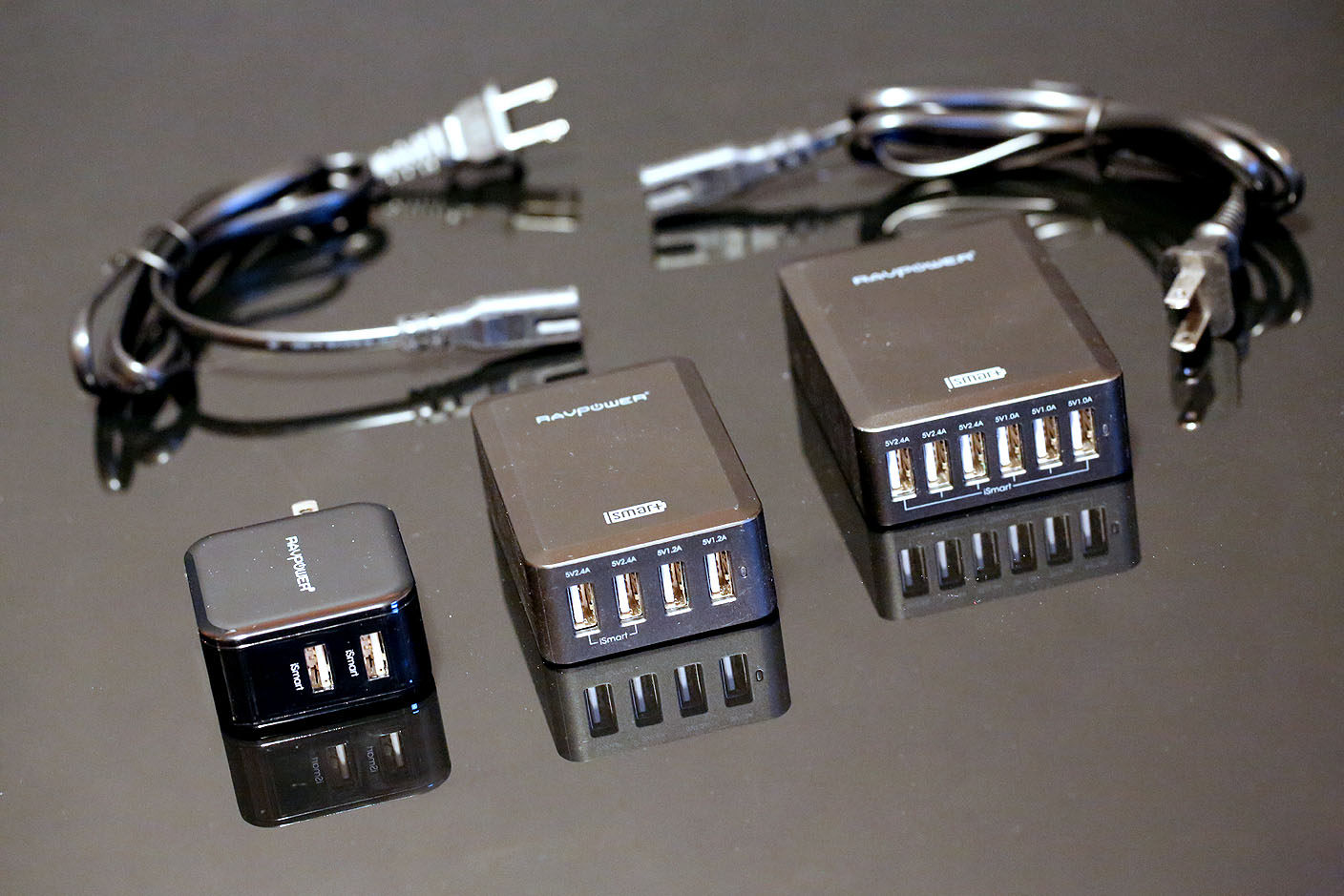
USB wall chargers are commodities, churned out by anonymous factories and sold for low prices everywhere around the world. But chargers that are both safe and fast enough to use with Apple’s products are less common, particularly when they are capable of charging more than one device at a time. RAVPower’s Dual 2.4A USB Wall Charger ($50, currently $13), Bolt 4-Port Desktop USB Charger ($70, currently $17), and Bolt 6-Port Desktop USB Charger ($70, currently $27) have such low street prices that they seem too good to be true. But they’re all great chargers, and worked well with the large collections of iPhones and iPads we tested.
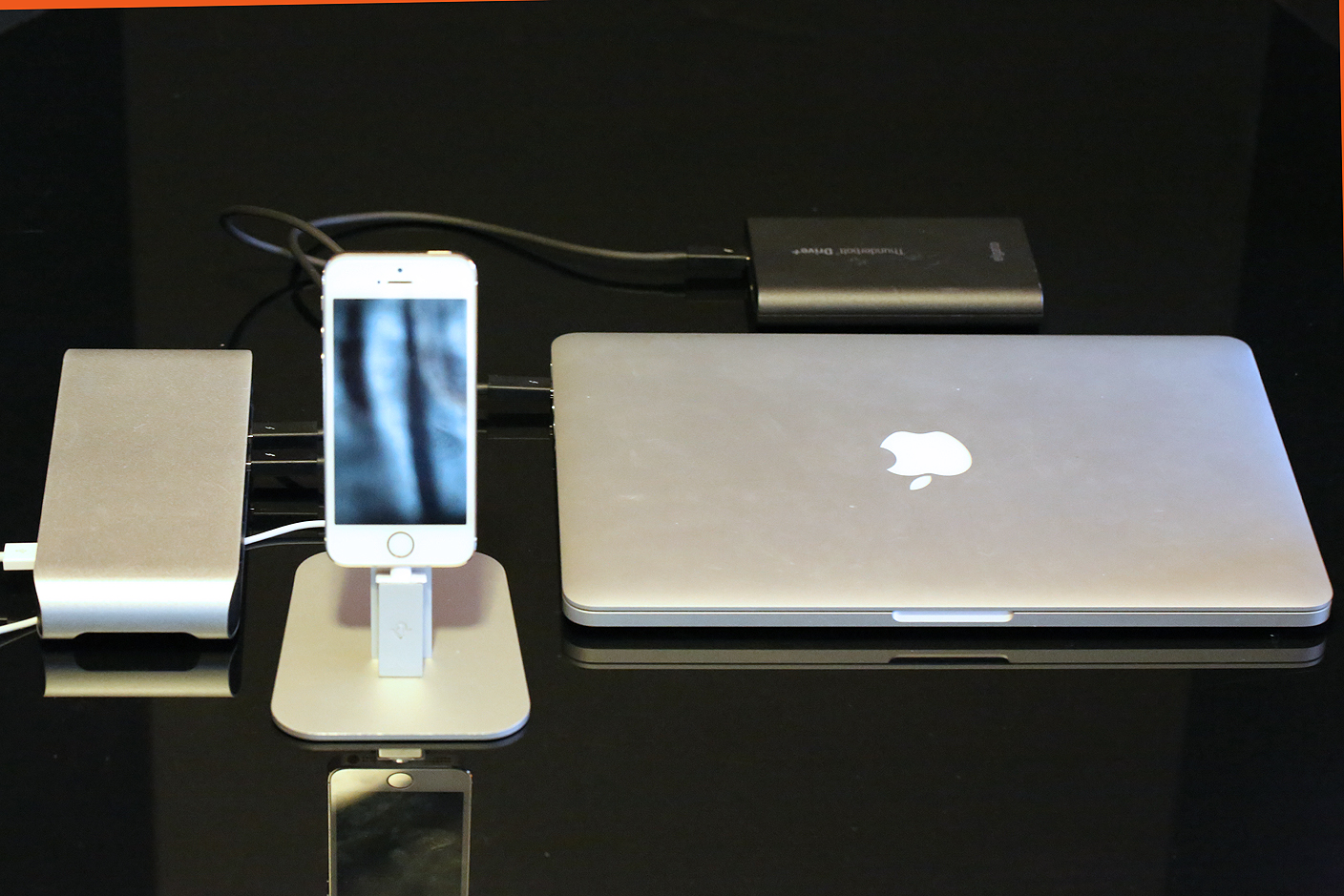
As “really good Mac accessory ideas” go, Thunderbolt docks are high on the list. It’s hard to overstate the sheer convenience of connecting a bunch of peripherals to a central hub, then running one Thunderbolt cable from the hub to your Mac — a huge time-saver if you’re frequently bringing any Thunderbolt-equipped MacBook in and out of an office full of hardware.
Earlier this year, Elgato’s original Thunderbolt Dock brought that convenience to Macs with first-generation Thunderbolt Ports. For the same $230 price, the just-released Thunderbolt 2 Dock ramps up the speed using twin Thunderbolt 2 connectors, and also boosts the performance of integrated USB 3.0, HDMI video, and analog audio-out ports. The under-the-hood changes make it a solid pick regardless of whether you have a newer Mac with Thunderbolt 2, and even if you’re using an older Mac with Thunderbolt.
LifeProof pioneered the waterproof, shockproof iPhone case in 2011 when the original LifeProof protected the iPhone 4/s from dropping it on the ground, smothering it in ketchup, mustard, and dirt only to successfully rinse it off in a fish tank. We were had then and watched as the company grew into an iPhone case powerhouse which drew copycats and eventually an acquisition by OtterBox last year.
I’ve had LifeProof’s new Fre iPhone 6 case since it debuted last month and have put it through all kinds of torture tests, most notably my three-year-old who likes to watch Ben and Holly in the bath tub and six-year-old who sees no problem sled riding and skiing with a smartphone (Read: GPS tracking device).
The bottom line? It continues to protect from everything. Lots of drops, dirt, water, snow. Pretty much anything…
Expand
Expanding
Close
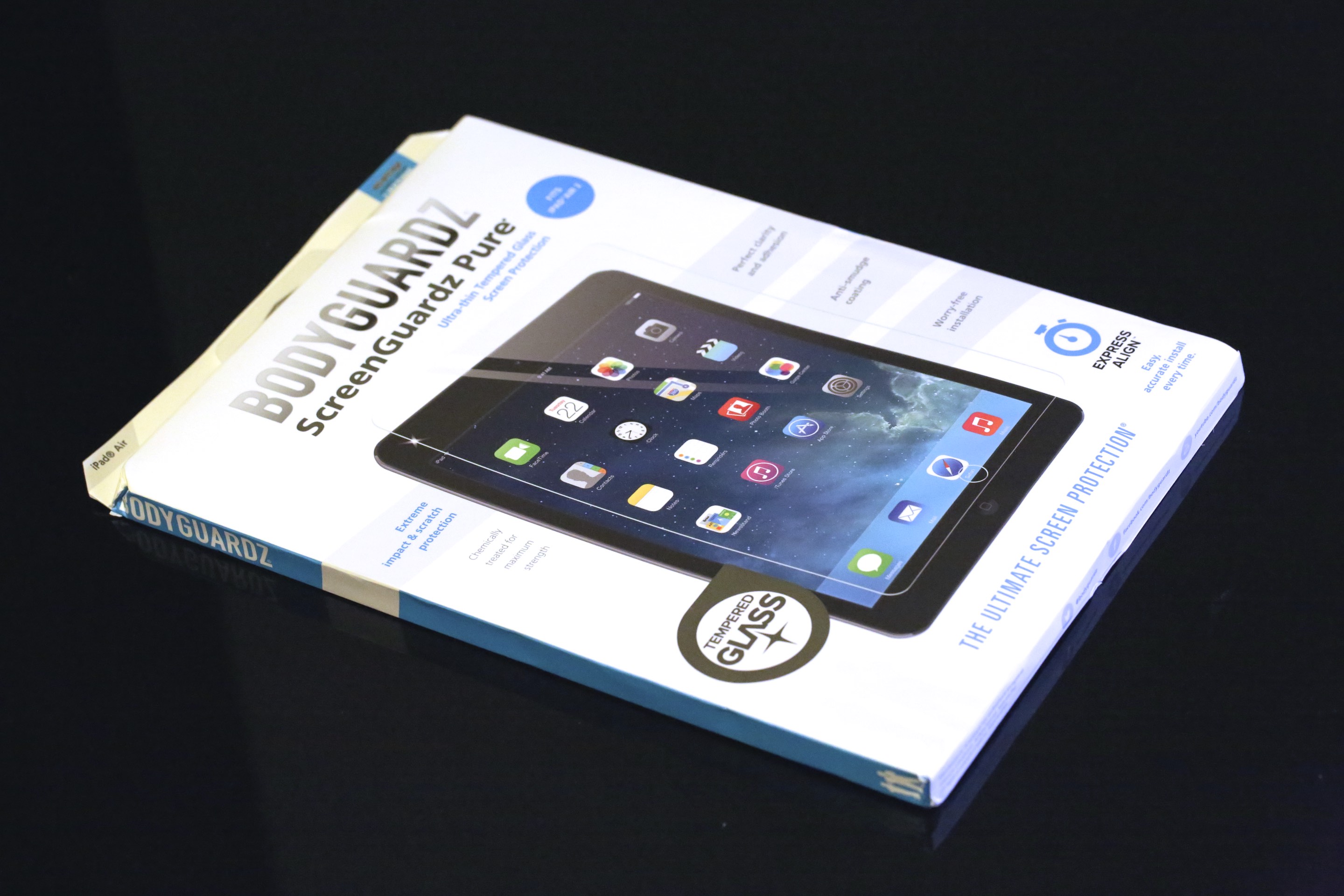
If your iPad isn’t inside a case, one accidental drop is enough to shatter its screen or dent its body. That’s why roughly 80% of iPhone users use cases, and one of two good reasons (besides adding a stand) that many iPad users do the same. But the iPad Air 2 is changing things — it’s so thin that even Apple’s own Smart Case feels overly bulky, making more minimalist protective solutions highly appealing. If you could shave millimeters off of your encased iPad’s thickness, would you pay $60 just for a screen protector? That’s the question presented by BodyGuardz’ ScreenGuardz Pure, which invisibly covers the iPad Air or iPad Air 2 screen with a thin but strong layer of glass. Carrying a $60 MSRP through BodyGuardz, it’s currently on sale for only $50 through Amazon.
Expand
Expanding
Close