Safari

See All Stories

Use this macOS Safari extension to easily watch videos in PIP from YouTube, Netflix and more

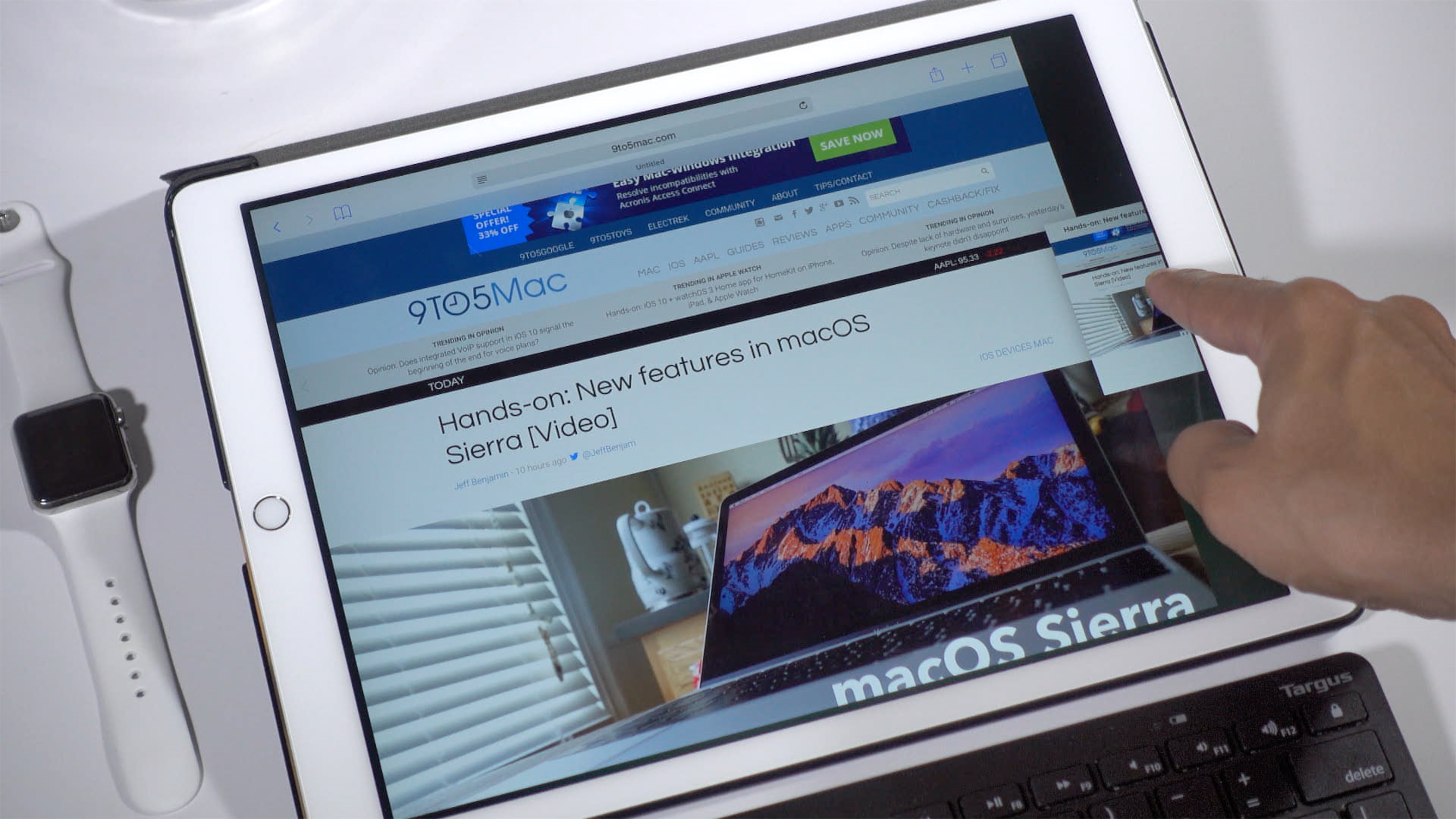
macOS Sierra now supports video picture-in-picture just like the iPad for Safari and iTunes. You can pop out a video from the web into a floating overlay that stays on top of other windows and snaps to corners or anywhere on your display when you hold Option.

It’s a really nice feature when it’s available, but a lot of websites do not yet expose a PIP button. Luckily, Developer Arno Appenzeller has released a free Safari extension that enables PIP for Safari, Netflix and more video services. Here’s how to use it:


Expand
Expanding
Close

With iOS 10 Safari, Apple improves the animated GIFs experience on iPhone and iPad

iOS 10 includes a lot of new flagship features, from iMessage apps to a Siri SDK, as well as a lot of small tweaks and enhancements. The WebKit blog is highlighting one of these small feature changes, which makes watching animated GIFs on the web way better with iOS 10.

A lot of GIFs today are actually encoded as videos as GIF itself is a very bad format for animated content despite its popularity. However, Apple has imposed many restrictions on how videos behave in iPhone Safari such as requiring user interaction for playback to start until now. Up until iOS 9, many websites displayed GIFs as <video> elements but were held back by the limitations Apple enforced. With iOS 10, silent videos can now autoplay in the page, perfect for animated GIFs …


Expand
Expanding
Close

How-To: Use Split View in Safari on iPad [Video]

Site default logo image

iOS 10 makes it possible to view two Safari windows side-by-side on the iPad via a feature called Safari split-view. It’s similar to the standard Split View between separate apps, but there are some differences to consider as well. In the following video walkthrough, we’ll show you how to use Safari split-view, and highlight some of its notable features.
Expand
Expanding
Close

How-To: Close all Safari tabs at once in iOS 10 [Video]

Site default logo image

It’s now possible to open an unlimited number of tabs in iOS 10’s Safari browser. With that in mind, it would be quite tedious to have to close each tab one-by-one, and fortunately Apple realizes this.

In iOS 10, users now have the option of closing all open Safari tabs in one fell swoop. To do so, simply tap and hold the tab button, and you’ll be prompted to close all open tabs at once.
Expand
Expanding
Close

iOS 10 supports inline video playback in Safari on iPhone [Video]

Site default logo image

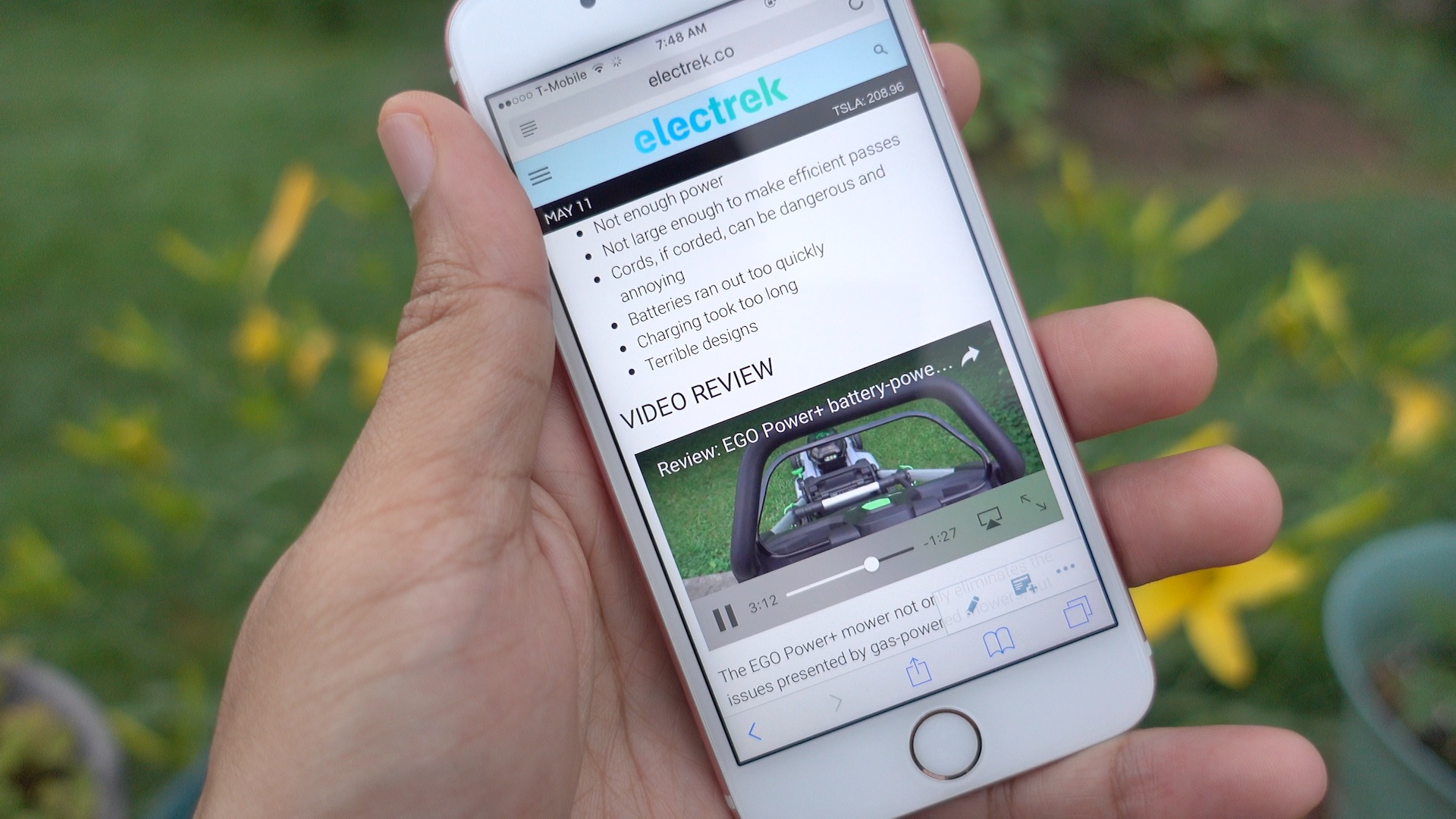
One of the great things about watching video on an iPad is that content can be played inline in Safari. In other words, users can watch videos within Safari without being forced into a full screen video view.

Such functionality has been available in limited fashion on the iPhone. For example, the News app has been capable of playing videos inline since iOS 9.3.

Of course, such playback ability was touted for the Messages app during Apple’s WWDC 2016 keynote, but with the introduction of the iOS 10 beta, inline playback has also been added to Safari on iPhone.
Expand
Expanding
Close

Site default logo image

How-To: Replace open Safari tabs with folder bookmarks in one click on OS X

Safari has changed the way it handles bookmarks and open tabs over the last few versions, which has required me to slightly adjust my workflow each time. The change in behavior is small but one I’ve noticed.

Bookmark folders in Safari on the Mac have an ‘Open in New Tabs’ option that when clicked opens each saved website in its own tab using a single Safari window. A couple of versions back, this button would replace all open tabs with just the bookmarked websites in that folder.


Expand
Expanding
Close

Safari Technology Preview

Safari Technology Preview 4 released with fixes to 1Password integration & Netflix

Apple has released the fourth update to Safari Technology Preview today with fixes in connecting to the 1Password extension and watching videos on Netflix. The update primarily focuses on general bug fixes including networking, media, JavaScript, CSS, web APIs, Web Inspector, rendering, and accessibility. Safari Technology Preview is available as a download through the Apple Developer Center and subsequent updates will be received through the Mac App Store.


Expand
Expanding
Close

Safari Technology Preview

Apple pushes first update to Safari Technology Preview

Apple has released its first update and second release to its Safari Technology Preview browser. The browser puts an emphasis on releasing stable, technology preview ready builds. With updates coming every two weeks, Apple is showing a commitment to bringing stability to developers on the cutting edge of web technologies.


Expand
Expanding
Close

iPhone 5s vs iPhone SE: As expected, 2GB RAM makes a big difference [Video]

Site default logo image

The iPhone SE is here, and we’ve given your our initial impressions as well as a look at some of the device’s top features. Now it’s time to talk more about the key differences that differentiate the iPhone 5s from the iPhone SE.

The one key difference that Apple likes to keep under the radar is the amount of RAM included in its mobile devices. It’s ironic, because this is arguably one of the biggest changes between the iPhone 5s and iPhone SE, and it makes a noticeable difference in day to day usage. Watch our video, and see for yourself.
Expand
Expanding
Close

Apple launches Safari Technology Preview, a browser for developers including experimental web features

Safari Technology Preview

Apple today announced a new browser, sort of. It’s called Safari Technology Preview and its meant for developers to be able to test and experiment with future web technologies and upcoming features. This is similar to Google Chrome Canary, which allows developers to play with in-development web technologies ahead of official releases. The app even comes complete with a new purple icon.

Apple will be updating Safari Technology Preview on a fortnightly basis, with each release signed for security. Download Apple’s new browser from the developer portal, with automatic updates through the Mac App Store.


Expand
Expanding
Close

How-To: Stop the ‘Open this page in YouTube’ prompt when visiting YouTube in Safari on iOS

Site default logo image

If you have the YouTube app installed on your phone, then you’ve likely run into the dreaded ‘Open this page in “YouTube”?’ message when visiting YouTube in Safari. While it’s understandable that Google would like you to view content via its official app, it starts to get annoying after encountering the message for the umpteenth time.

One surefire way to eliminate the prompt is to uninstall the YouTube app altogether, but that’s a bit on the extreme side of things. Fortunately, there is a way to easily bypass the request, as we’ll show you inside.
Expand
Expanding
Close

How-To: Make Gmail the default mail app in Safari, Chrome, and Firefox on Mac

Site default logo image

I’ve never been a fan of the stock Mail app in OS X, so I generally find myself relying on Gmail inside of Chrome for all of my email needs. In fact, I don’t have any email accounts configured inside of the stock Mail app at all. With this in mind, I always get frustrated when I inadvertently click a mailto link inside of a browser window. Doing so forces the Mail app, which is set as the default mail client in OS X, to open without purpose.

Wouldn’t it be nice if you could configure Gmail to play the role of the default mail client inside your browser of choice? In this video tutorial, I’ll show you how easy it is to configure Chrome, Safari, and even Firefox to use Gmail as the default mail client.
Expand
Expanding
Close

Site default logo image

Chrome for iOS updated to be ‘dramatically faster’ with 70% fewer crashes

Google’s Chrome browser for iPhones and iPads is getting a whole lot faster and more stable today with its latest update. That’s because Chrome is now using Apple’s WKWebView rendering engine on iOS. Google says this update will reduce Chrome’s crash rate by 70% so the browsing experience will see fewer interruptions for various reasons.


Expand
Expanding
Close

Safari on iOS and Mac crashing today for many users, bug related to Safari Suggestions, here’s how to fix

Update: The Safari crash bug has now been fixed, according to Apple.

A strange bug is affecting many Safari users today, causing crashes on iPhone, iPad and Mac. For many users, simply tapping in the URL bar will cause the browser app to crash completely.  The exact issue causing the crashing has not been locked down, but it appears to be related to Apple’s Safari Suggestions service. It’s a very annoying bug that is affecting a lot of people all of sudden today.

When you type a URL, Apple sends what you type to its servers, returning a response with autocomplete search queries, Top Sites and other info. There appears to be a bug in this server request that is causing Safari to randomly crash. Users are discovering some potential workarounds until Apple fixes the problem properly …


Expand
Expanding
Close

Apple releases iOS 9.2 with Arabic Siri, iPhone SD Card Reader support, Apple Music fixes, more

Apple today released iOS 9.2 for iPhones and iPads after several versions of testing. The point update so far has included improvements to Safari including an improved Safari View Controller for viewing websites within apps and easily dismissing them afterwards, the addition of Arabic language support with the Siri voice assistant for the first time, and more.


Expand
Expanding
Close

Google’s app indexing links coming to Safari on iOS by end of month

Google first introduced app indexing for iOS apps in search back in May, allowing in-app content to appear in search results with links that send users directly to an app. The feature was originally only available in the Google app and Chrome browser, but now Google is launching an updated version of the framework that will make the app links also appear in Google search results in Safari.

Getting your app content found on Google just got easier. App Indexing is now compatible with HTTP deep link standards for iOS 9, as it has been on Android from the beginning. That means that you can start getting your app content into the Search results page on Safari in iOS, simply by adding Universal Links to your iOS app, then integrating with our SDK.

Developers simply need to support the Universal Links standard to get their apps to show up in search results. Users will begin to see the app indexing links showing up in Safari on iOS by the end October.

Devs can read more on how to support the feature here.

Apple releases OS X El Capitan, featuring full-screen Split View, new Notes, revamped Spotlight Search, Safari 9 and more

Apple has officially released OS X El Capitan for the Mac, adding some new improvements as well as bringing parity with changes in iOS 9, released two weeks ago. OS X El Capitan (version 10.11), can be installed on any Mac that runs OS X Yosemite: simply download the free update from the Mac App Store. The release does not feature anything radically new — like the major visual overhaul that came last year — but there are new features as well as a strong focus on overall performance and stability improvements.

Here’s what’s new in Apple’s latest version of the Mac operating system …


Expand
Expanding
Close

War and Peace: Ad blocker dev Marco Arment pulls #1 rated app over guilty conscience

Apple’s support for building Safari ad blockers in iOS 9 was sure to be controversial as they negatively and directly impact writers/publications like us here at 9to5Mac and others that rely on advertising for revenue. And while a few ad blockers climbed the App Store’s top paid chart this week, the highest ranked Safari content blocker has been pulled after being sold for just 48 hours. Developer Marco Arment announced today that he decided to pull his ad blocker app Peace from sale, citing that it “just doesn’t feel good” to [profit from] the negative impact to “many who don’t deserve the hit.”
Expand
Expanding
Close

Flash’s demise continues as Amazon stops accepting Flash ads due to browser settings

Amazon may have been Apple’s target when it unveiled its iBooks Store alongside the iPad in 2010, but the digital retail giant’s latest move is helping fulfill Steve Jobs’ vision of a web without Flash. Amazon Advertising issued an update to its technical guidelines today declaring that it will stop accepting Flash-based ads starting next month. Adobe cited “recent browser setting updates from Google Chrome, and existing browser settings from Mozilla Firefox and Apple Safari” that interfere with displaying Flash ads.
Expand
Expanding
Close

iOS 9 lets app developers make ad blockers for Safari

Site default logo image

Ad blocking extensions have been possible on Safari for Mac for a long time, but plugin architecture for Safari on iOS is much more limited. With iOS 9, Apple has added a special case of extension for ad blockers. Apps can now include ‘content blocker’ extensions that define resources (like images and scripts) for Safari to not load. For the first time, this architecture makes ad blockers a real possibility for iOS developers to make and iOS customers to install and use.

The inclusion of such a feature at this time is interesting. Apple is also pushing its own news solution in iOS 9 with the News app, which will include ads but not be affected by the content blocking extensions as they only apply to Safari. There is also clearly the potential for Safari ad blockers to hurt Google, which seems to be a common trend with Apple’s announcements recently…


Expand
Expanding
Close

Site default logo image

Apple releases Safari 8.0.6, 7.1.6, and 6.2.6 with security upgrades

Apple has just released an updated version of the Safari browser for users on OS X Yosemite, Mavericks, and Mountain Lion. The update doesn’t add any new features, but does fix several important security flaws in the WebKit engine that powers the app.

Users on any of the three most recent versions of OS X can download the update for free through the Updates tab of the Mac App Store. The details of the security changes are listed below.

Safari 8.0.6, Safari 7.1.6, and Safari 6.2.6

  • WebKit

    Available for: OS X Mountain Lion v10.8.5, OS X Mavericks v10.9.5, and OS X Yosemite v10.10.3

    Impact: Visiting a maliciously crafted website may lead to an unexpected application termination or arbitrary code execution

    Description: Multiple memory corruption issues existed in WebKit. These issues were addressed through improved memory handling.

    CVE-ID

    CVE-2015-1152 : Apple

    CVE-2015-1153 : Apple

    CVE-2015-1154 : Apple

  • WebKit History

    Available for: OS X Mountain Lion v10.8.5, OS X Mavericks v10.9.5, and OS X Yosemite v10.10.3

    Impact: Visiting a maliciously crafted website may compromise user information on the filesystem

    Description: A state management issue existed in Safari that allowed unprivileged origins to access contents on the filesystem. This issue was addressed through improved state management.

    CVE-ID

    CVE-2015-1155 : Joe Vennix of Rapid7 Inc. working with HP’s Zero Day Initiative

  • WebKit Page Loading

    Available for: OS X Mountain Lion v10.8.5, OS X Mavericks v10.9.5, and OS X Yosemite v10.10.3

    Impact: Visiting a malicious website by clicking a link may lead to user interface spoofing

    Description: An issue existed in the handling of the rel attribute in anchor elements. Target objects could get unauthorized access to link objects. This issue was addressed through improved link type adherence.

    CVE-ID

    CVE-2015-1156 : Zachary Durber of Moodle