Author

Avatar for Fernando Silva

Fernando Silva

nandoprince93

Fernando Silva started off his professional career in the enterprise technology space with his primary focus being moving large organizations from onsite legacy technologies to a more modern cloud infrastructure. All the technologies he dealt with were mostly in the Microsoft arena but he was always a lover of Apple at heart.

His love for Apple products started back in 2007 when Steve Jobs announced the first-ever iPhone. From then on, it was a love affair that to this day has only grown stronger. As the years progressed he consumed all sorts of media and content related to Apple and its products. First was the blogs like GSM Arena, CNET, and 9to5 and then he also fell in love with the tech Youtube community.

After picking up the new redesigned 2018 iPad Pro he absolutely loved the form factor and the power that came with it, and he realized that there wasn’t much iPad-related content on YouTube. In 2019 he started his YouTube channel that focused primarily on iPads and productivity. He was able to build his channel and community to 43,000 subscribers.

Connect with Fernando Silva

Here are my M4 Mac mini desk accessory essentials

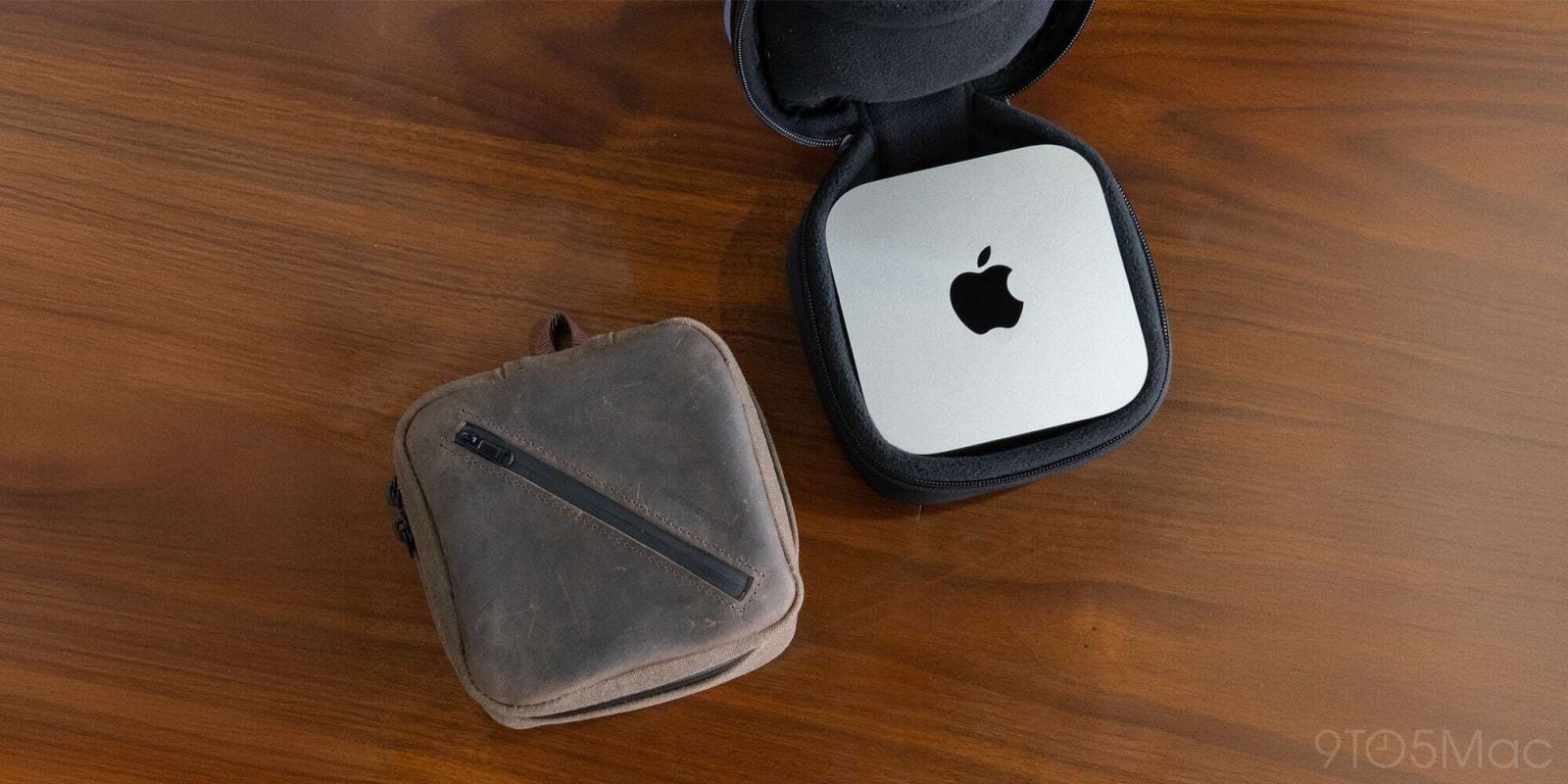
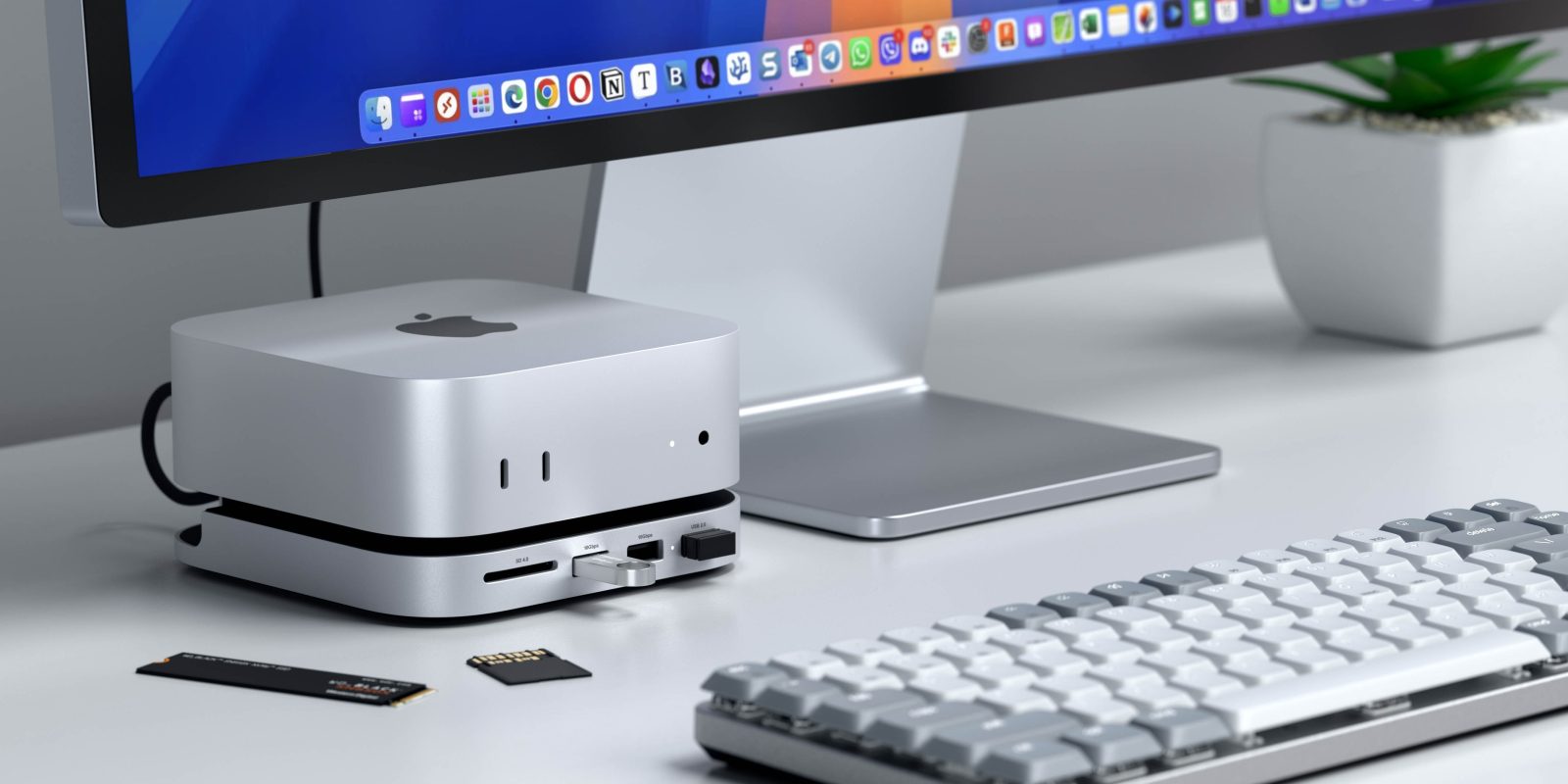
If you’ve been following our youtube channel, then you might have seen just how impressive the new baseline M4 Mac mini is. Its best feature, and what I like to call its superpower, is the price-to-performance ratio. There is just nothing else like it right now. But part of the reason it is priced at $549 (on Amazon) is because it literally brings nothing besides the computer and the power cable. So, of course, you will need some essential accessories to get you going. Here are my favorite accessories that are both ‘must-haves’ and other accessories which are ‘nice to have’.

Expand Expanding Close

Here’s how to use your old iMac or MacBook as a display for your new Mac mini

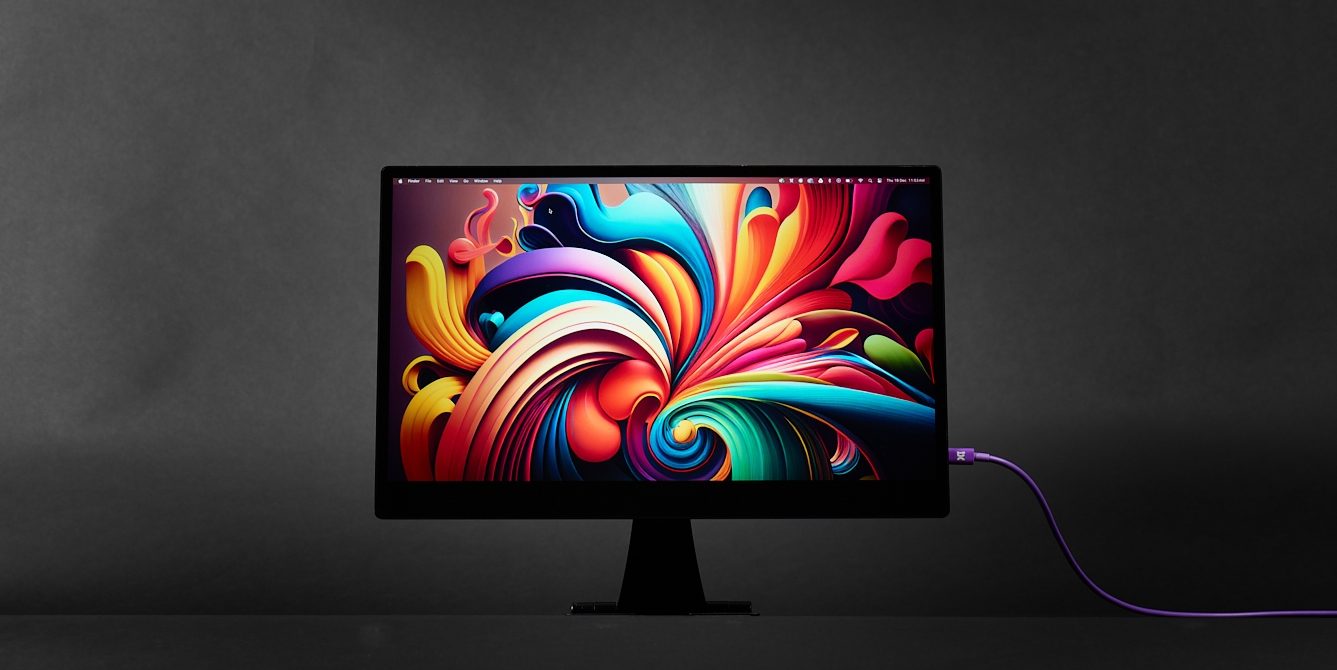
I recently shared a post talking all about how you can use your iPad as a portable display for your Mac mini. Surprisingly the number one question i got was “can you use an old iMac or Macbook to do the same thing?” Amazingly, the answer is absolutely yes! So in this post I am going to show you how to easily get this done!

Expand Expanding Close

Here is the best way to use your iPad as a mobile Mac mini display

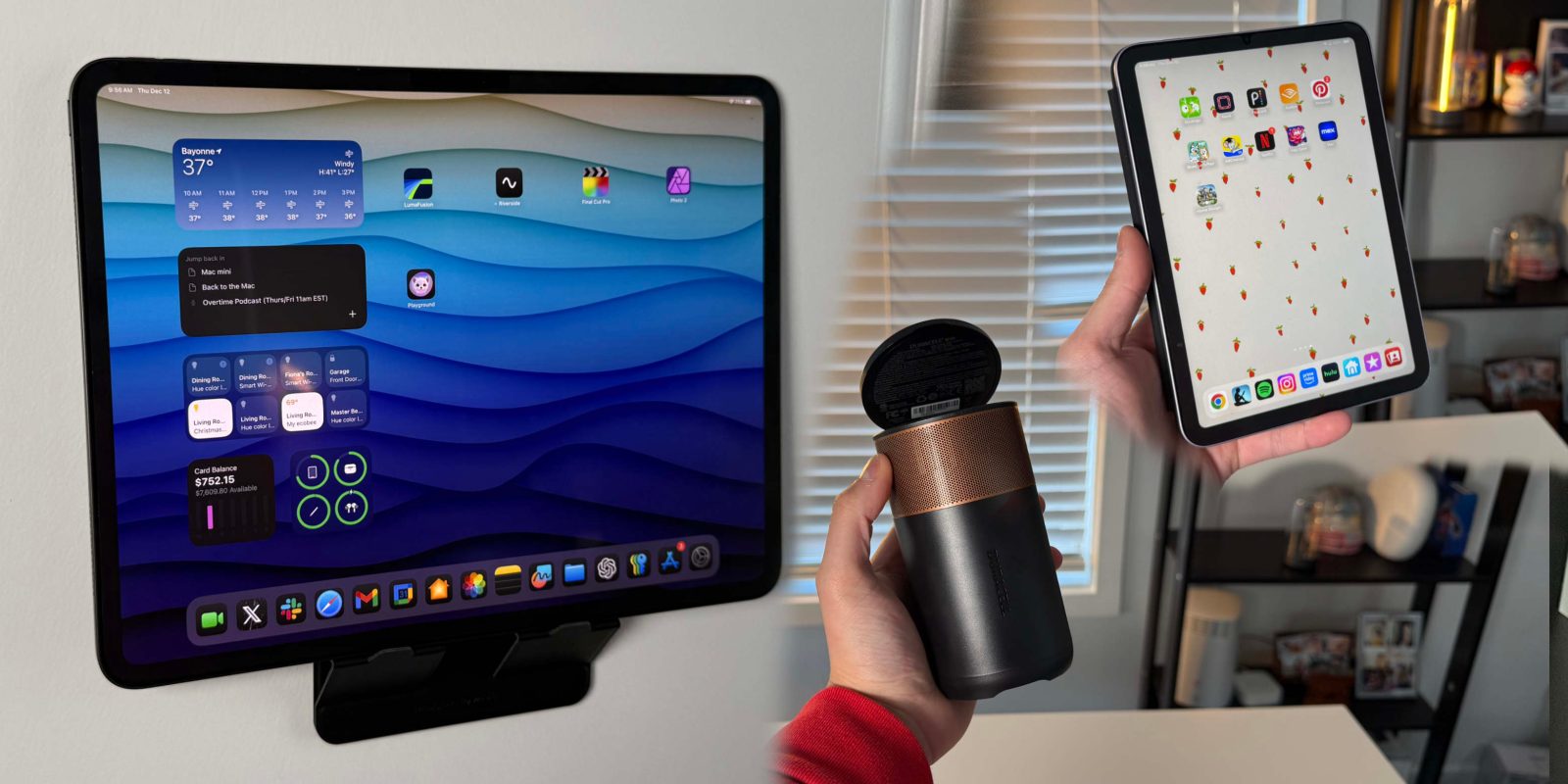
It seems as though the launch and reception of the new M4 Mac mini has been a hit. The combination of sheer power, the tiny size, and, most importantly, the price point is something we really have not seen before. For under $550, on Amazon, its something that just cannot be overlooked. But the new form factor has people drooling at the idea of using the Mac mini as a portable computing solution. So the next question is, can you use your iPad as a mobile display for a Mac mini mobile setup? The answer is yes, and there are two ways to do it!

Expand Expanding Close

Here are 5 ways Visual Intelligence will make your life easier [Video]

I have been using Apple’s new Visual Intelligence feature since the moment iOS 18.2 Developer Beta released a few weeks back. At first, I thought it would be one of those features that would just be cool to show off to friends but that I would not actually use. But as the days and weeks went by, I found myself using it multiple times in a multitude of situations. Here are some of the best ways to use Visual Intelligences, and I will even show you how to use it on devices that don’t have Camera Control! Let’s get into it.

Expand Expanding Close

Satechi adds Qi2 charging to their best-selling 3-in-1 chargers

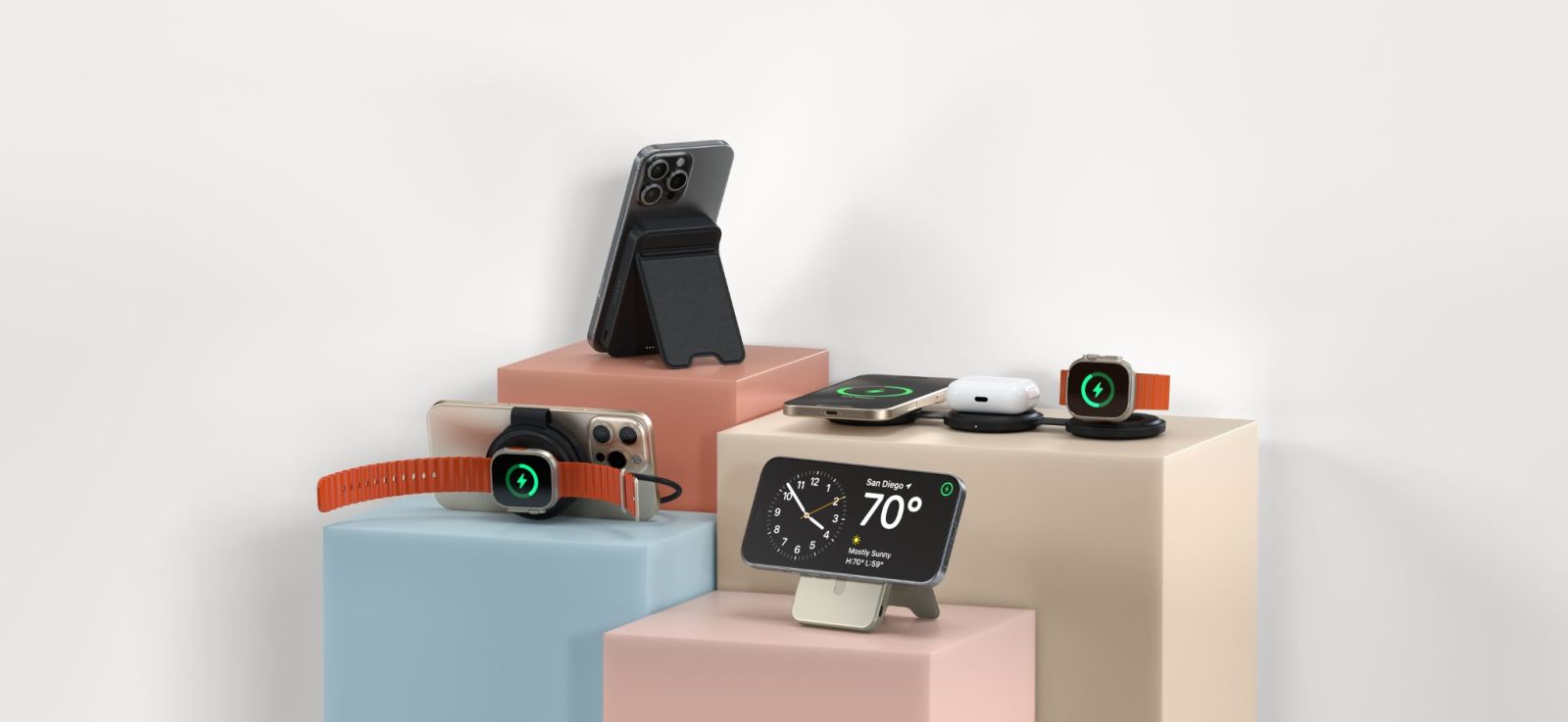
Satechi, known for producing premium tech and lifestyle accessories has just released two new products. The 3-in-1 Foldable Qi2 Wireless Charging Stand and the Qi2 Trio Wireless Charging Pad—two sleek, travel-friendly solutions to keep your iPhone, Apple Watch, and AirPods powered up. Whether you’re at your desk or halfway across the world, these will do the trick. Simple, stylish, and seriously useful. Let’s take a closer look.

Expand Expanding Close

These simple accessories will elevate your MacBook experience

With the M4 MacBook Pros just around the corner, now is the perfect time to consider some great accessories to enhance your experience. Whether you’re sticking with your current MacBook or upgrading, these accessories are compatible with various models, including the M2, M3, and soon-to-be M4 MacBooks. Here are seven must-have items for any MacBook user.

Expand Expanding Close

Sonos announces Arc Ultra and Sub 4 bringing, ‘Cinema-Quality Sound’ to your home

Sonos has unveiled the latest addition to its home audio lineup with the Sonos Arc Ultra, a new version of the acclaimed Sonos Arc soundbar. Alongside the Arc Ultra, Sonos has also introduced the Sub 4, a next-generation subwoofer with deep, distortion-free bass to complement any Sonos setup. As a current Sonos Arc customer, I’m excited to see how they will outshine an already great soundbar with their new Arc Ultra.

Expand Expanding Close

Former Apple Design Exec debuts NUIO – A new take in ergonomic accessories

Keyboards have looked at and done the same thing for over 100 years, dating back to the typewriter days. So, when you think of keyboards, innovation isn’t usually the first word that comes to mind. But NUIO, founded by former Apple Product Design Executive Tom Wilson—one of the original creators of the MacBook Air— and his brother Greg Wilson are attempting to change that. The NUIO Flow Keyboard is reimagining what the traditional keyboard should be able to do.

Expand Expanding Close

Hands on: Clicks Keyboard for iPhone 16 Pro – Rebuilt on customer feedback [Video]

Clicks Keyboard for iPhone is back, and they’re pushing all the right buttons—literally. I had the chance to get hands-on with the latest model, and it’s clear that Clicks has done their homework. From ergonomics to extra features, here’s everything that stood out in my first look with their version 2 product.

Expand Expanding Close

This could be the best iPad stand for your desk setup

Kuxiu is back with a fresh addition to its lineup, the new X36 Pro Max Magnetic Charging iPad Stand, building on the popularity of its previous X33 stand. With the X36, they’ve kept the features that made the X33 a hit—like magnetic attachment and adjustable angles—and added a few upgrades to make it even better for iPad desk setups. Let’s review the new X36 stand

Expand Expanding Close

My favorite Magsafe accessory got even better

My favorite types of accessories are ones that are not only aesthetically pleasing but also provide multiple solutions in one form factor. Earlier this year, Moft launched their Magsafe Tripod Stand, which was a great product and one that I used much more frequently than I had originally anticipated. It gave you a very useful iPhone tripod that is the size of a Magsafe wallet. But that was the one issue I had with it. I love having a Magsafe wallet always attached to my Phone and I had to pick between the tripod or the wallet. But it looks like Moft has cooked up the perfect solution.

Expand Expanding Close

iOS 18 brings much needed features to Journal app [Video]

Last year, Apple introduced its brand new Journal App alongside its iOS 17.2 update. It was a very basic app with one real function: inputting journal entries in chronological order. While customers welcomed the new free app, many pretty basic features were missing. There was no search functionality, no password protection, and no additional insights that could be seen. Just one continuous feed for your journal entries. But, it looks as though Apple listened to our feedback and added a few new features to the iOS 18 version of the Journal App. Here are all the changes you can use today!

Expand Expanding Close

How Apple can improve on the fitness ring [Video]

The fitness tracker market seems to always be changing, and while the watch form factor has dominated the market, there’s a growing interest in more discreet health trackers, like a ring form factor. As someone who is addicted to their Apple Watch, I wanted to find a new and less distracting fitness tracker form factor. So, I decided to give the Amazfit Helio Ring a try to replace my watch. The Helio Ring stands out in this category, offering a compact form factor and impressive functionality for tracking sleep, workouts, and overall health. But, as great as the Helio Ring is, I kept thinking to myself: How would Apple improve upon this form factor?

Expand Expanding Close

Anker launches Qi2 enabled accessories for new iPhone 16 lineup

I’ve been using Anker products for years, and they’ve never let me down. Whether it’s a power bank, a charging station, or a USB-C cable, Anker always delivers solid, reliable gear. Their newly launched MagGo series fits that same mold. Here’s a quick look at what these new releases bring and if they are something you should consider for your old or new iPhone.

Expand Expanding Close

Here are 16 rumored changes coming to the iPhone 16 lineup

iPhone 16 will help Apple revenue hit a record $400B this year | Render shown

We are eagerly awaiting the release of the iPhone 16 lineup, which should be unveiled at the upcoming “GlowTime” event on September 9th. In the meantime, we’ve gathered a list of the 16 biggest changes expected to come to the new iPhone 16s. From larger screens to camera-focused hardware, let’s dive into what you can expect from the iPhone 16.

Expand Expanding Close

Hands-on: BenQ’s new budget-friendly 4K monitor made for Mac users

I have been a BenQ loyalist for years now. They offer some of the best displays for Mac and iPad users at reasonable prices. Spending over $1,600 for a studio display has never been in the cards for me. BenQ gets you 99% of the features, build quality, and function for a fraction of that price. BenQ is doubling down on this by introducing its first budget-friendly focused monitor, which is made specifically for Mac users. Again, for the price, I was very impressed by everything you get. Here is my hands-on look.

Expand Expanding Close

Here are 7 widgets that make StandBy Mode worth using [video]

StandBy Mode was introduced to us with the release of iOS 17. It gave the iPhone this passive but dynamic viewing mode when charging and in landscape mode. It can be used as a clock, to see the weather, as a hub for the Home app, or to help avoid distraction. I personally think this is a stepping stone to some sort of HomeOS-type interface for future products. But as it stands today, it is still very useful, especially once you start to customize it with third-party widgets. So here are some of my favorites!

Expand Expanding Close

LumaFusion 5.0 brings speed ramping and enhanced keyframing to your iPhone and iPad

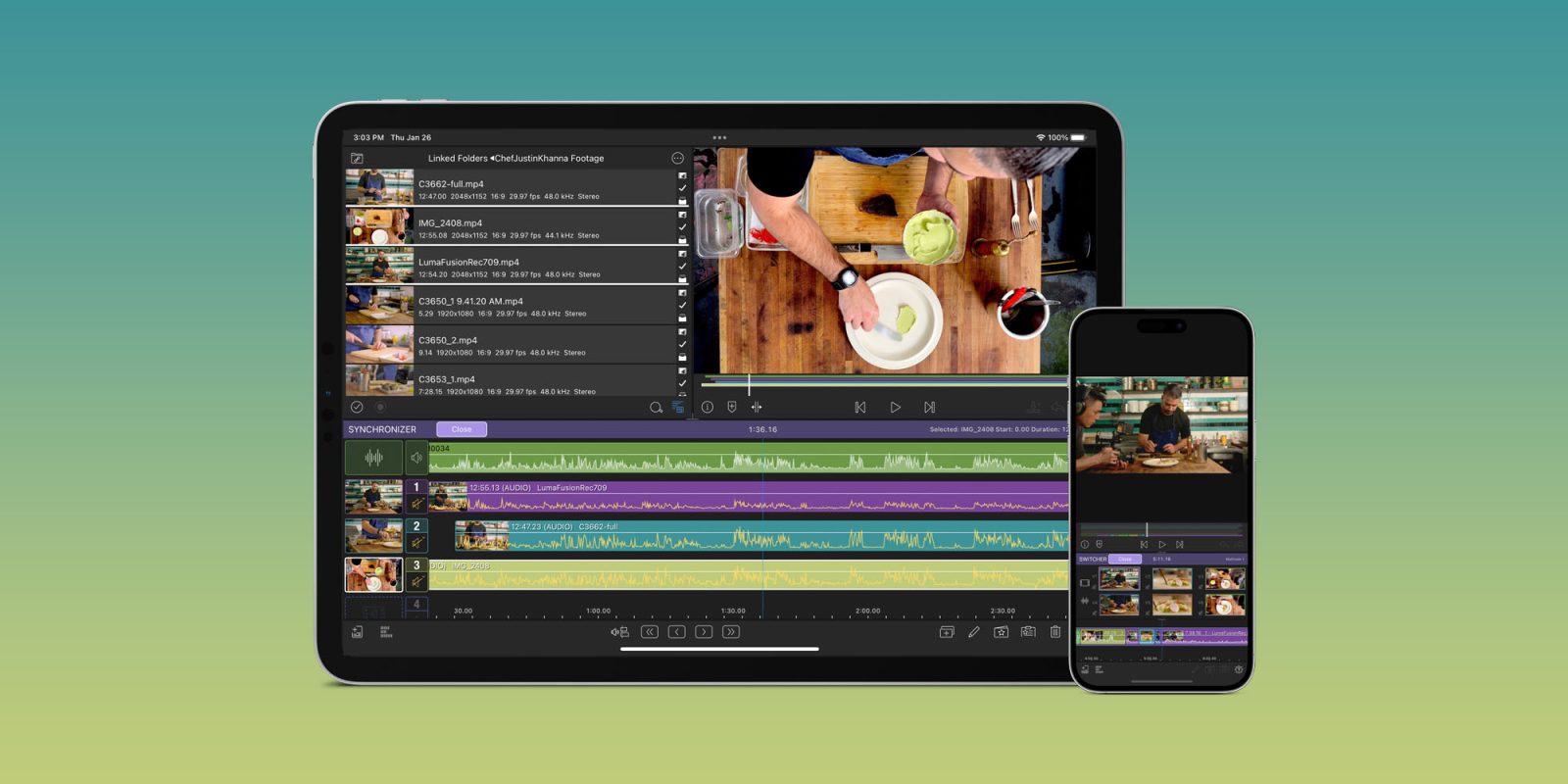
LumaTouch has just released version 5.0 of its award-winning mobile editing platform, LumaFusion. As an iPad enthusiast and Lumafusion user for over 5 five years, I could not be more excited about this update. It introduces powerful new tools that cater to creators and editors using iPads or iPhones as their primary devices.

Expand Expanding Close

How to leverage credit card points for a free iPad Air

When people think of credit cards and their miles and points, they think of travel. But what most people don’t know is that these points are their own form of currency. You can use credit card points for gift cards, offset purchases, link to your Amazon, and even buy Apple products! I want to show how I was able to use my American Express points to buy an iPad Air and how you can easily do it, too!

Expand Expanding Close

Favorite tech for remote working and travel [Video]

Every year, more and more people are given the ability to work remotely. Some just set up an office in their homes, others bounce around coffee shops and coworking spaces, and others work while traveling. Even though I like to change up my work environment occasionally, I always make sure I have my go-to accessories to create a comfortable work environment wherever I am. Here are my favorite remote work accessories that everyone should consider!

Expand Expanding Close

Hands-on: Kuxiu brings Qi2 to my favorite 3 in 1 charger

I have been a huge fan of Kuxiu products over the last few years. They have released some high-quality and innovative products, like the X33 Magnetic iPad Charging stand or their budget-friendly X55 3 in 1 charger, which gives you everything you need to charge your big three Apple products for less than $45! They are back at it with their brand-new X40Q, a Qi2-enabled 3 in 1 charger that doubles your iPhone charging speeds! Here is my hands-on review.

Expand Expanding Close